Business Laptops? Basics
You need a laptop for work that will survive three years of meetings, travel, and Monday mornings — not a flashy gaming rig or the cheapest thing on the shelf. Business laptops trade raw spectacle for the unglamorous virtues: great keyboards, all-day battery, tough build, and painless repairs. Here is what actually matters when work pays the bill (or you do).
TL;DR / Quick Fix
Quick fix: prioritize a great keyboard, 16 GB RAM, a 512 GB SSD, and real-world battery life over raw speed. Business lines (ThinkPad, Latitude, EliteBook, MacBook Air) offer better build, security, and repairability than consumer models. Buy the warranty your IT department would buy.
Follow these steps
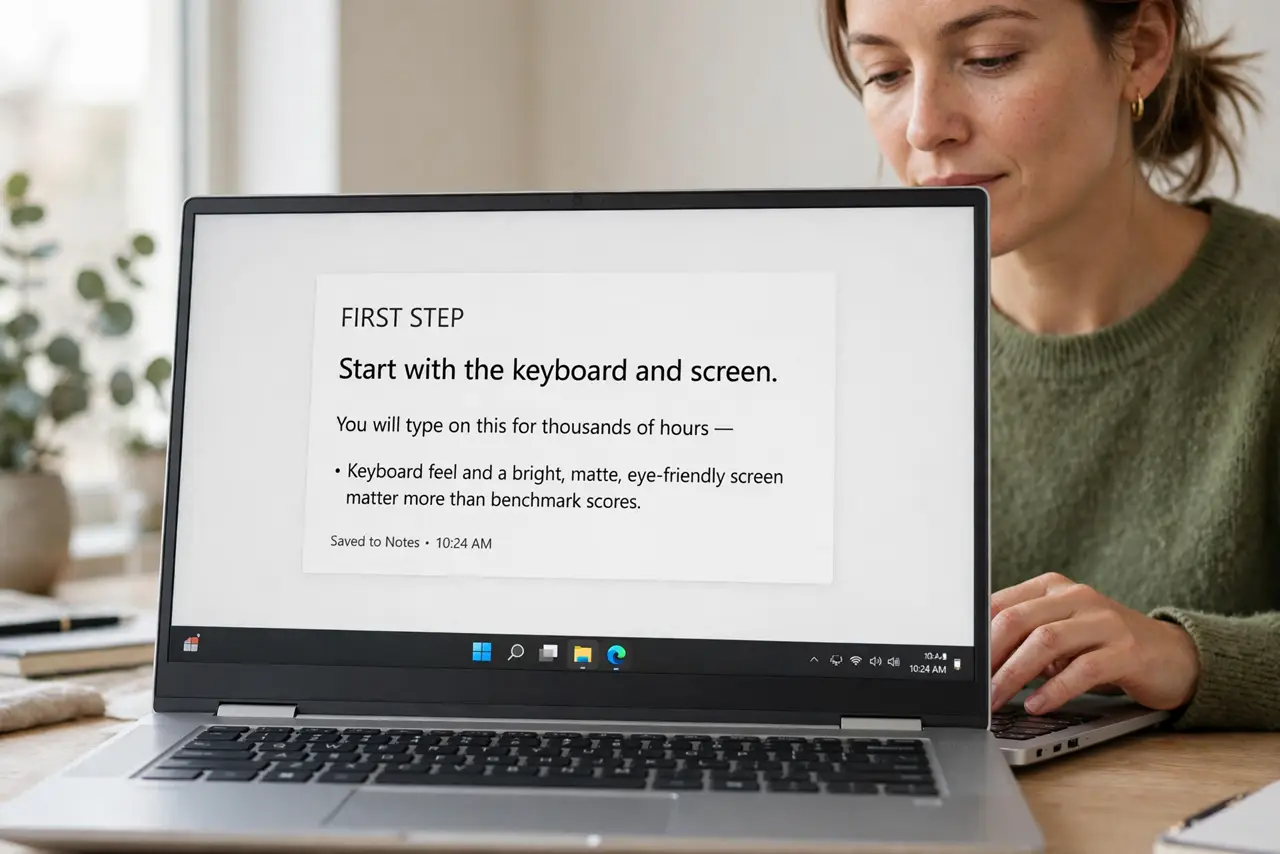
- Start with the keyboard and screen. You will type on this for thousands of hours — keyboard feel and a bright, matte, eye-friendly screen matter more than benchmark scores. If possible, try the keyboard in person; reviews can only say so much.
- Get 16 GB RAM and 512 GB SSD. Business multitasking — browser, Office, video calls, VPN — eats memory. 16 GB is the comfortable standard; 512 GB SSD leaves room for local files without constant cleanup. Both should ideally be upgradeable.
- Demand real battery life. Manufacturer claims are fantasy; look for reviews measuring actual office work. Eight-plus real hours means freedom from the charger — the defining business-laptop virtue.
- Choose a business line, not a consumer line. ThinkPad, Latitude, EliteBook, ProBook: built tougher, with better keyboards, security chips, and docking support. They cost more than consumer equivalents and earn it back in reliability. Compare the value math with our budget laptop guide.
- Check security and manageability. TPM chips, fingerprint readers, and webcam shutters are standard on business lines — and matter if you handle sensitive data. IT departments also value models with easy parts and driver support.
- Buy the right warranty. Next-business-day on-site warranty is the business standard for a reason: a dead laptop is lost income. For a work machine, the warranty is not an upsell — it is insurance.
What NOT to do
- Do not buy a consumer laptop for heavy business use and expect business durability. Flimsy hinges and soldered everything are the consumer tradeoffs.
- Do not chase the fastest processor for office work. A mid-range chip with great battery beats a hot flagship for Word, Excel, and Zoom.
- Do not skip the webcam and microphone check. Remote work lives on video calls — a grainy camera undermines you daily; read reviews on both.
- Do not forget the dock situation. If you hot-desk, confirm the laptop plays nice with your office's USB-C/Thunderbolt docks before committing.
Frequently asked questions
MacBook Air or Windows business laptop?
MacBook Air wins on battery and silence; Windows business lines win on repairability, ports, and enterprise software. Match the machine to your company's ecosystem.
How long should a business laptop last?
Four to five years is reasonable for a good business machine — longer than consumer models, thanks to better build and upgradeable parts.
Is a gaming laptop okay for business?
It works, but you carry weight, noise, and short battery for power you will not use. Our gaming laptop guide covers when the tradeoff makes sense.