Case Airflow? The Basics
Your PC runs hot and loud, and you've already cleaned the dust — the next suspect is airflow. Cool air needs a clear path in, across the hot components, and out the back; when fans fight each other or cables block the way, heat just swirls around inside. Getting the basics right costs nothing and can drop temperatures noticeably.
TL;DR / Quick Fix
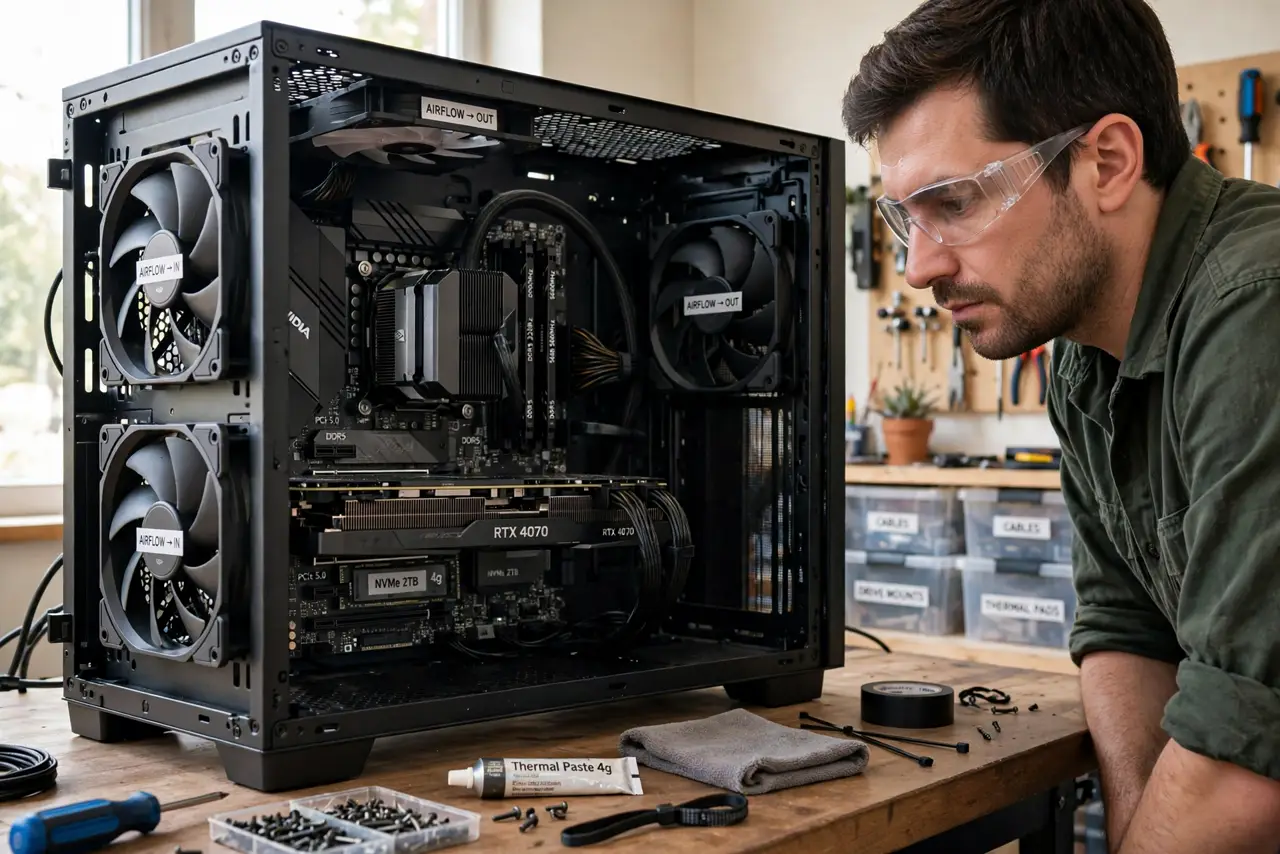
Quick fix: front and bottom fans should blow in, rear and top fans should blow out — heat rises, so exhaust up and back. Keep cables tied away from the airflow path and leave the case a few inches from the wall. Balanced airflow beats maximum fans.
Follow these steps
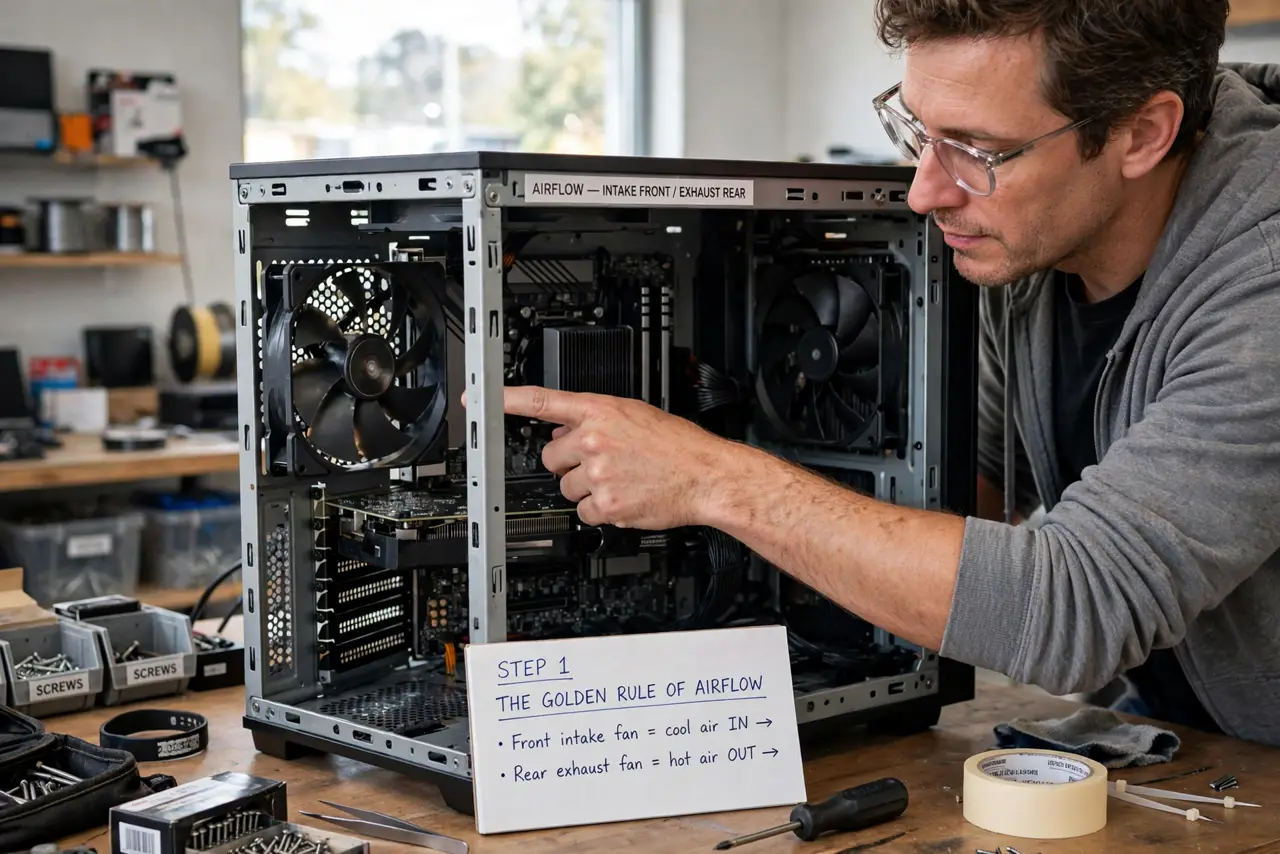
- Learn the golden rule: in front, out back. Cool air enters at the front and bottom; hot air exits at the rear and top. Every fan should serve this path — a fan blowing against the flow just creates turbulence. See front vs top setups for the common layouts.
- Check your fan directions. Look for the arrow molded on the fan frame, or remember: air flows toward the side with the support struts and sticker. Flip any fan that's fighting the path.
- Aim for slightly positive pressure. A bit more intake than exhaust keeps dust from sneaking in through every crack. You don't need to measure it — one more intake fan than exhaust is the practical rule.
- Tidy the cables. Cable nests in the middle of the case block airflow like a dam. Route cables behind the motherboard tray and tie them flat — this free fix often beats adding another fan.
- Give the case breathing room. Pushing the case against a wall chokes the rear exhaust; burying it in a closed cabinet traps heat. A few inches of clearance on the exhaust side matters more than you'd think.
- Don't overdo the fans. Beyond three or four well-placed fans, returns diminish fast and noise climbs. A full setup guide helps if you're starting from zero, but placement beats quantity.
What NOT to do
- Do not point all fans inward. More intake with no exhaust just pressurizes hot air inside — the heat has to leave somewhere.
- Do not block intake filters and forget them. Dust filters only work if you clean them — a clogged filter starves the whole system of air.
- Do not mount the case inside a closed cabinet. Pretty furniture makes a terrible oven — if it must be enclosed, leave the back open and add ventilation.
- Do not assume more RPM is always better. Faster fans mean more noise for diminishing cooling gains — tune fan curves instead of maxing everything.
Frequently asked questions
How many fans do I really need?
Two or three well-placed fans beat six random ones. One front intake, one rear exhaust, and optionally one top exhaust covers most builds — add more only if temperatures say you need them.
Should the side panel fan blow in or out?
In, usually — it feeds cool air directly to the graphics card. But side fans are rare on modern cases; front intake normally covers it.
Is negative pressure really that bad?
It's not catastrophic, but it pulls unfiltered dusty air through every gap. Slightly positive pressure keeps the interior cleaner with no cooling penalty.