Case Fan Direction? The Rule
Your new case fans arrived, and now the paralyzing question: which way does the air go? Fans blowing against each other turn your case into a hot pocket; aligned correctly, they create a smooth river of cool air. The rule is simple once you see it.
TL;DR / Quick Fix
Quick fix: front and bottom fans blow IN; rear and top fans blow OUT — cool air enters low and front, hot air exits high and back. Check the arrow on the fan frame for direction. Correct direction beats fan count: two well-aimed fans outperform four fighting each other.
Follow these steps
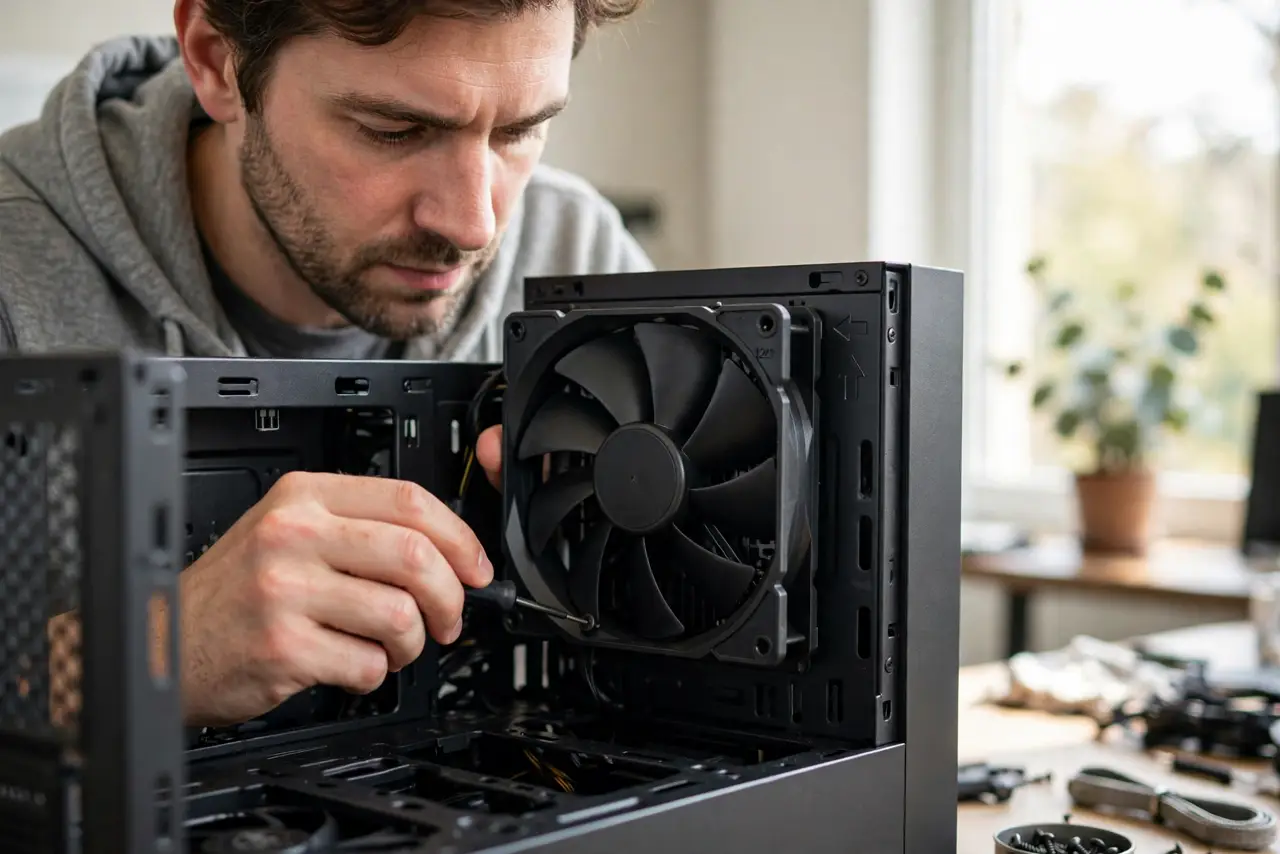
- Read the arrows on the frame. Most fans print an airflow arrow on the frame edge. No arrow? Air flows from the open blade side toward the side with the support struts.
- Set front and bottom as intake. Cool room air should enter where it is coolest — low and front. These fans blow into the case.
- Set rear and top as exhaust. Hot air rises, so the rear and top fans push it out. This completes the front-to-back, bottom-to-top river.
- Keep intake and exhaust balanced. Roughly equal in and out avoids pressure weirdness. Slightly positive pressure (more intake) also reduces dust through unfiltered gaps.
- Do not fight the GPU and CPU cooler. Tower CPU coolers blow front-to-back — align case flow with them, not against. See airflow setups for common layouts.
- Test with temperatures, not feelings. Run a heavy task and watch temps. If they are fine, the setup works — stop tuning.

What NOT to do
- Do not point all fans inward. The case becomes a pressure balloon with nowhere for hot air to go.
- Do not point all fans outward. You will suck dust through every unfiltered gap.
- Do not mount fans and forget the dust filters. See the dust filter schedule — clogged filters silently undo good airflow.
- Do not add fans before fixing direction. Six fans fighting each other lose to two aligned ones.
Frequently asked questions
How can I tell which way a fan blows?
The frame arrow, or the strut rule: air flows toward the side with the plastic support struts. A tissue held near a running fan settles it instantly.
How many fans do I really need?
Two or three well-placed fans handle most builds. More helps only in hot, high-power systems.
Should the side panel fan blow in or out?
In, usually — it feeds cool air straight to the GPU. But side fans are rare on modern cases; front intake covers it.