A DAC? Plain Basics
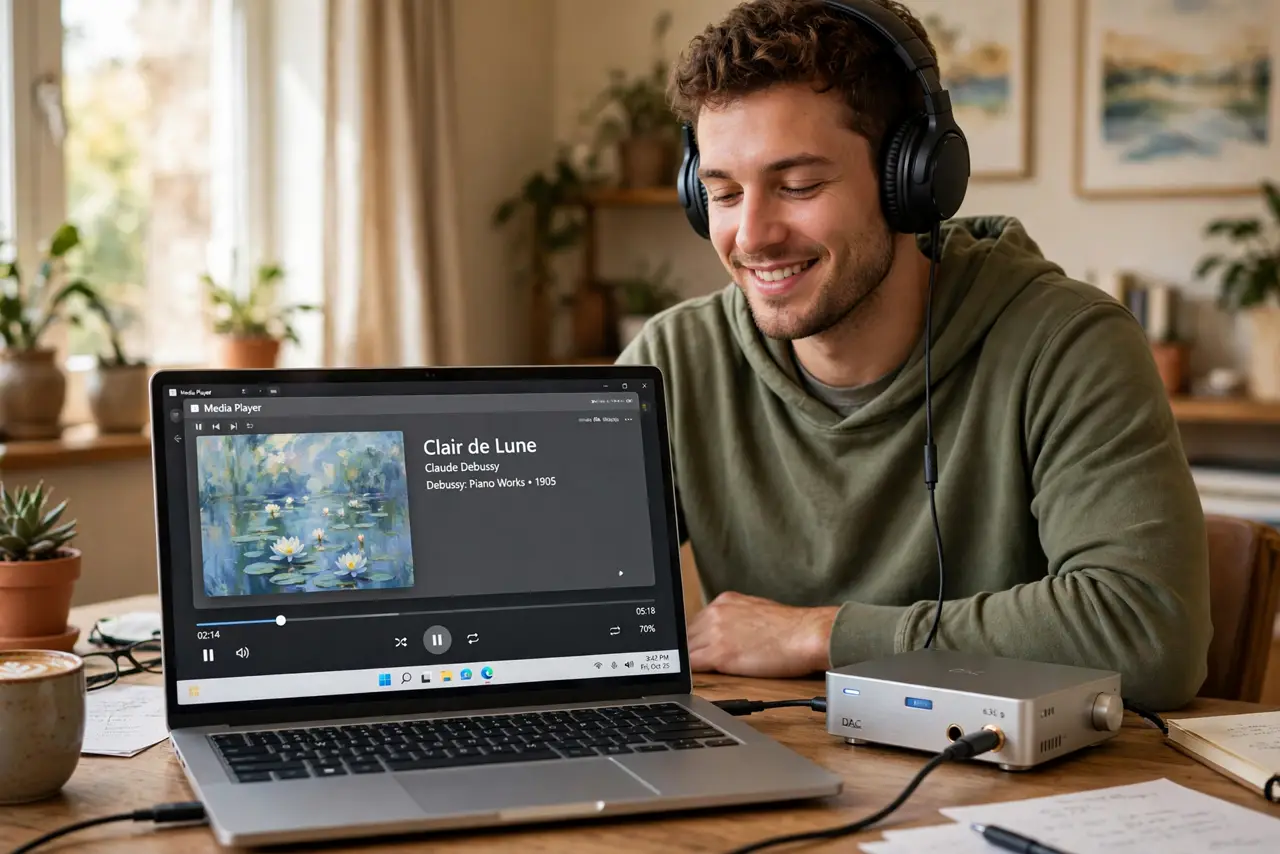
DAC stands for digital-to-analog converter — the chip that turns your music files (digital) into the electrical signal (analog) your headphones can actually play. Every phone, laptop, and speaker already has one. A separate DAC only matters when the built-in one is audibly bad or cannot drive your headphones. Here is how to tell.
TL;DR / Quick Fix
Quick fix: a DAC converts digital audio to the analog signal your headphones play. Every device already has one built in. Buy a separate DAC only if your current setup hisses, sounds flat, or cannot drive demanding headphones loud enough. For most earbuds and easy headphones, it changes nothing.
Follow these steps
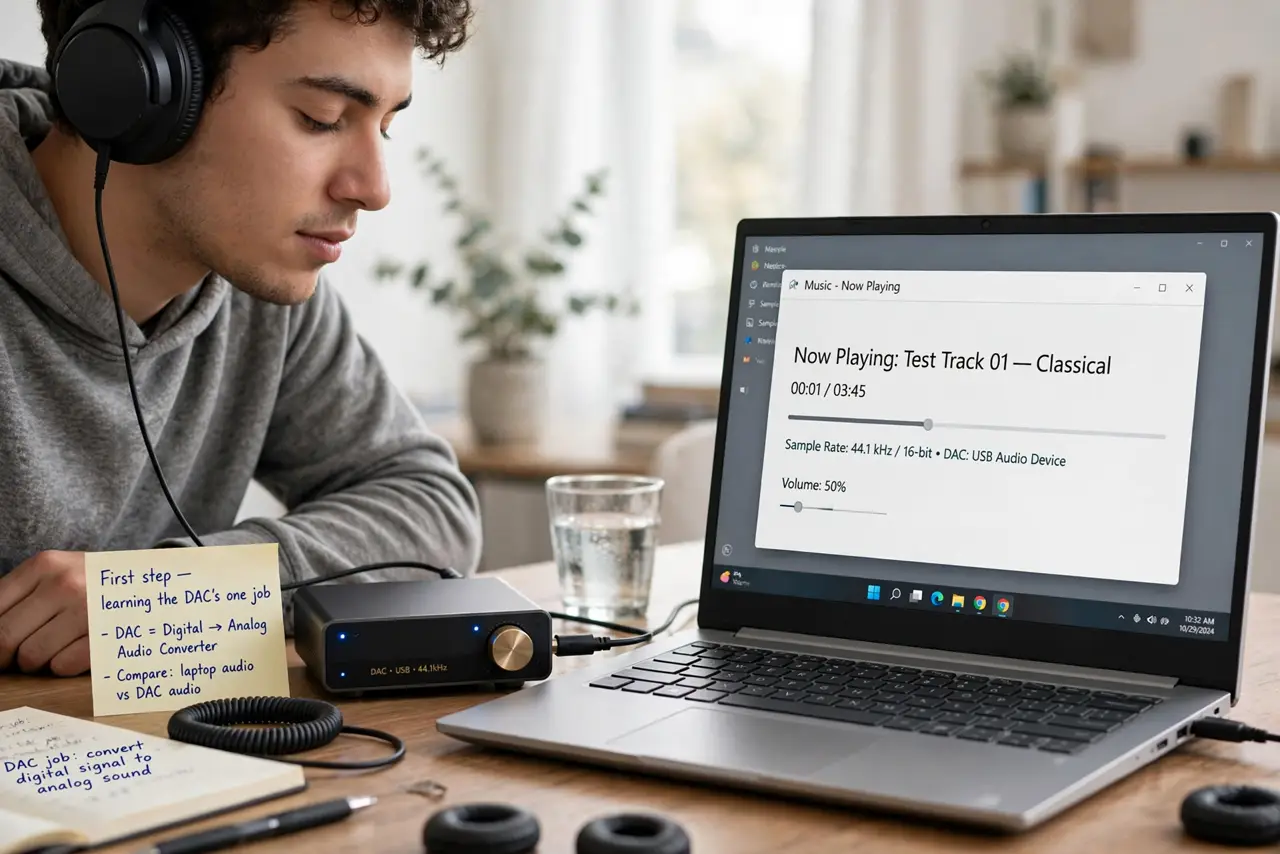
- Learn the one-sentence job. Music lives as numbers; headphones need electricity. The DAC translates between the two, and every device that plays sound contains one — your phone, your laptop, your earbuds' case.
- Know when the built-in DAC is the problem. Audible hiss at low volume, flat lifeless sound from good headphones, or volume that maxes out too quietly — those are the symptoms that point at the built-in converter or amplifier.
- Know when it is not the DAC. Muddy bass or harsh treble is almost always the headphones, not the DAC. A $200 DAC will not fix $30 earbuds — upgrade the headphones first, always.
- Match the DAC to demanding headphones. High-impedance studio headphones need more power than a phone's built-in output gives. That is the legitimate use case: a DAC/amp combo that can actually drive them.
- Do not expect miracles. Going from a decent built-in DAC to an external one is a subtle upgrade — slightly cleaner background, slightly better dynamics. Anyone promising night-and-day differences is selling something.
- Try before you buy. Borrow one or buy with a return window. Listen to familiar tracks at matched volume — if you cannot reliably hear the difference, save your money.
What NOT to do
- Do not buy a DAC to fix bad headphones. The headphones are the weakest link in almost every setup — a converter cannot rescue them.
- Do not chase expensive DAC chips on paper. Above a basic level of competence, the audible differences between modern DACs are tiny.
- Do not expect it to fix Bluetooth audio. Bluetooth re-encodes everything anyway — a DAC only helps wired listening.
- Do not ignore the amplifier half. Many 'DAC' purchases are really about needing more power — make sure the unit you buy actually amplifies.
Frequently asked questions
Will a DAC make Spotify sound better?
Marginally at best — the streaming quality and your headphones dominate. A DAC polishes a good chain; it does not rebuild a weak one.
Do I need a DAC for my phone?
Only if the phone lacks a headphone jack and your USB adapter hisses or underpowers your headphones. Most dongle DACs are cheap and fine.
What is the difference between a DAC and an amp?
The DAC converts the signal; the amp makes it powerful enough to drive headphones. Most external units combine both — check which half you actually need.