Donate Old Tech? Basics
Your closet holds old phones, tablets, and laptops that still work — and charities, schools, and shelters genuinely need them. Donating beats recycling for working gear, but a donated device still carries your data until you wipe it properly. This guide covers where to donate, what to wipe, and what to include.
TL;DR / Quick Fix
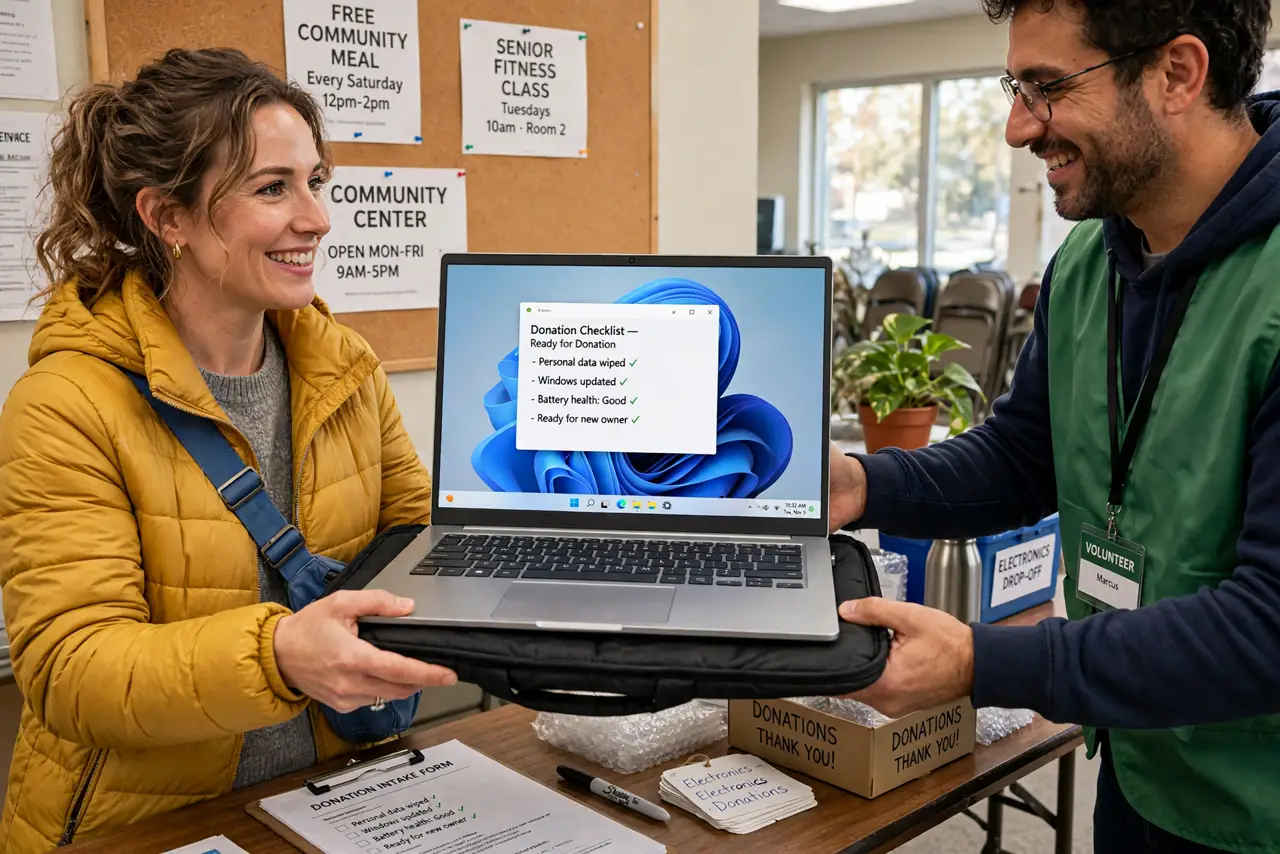
Quick fix: back up your data, sign out of all accounts, and factory reset every device before donating. Include chargers and cables if you have them. Check that the charity actually accepts electronics — many do, some do not. Get a receipt if you want the tax deduction.
Follow these steps
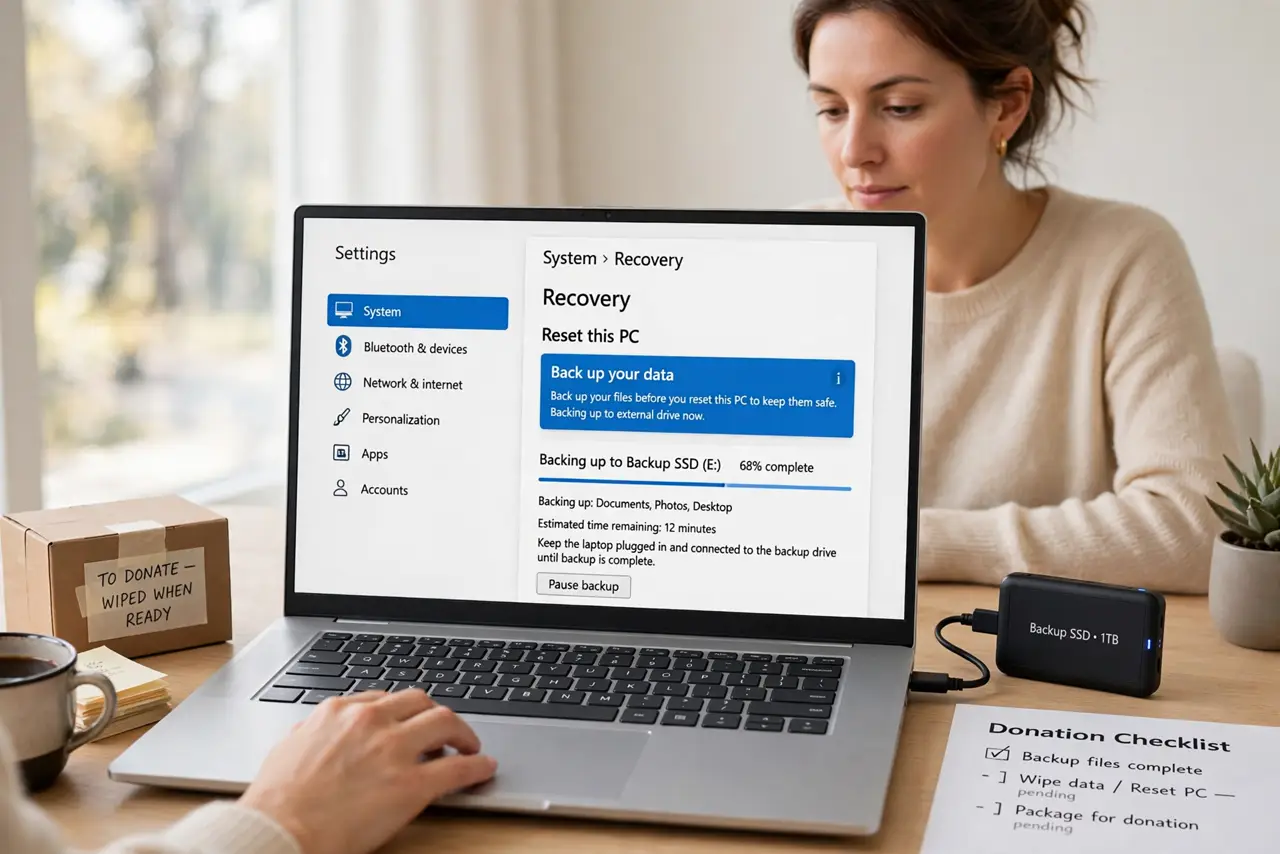
- Back up, then wipe everything. Photos, messages, logins — move what matters off the device first. Then sign out of every account and factory reset. The backup checklist works for donations too — your data does not become the charity's problem.
- Choose the right recipient. Schools, shelters, and digital-inclusion nonprofits take working devices; thrift stores take almost anything. Call ahead — some only accept items less than a few years old.
- Include chargers and accessories. A laptop without its charger is a paperweight to a nonprofit. Dig out the power brick, and throw in the case if you have it — completeness multiplies the donation's value.
- Remove SIMs and memory cards. Pull the SIM and any SD card before wiping. They are easy to forget and can carry your number or photos straight to a stranger.
- Check for data-destruction options. Some recyclers and charities offer certified wiping with paperwork. For business devices or sensitive data, that certificate is worth seeking out.
- Get the tax receipt. In many places, donated electronics are tax-deductible at fair market value. Ask for a written receipt listing the items — it takes a minute and pays at tax time.
What NOT to do
- Do not donate a device still signed into your accounts. The next user gets your email and photos — wipe first, always.
- Do not donate broken e-waste as 'donations.' A dead device belongs at a recycler, not on a charity's repair pile.
- Do not forget work devices need IT clearance. Employer-owned gear often requires official decommissioning before it leaves the building.
- Do not skip the charger hunt. A device without power is a burden, not a gift — find the cable before you donate.
Frequently asked questions
Is my data safe after a factory reset?
For most personal donations, yes. For highly sensitive data, use the device's encrypted-wipe option or a certified destruction service.
Can I donate really old devices?
If it powers on and runs, probably yes — nonprofits love basic laptops and tablets. Truly ancient gear goes to e-waste recycling instead.
Do charities wipe devices themselves?
Some do, but never count on it. Wipe it yourself — it is your data and your responsibility.