DPI vs Polling Rate? Explained
Mouse listings shout about 26,000 DPI and 8,000 Hz polling like bigger numbers mean a better mouse — and most buyers have no idea what either number does. DPI is sensitivity; polling rate is how often the mouse reports. Both matter, but far less than marketing claims.
TL;DR / Quick Fix
Quick fix: DPI controls cursor speed — most people do fine at 400–1600. Polling rate is updates per second — 1000 Hz is plenty; higher mostly drains battery on wireless mice. Set DPI to what feels right, leave polling at 1000 Hz, and ignore the spec wars.
Follow these steps
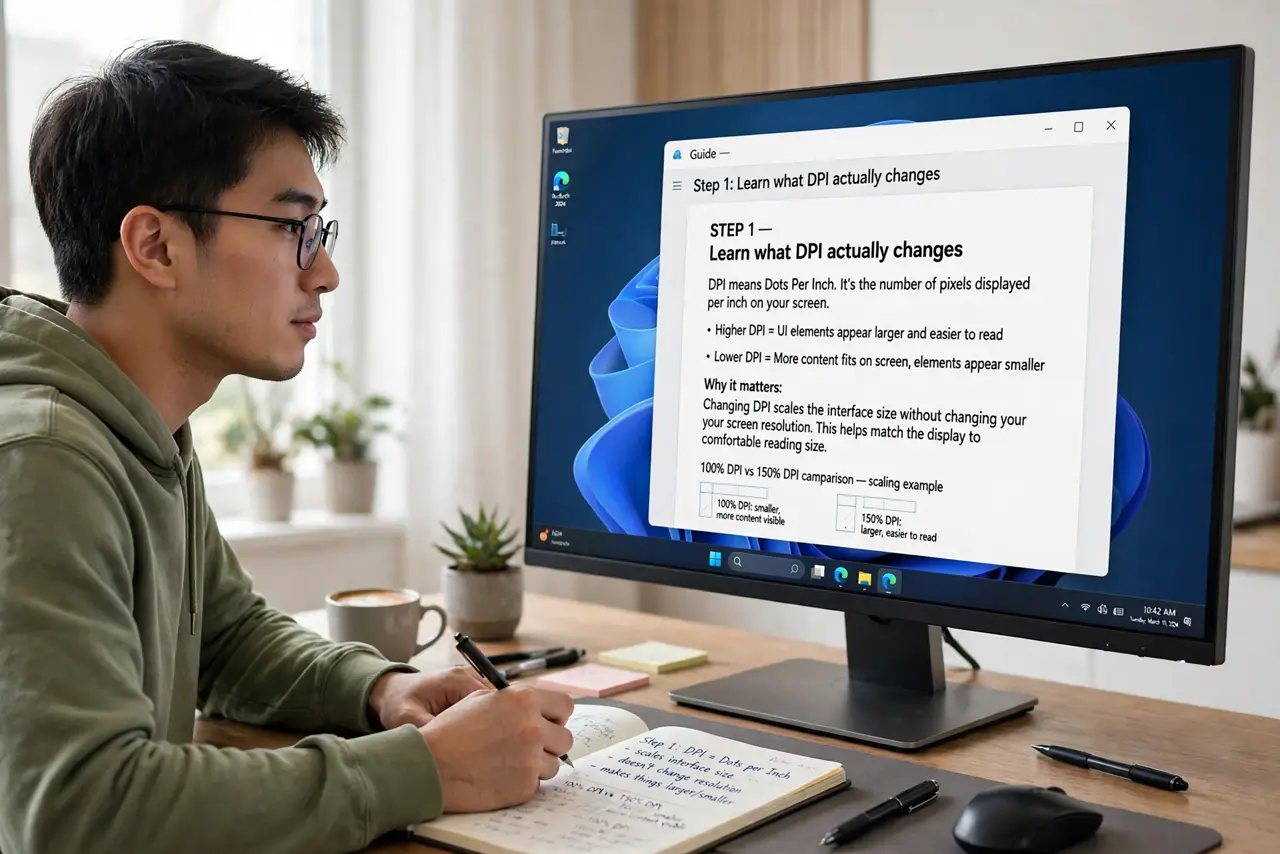
- Learn what DPI actually changes. DPI is dots per inch — how far the cursor moves per inch of mouse movement. Higher DPI means a twitchier cursor, not a more accurate one.
- Find your comfortable DPI. Start at 800, nudge up or down until aiming feels natural. Most desk users land between 400 and 1600 — see wired vs wireless for the hardware side.
- Learn what polling rate changes. Polling rate is how many times per second the mouse reports its position. 1000 Hz means a report every millisecond.
- Leave polling at 1000 Hz. Above that, the gains are imperceptible to humans — but on wireless mice the battery cost is very perceptible. See what polling rate changes.
- Disable 'enhance pointer precision.' Windows' mouse acceleration makes the cursor speed depend on how fast you move — terrible for consistency. Turn it off for predictable aiming.
- Test in your actual use. A settings page number means nothing next to ten minutes in your game or app. Feel beats specs.
What NOT to do
- Do not max out DPI thinking it makes you better. Sky-high DPI makes the cursor uncontrollable without lowering in-game sensitivity to compensate.
- Do not chase 8000 Hz polling on wireless. The battery drain is real; the benefit is theoretical.
- Do not compare DPI across different sensor eras. Implementation quality matters more than the headline number.
- Do not enable mouse acceleration for gaming. Consistency beats cleverness.
Frequently asked questions
What DPI do pros use?
Most competitive players use 400–1600 with low in-game sensitivity. Control beats twitchiness at high levels.
Does higher polling rate reduce input lag?
Technically yes, by fractions of a millisecond past 1000 Hz. Your monitor's refresh rate matters far more.
Why does my cursor feel different on another PC?
Different DPI, different Windows pointer speed, or acceleration on vs off. Match all three and it feels identical.