Gaming Laptops? Basics
You want to play real games on a laptop, but the marketing screams about RGB lights while hiding the specs that actually matter. Gaming laptops live or die on three things: the graphics card, the cooling, and the screen — everything else is garnish. Buy right and you get desktop-class play in a backpack; buy wrong and you get a hot, loud paperweight. Here is how to choose.
TL;DR / Quick Fix
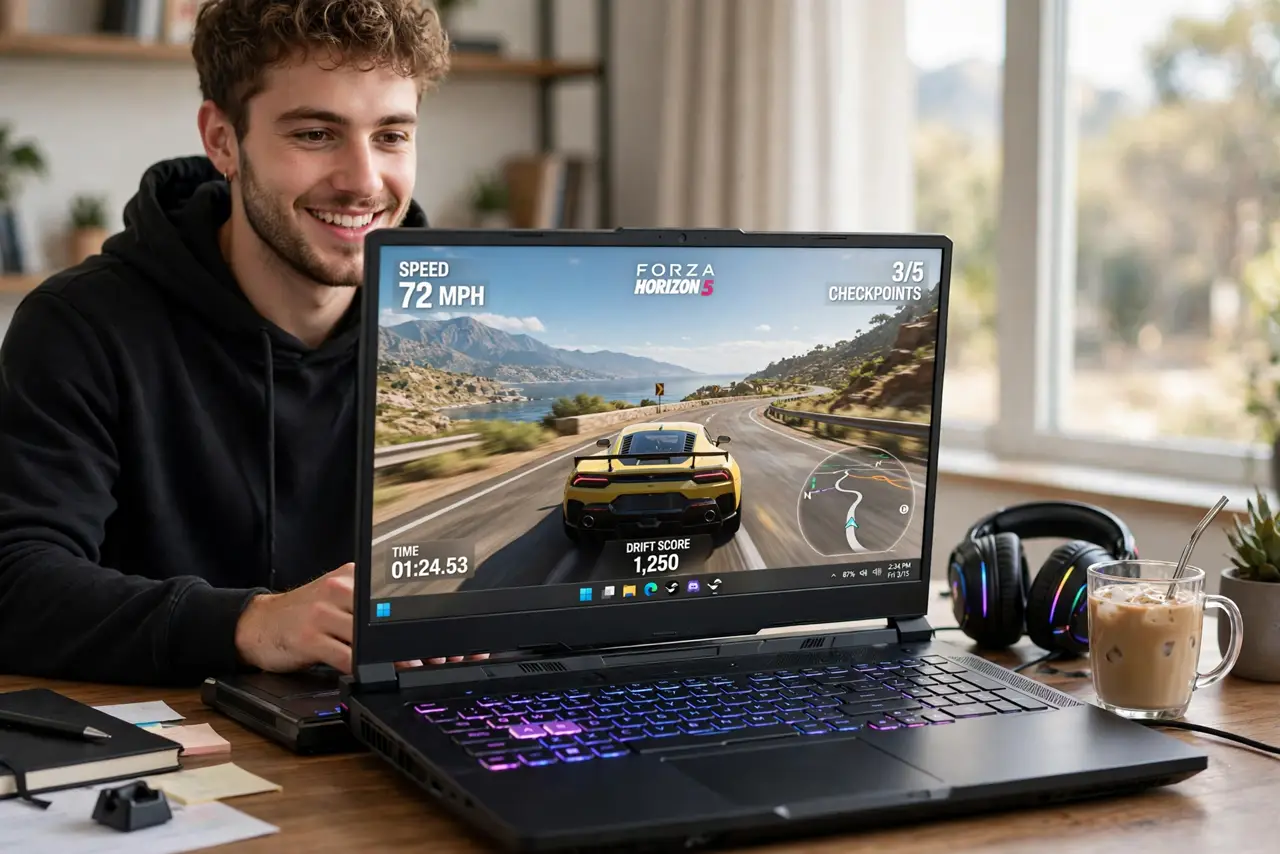
Quick fix: prioritize the GPU first (RTX 4060 or better for solid 1080p gaming), then 16 GB RAM and a fast SSD. Check reviews for cooling and noise — thin and cool rarely coexist. A 144Hz+ screen matters more than 4K on a laptop. Never buy on looks alone.
Follow these steps
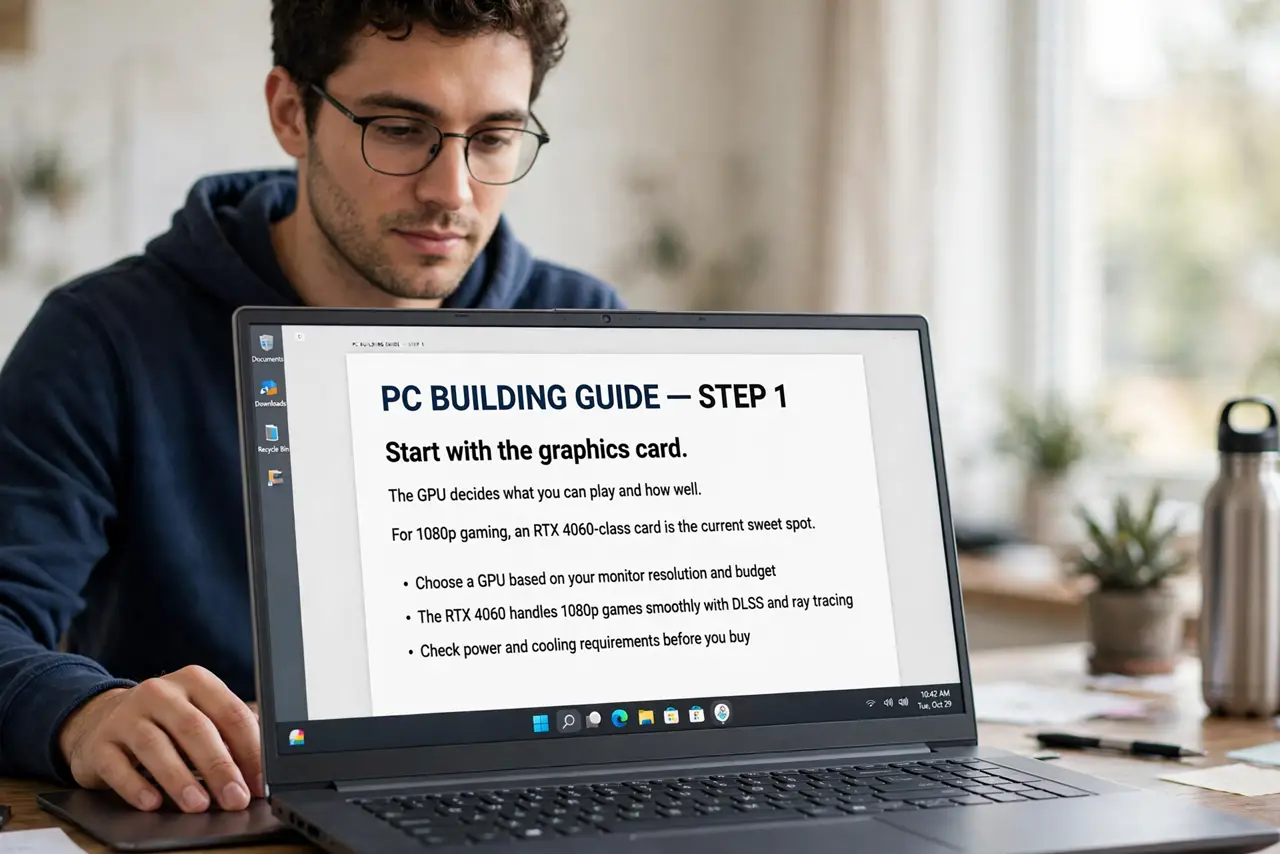
- Start with the graphics card. The GPU decides what you can play and how well. For 1080p gaming, an RTX 4060-class card is the current sweet spot; below that, modern titles struggle. The GPU model matters more than the laptop brand — compare cards, not logos.
- Get 16 GB of RAM minimum. Modern games plus Windows plus background apps eat memory. 8 GB stutters; 16 GB is the comfortable floor, and 32 GB future-proofs. Check whether the RAM is upgradeable — soldered RAM locks you in forever.
- Demand a fast SSD. Games stream assets constantly; a slow drive means stuttering and endless loads. 1 TB NVMe SSD is the practical minimum now — big games are 100+ GB each. A second SSD slot is a nice bonus.
- Read cooling and noise reviews. Gaming laptops get hot, and bad cooling throttles the GPU — meaning you paid for speed you never get. Reviews with thermal and noise measurements are mandatory reading; spec sheets never mention the fan scream.
- Pick the right screen. 144Hz or higher refresh at 1080p beats a 4K 60Hz panel for gaming every time — smoother motion you can feel. Good color matters for everything else you do on the machine.
- Weigh weight against power. True desktop replacements weigh 2.5 kg+ and need their brick everywhere. Thinner gaming laptops exist but run hotter and cost more. Decide honestly: does it travel daily, or live on a desk? Compare with our budget laptop guide if money matters more than max settings.
What NOT to do
- Do not buy a 'gaming' laptop with an entry-level GPU. The label means nothing — a GTX 1650 in 2026-era games is a slideshow machine.
- Do not ignore the power brick. Gaming laptops need big chargers; USB-C charging alone rarely sustains full gaming power.
- Do not expect good battery life. Two to four hours gaming unplugged is normal — these are portable desktops, not all-day ultrabooks.
- Do not skip the return window test. Run your actual games in the first week — thermals and noise only reveal themselves under load.
Frequently asked questions
Can a gaming laptop replace a desktop?
For most people, yes — a good one matches mid-range desktops. You pay more for the same performance and get less upgradeability, but gain portability.
Do I need 32 GB of RAM for gaming?
Not yet for gaming alone — 16 GB suffices. Streamers, video editors, and heavy multitaskers benefit from 32 GB.
Are gaming laptops good for work too?
Absolutely — the fast CPU, RAM, and SSD make them excellent workstations. The tradeoff is weight, noise, and battery life versus a business laptop.