Inkjet Clogged? Fix It
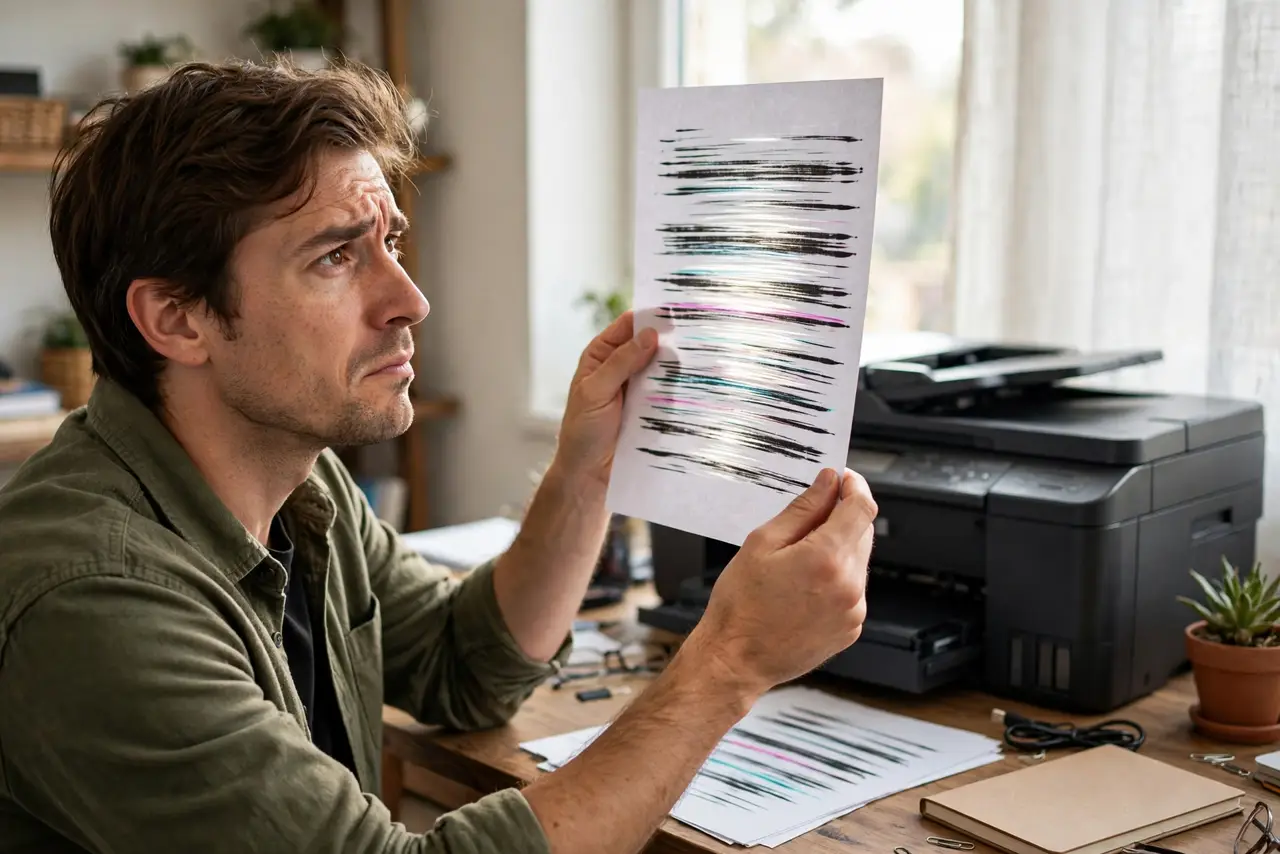
Your inkjet prints streaky lines, faded bands, or blank pages — but the cartridges are full. Dried ink is blocking the nozzles, the classic inkjet illness, and it strikes hardest after weeks of idleness. The fix is a ladder: gentle cleaning cycles first, deeper measures only if needed.
TL;DR / Quick Fix
Quick fix: run the printer's built-in cleaning cycle — one or two passes usually clear mild clogs. Print a nozzle-check page to confirm. Do not run ten cleanings in a row; it wastes ink. If deep cleaning fails twice, compare a new printhead's cost against a laser printer.
Follow these steps
- Print a nozzle-check page. The printer's maintenance menu prints a test pattern. Gaps in the pattern confirm a clog — and show exactly which color is blocked.
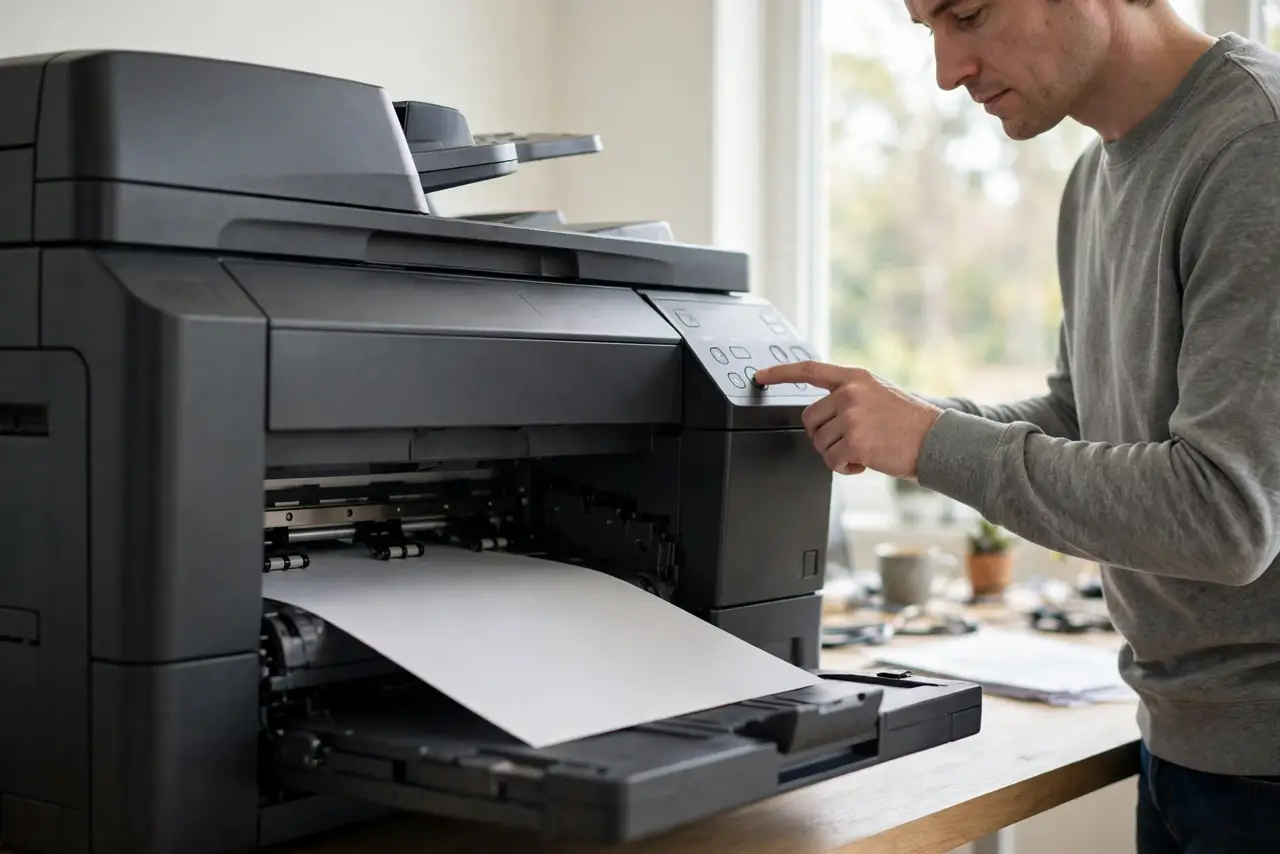
- Run one standard cleaning cycle. Use the built-in head-cleaning function once, then print another nozzle check. Mild clogs often clear on the first pass.
- Try a deep clean — once. If the standard cycle fails, run the deep-clean option a single time. It uses much more ink, so one attempt is the sensible limit before reassessing.
- Check cartridge levels and dates. Old or near-empty cartridges clog more. A cartridge that has sat for a year may be the problem, not the printhead.
- Clean the contacts gently. Remove the cartridges and wipe the copper contacts with a lint-free cloth. Poor contact mimics clog symptoms.
- Weigh printhead replacement vs a new printer. A replacement printhead can cost half a new printer. If the printer is old, that money buys a laser that never clogs.
What NOT to do
- Do not run cleaning cycles back-to-back ten times. Each cycle drinks ink; diminishing returns kick in fast.
- Do not poke the nozzles with pins or needles. You will damage the microscopic holes permanently.
- Do not use tap water or alcohol inside the printhead unless the manual says so. Wrong fluids kill printheads.
- Do not buy 'universal' cleaning cartridges from sketchy sellers. Leaks from bad cartridges ruin printers.
Frequently asked questions
Why does my inkjet clog if I barely use it?
Ink dries in idle nozzles — inkjets are built for regular use. Printing one page a week keeps them healthy.
Will third-party ink clog more?
Quality varies wildly. Good third-party ink is fine; the cheapest bottles cause more clogs than they save in money.
Should I just buy a laser instead?
If you print rarely and mostly text — yes. See laser vs inkjet for the full comparison.