Laptop Bags? Basics
A laptop bag is the difference between a laptop that survives the commute and one that does not — but the market drowns you in messenger bags, backpacks, briefcases, and sleeves pretending to be bags. The right choice comes down to how you travel, how much you carry, and how much protection the laptop actually needs.
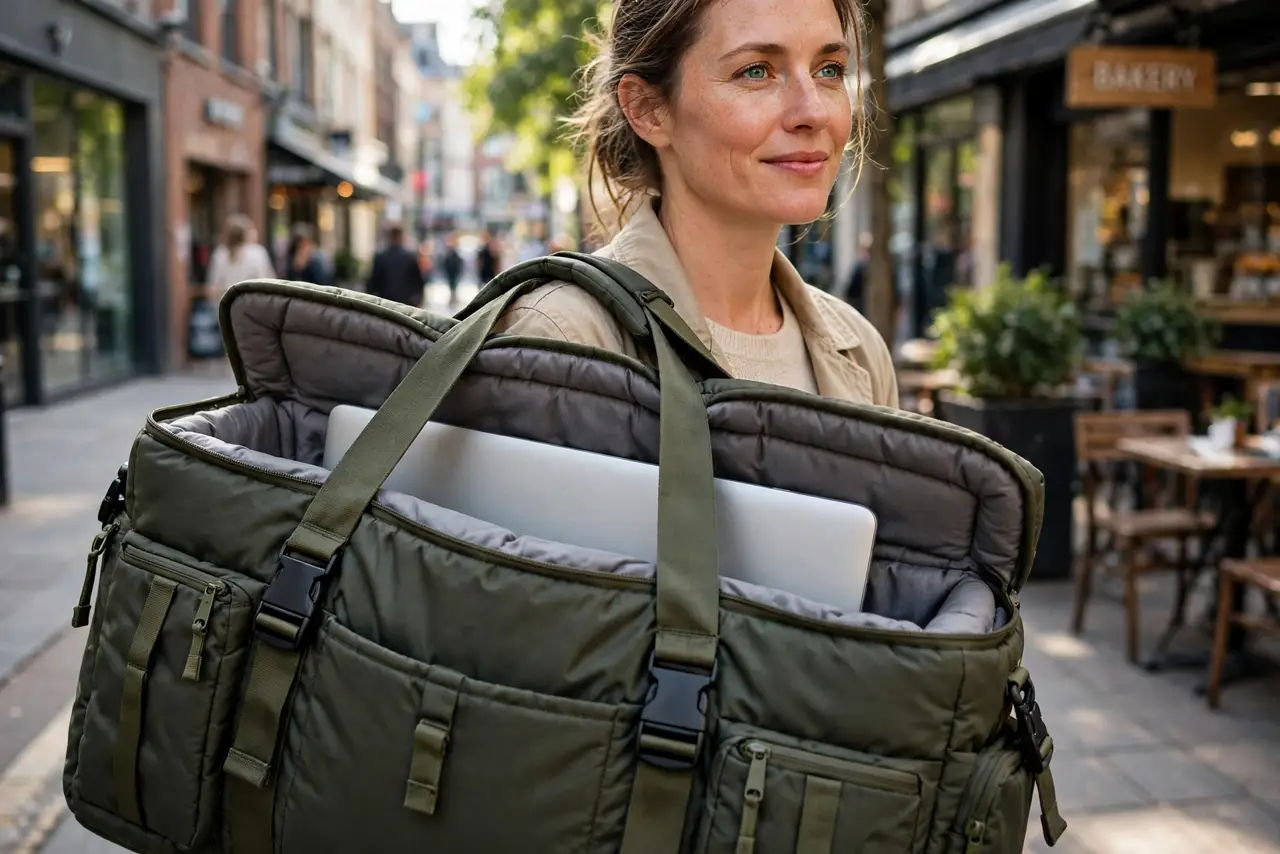
TL;DR / Quick Fix
Quick fix: buy the bag for your commute, not the fantasy — backpacks for walking and biking, messengers for cars and offices. The laptop compartment must be padded on all sides and fit your exact laptop size. A slim sleeve inside adds scratch protection; the bag itself handles impacts.
Follow these steps
- Match the bag to the commute. Walking, biking, or transit: a backpack distributes weight and keeps hands free. Driving to an office: a messenger or briefcase looks sharper and loads faster. The wrong form factor is the top regret.
- Check the laptop compartment first. It should be padded on all sides — bottom included — and sized to your laptop. A 16-inch laptop swimming in an 18-inch compartment slides around; padding means nothing if the fit is wrong.
- Test the padding honestly. Press the compartment walls: you want dense foam, not a fabric divider pretending to be protection. Corners deserve extra padding — that is where drops land.
- Count your real carry. Charger, mouse, notebook, water bottle — lay it all out before buying. A bag that fits the laptop but not the charger becomes a two-bag problem within a week.
- Check the strap and zippers. The shoulder strap and zippers fail first on cheap bags. Padded straps, metal zipper pulls, and reinforced stitching at stress points separate a two-year bag from a ten-year one.
- Consider weather protection. A rainy commute is the laptop's real enemy. Water-resistant fabric or a rain cover is worth more than an extra pocket — wet laptops do not dry into working laptops.
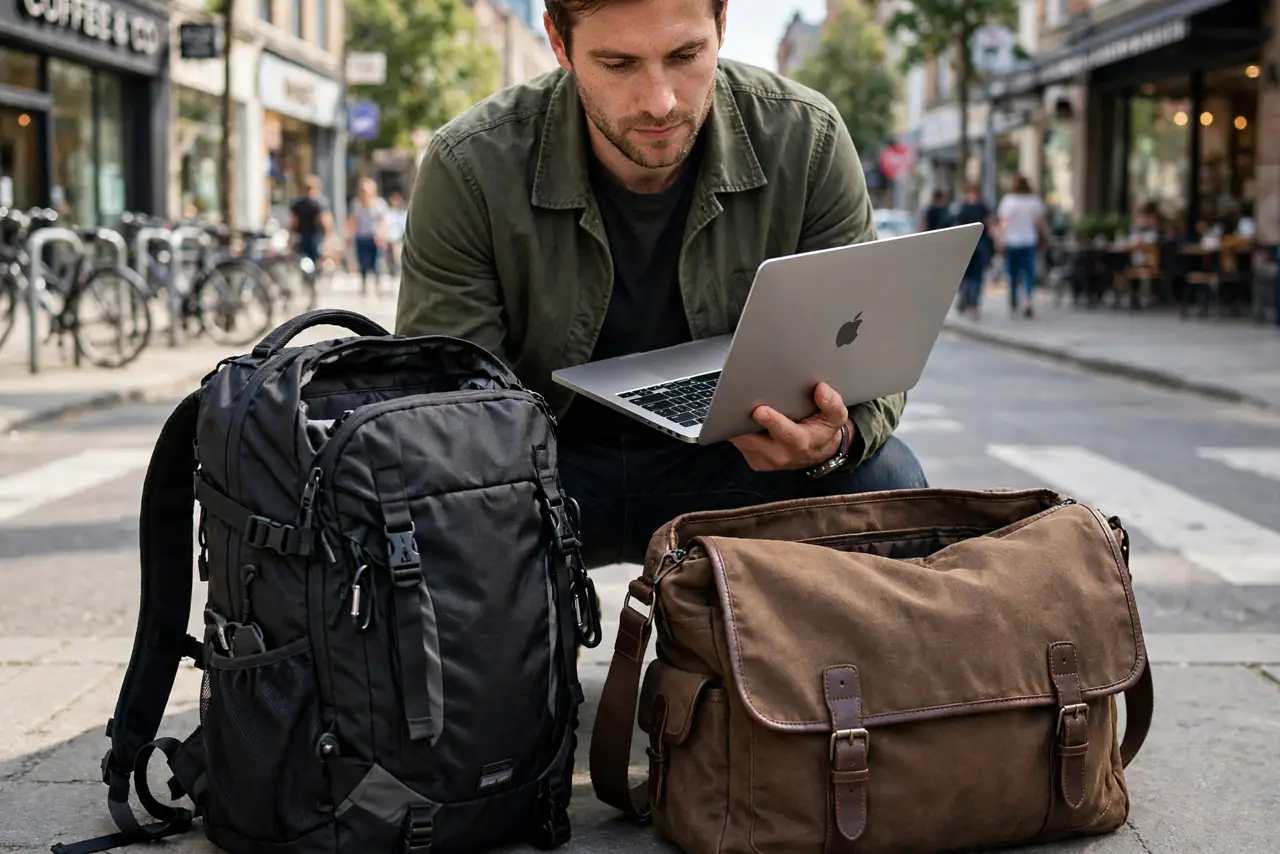
What NOT to do
- Do not buy by laptop screen size alone. Measure the laptop — '15-inch bag' varies by brand, and a tight fit stresses zippers.
- Do not carry the laptop loose in a regular backpack. One textbook corner against the screen is all it takes without a padded compartment.
- Do not overload the bag. A bag stuffed to bursting transfers every bump straight to the laptop — padding needs room to work.
- Do not ignore the bottom padding. Bags get set down hard; the base takes the beating, so it needs the thickest protection.
Frequently asked questions
Backpack or messenger bag for a laptop?
Backpacks win for walking, biking, and heavy loads — better weight distribution. Messengers win for style and quick access in offices and cars.
Do I need a sleeve too?
A sleeve inside a padded bag is the belt-and-suspenders combo: sleeve stops scratches, bag stops impacts. Worth it for expensive laptops.
How do I clean a laptop bag?
Empty it, shake it out, and spot-clean with a damp cloth. Machine washing kills the padding structure on most bags.