Monitor Light Bars? Basics
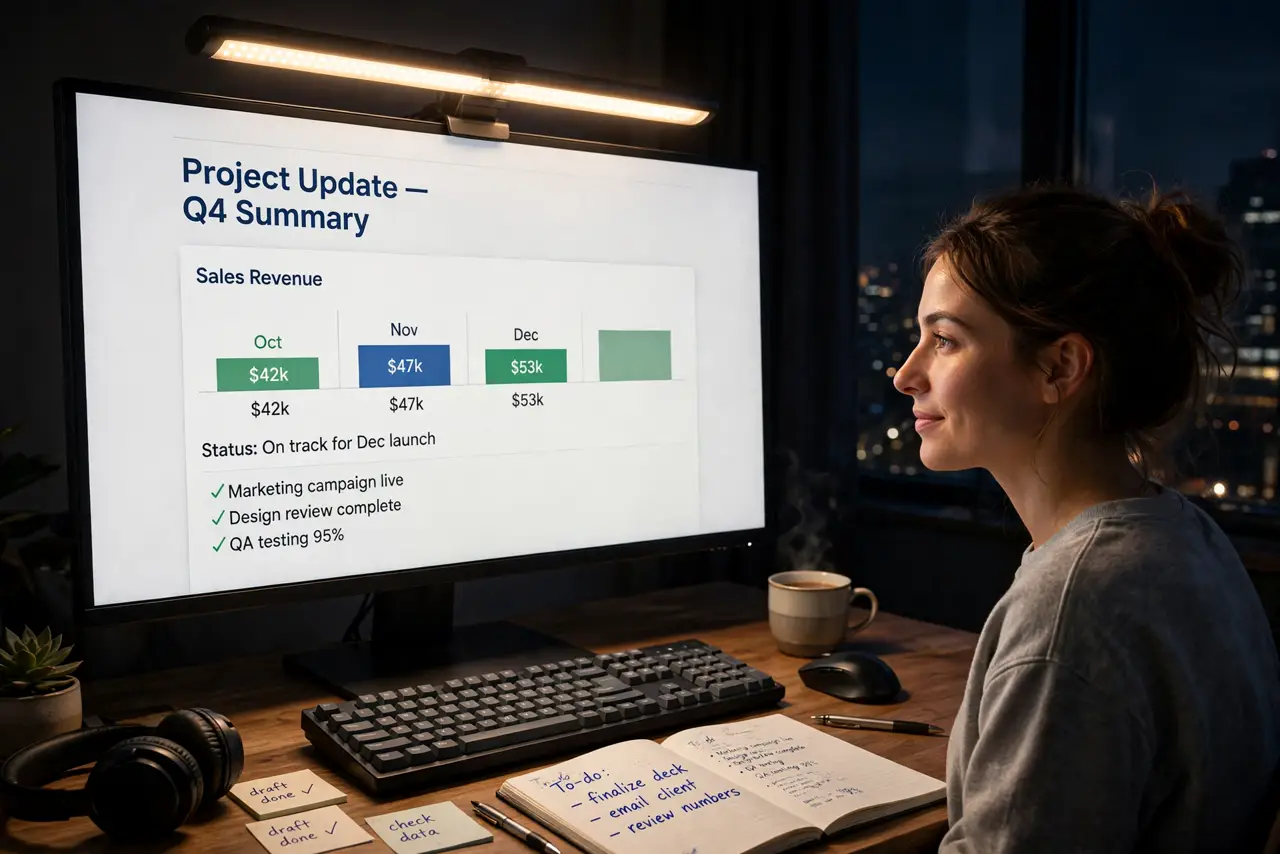
A monitor light bar is a slim LED lamp that sits on top of your screen and washes your desk in light — without the glare a normal desk lamp throws onto the display. It is popular with people who work late and hate eye strain from a bright screen in a dark room. This guide covers what they do, whether they are worth it, and what to check before buying.
TL;DR / Quick Fix
Quick fix: a monitor light bar sits on top of your screen and lights your desk without glaring on the display. It helps tired eyes when you work in a dark room. Look for adjustable brightness and color temperature, USB power, and a fit for your monitor's thickness.
Follow these steps
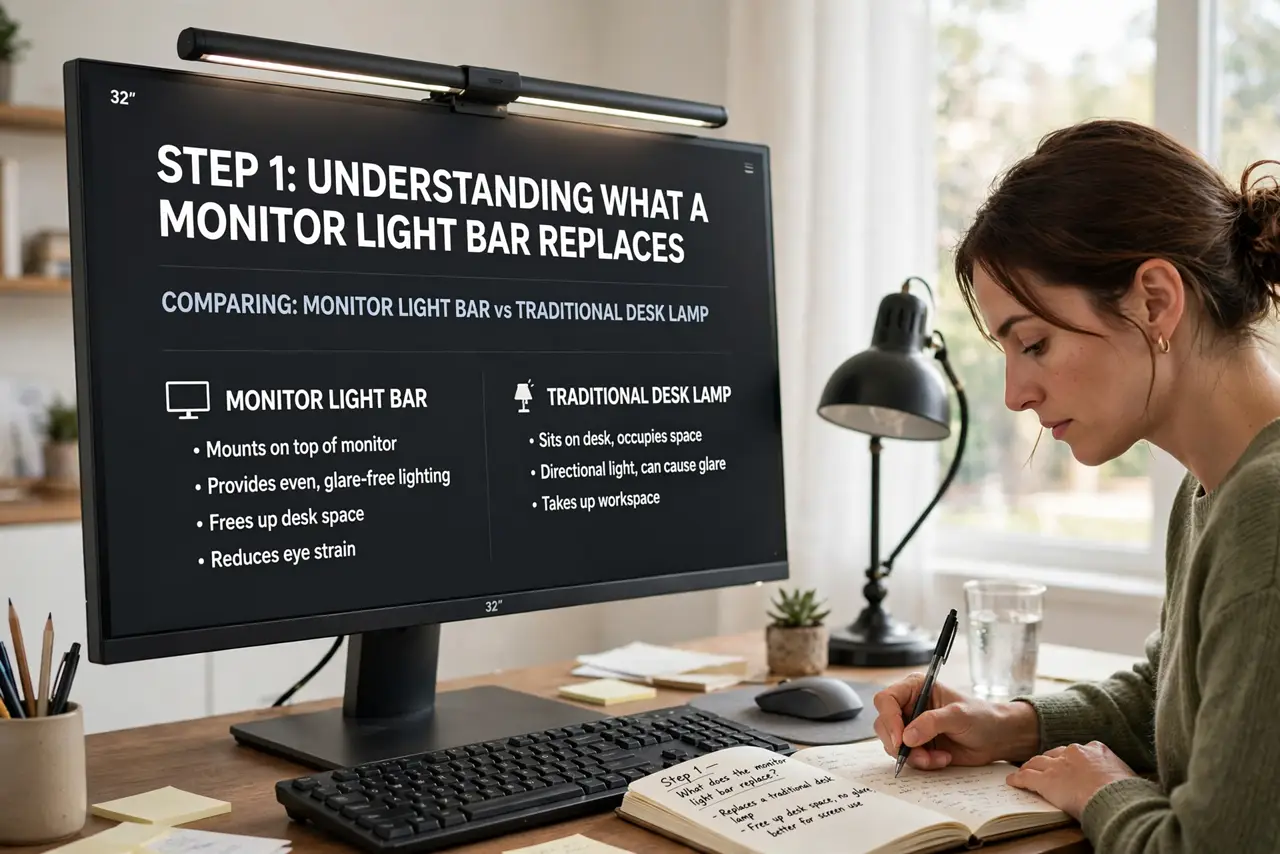
- Understand what it replaces. A light bar does the job of a desk lamp without taking desk space or reflecting in your screen. If a regular lamp already lights your desk without glare, a light bar adds little.
- Check your monitor's top edge. Light bars clip onto the top bezel with a weighted hook. Very thin monitors, curved screens, and monitors with a camera bump can be a poor fit — check the bar's thickness range against your screen.
- Pick adjustable brightness. You want a wide dimming range so the light can be subtle at night and stronger during the day. A bar with only two brightness levels will annoy you within a week.
- Pick adjustable color temperature. Warm light (around 2700K) suits evenings; neutral (4000K) suits daytime work. A bar stuck at one harsh white is a worse deal than it looks.
- Confirm the power source. Most light bars run on USB power — check whether your monitor has a spare USB port or you will need a wall adapter. Battery models exist but add charging chores.
- Try it for a week. Eye comfort is personal. Give it a week of evening work before deciding — if your eyes feel less tired and the desk looks better on video calls, it earned its place.
What NOT to do
- Do not expect it to fix eye strain alone. Lighting helps, but the bigger wins are screen brightness matched to the room, regular breaks, and proper viewing distance.
- Do not buy one for a laptop you move daily. Light bars suit stationary monitors; clipping one on and off a laptop you carry around gets old fast.
- Do not shine it into your webcam. Position the bar so it lights the desk, not your face from above — harsh top light makes you look tired on calls.
- Do not assume it works on every monitor. Curved ultrawides and razor-thin panels often defeat the clip — verify compatibility before ordering.
Frequently asked questions
Do monitor light bars damage the screen?
No — they clip onto the top edge and shine forward onto the desk, not into the panel. They are designed to avoid screen glare entirely.
Are they better than a desk lamp?
For screen workers, usually yes: no desk footprint and no reflection in the display. A good lamp still wins if you need light aimed at paper documents beside you.
Do they help with eye strain?
They reduce the contrast between a bright screen and a dark room, which many people find more comfortable. They are a comfort aid, not a treatment — see an eye doctor for real strain.