What Monitor Size? Basics
You're shopping for a monitor and the choice is paralyzing: 24, 27, 32 inches, each promising to be the sweet spot. Size without the right resolution and viewing distance just gives you bigger, blurrier pixels — or a screen so large you're swiveling your neck. The right size depends on your desk, your distance, and what you do.
TL;DR / Quick Fix
Quick fix: for most desks, 24 inches suits 1080p and 27 inches suits 1440p at arm's length. Go bigger only if you sit farther back, and pair larger screens with higher resolution. Measure your viewing distance first — it decides more than the spec sheet does.
Follow these steps
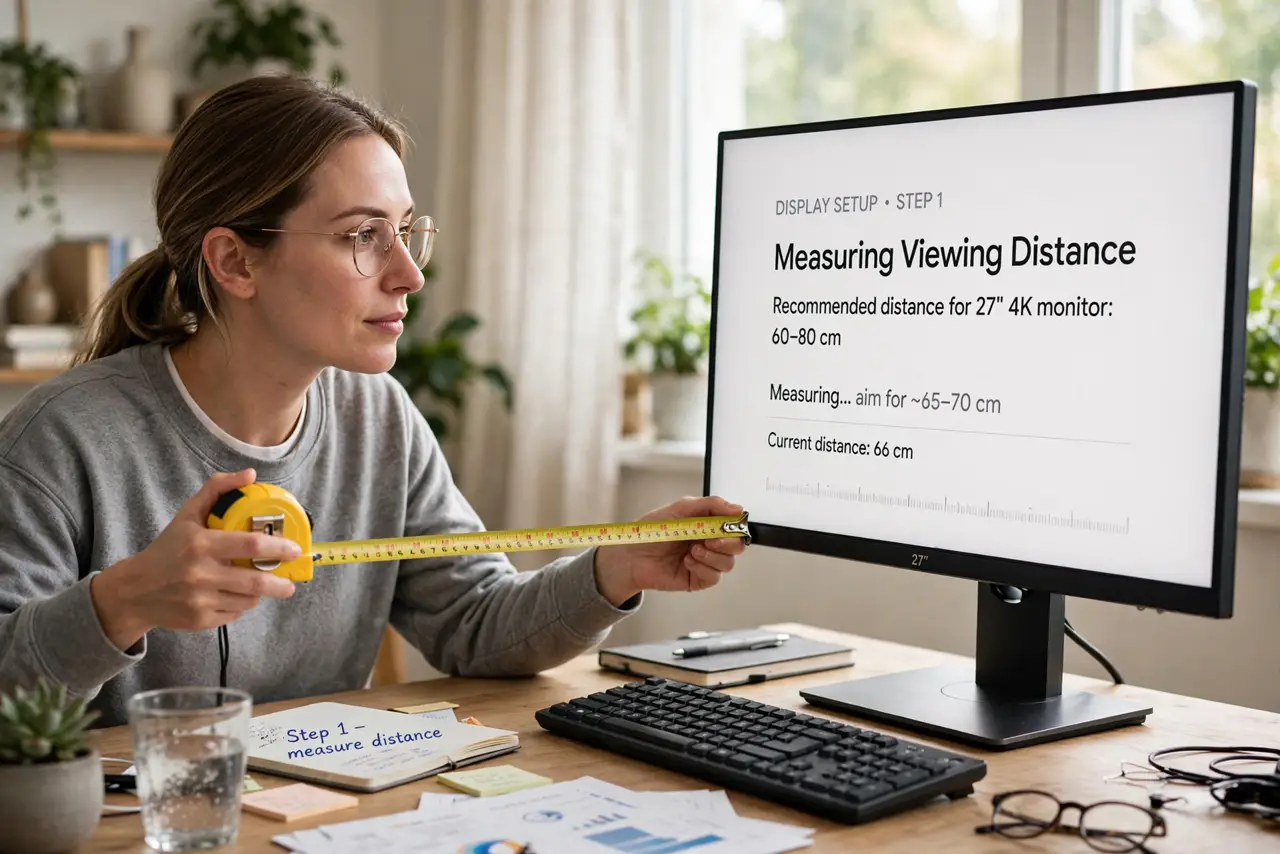
- Measure your viewing distance. Sit normally and measure eyes to screen: around 60 cm suits 24–27 inches; 80 cm+ suits 32. Too close to a big screen means constant head-turning — distance decides size more than preference.
- Match resolution to size. 24 inches is crisp at 1080p; 27 inches wants 1440p; 32 inches needs 4K. Bigger screen, same resolution equals bigger, chunkier pixels — see the 27 vs 32 debate for the classic dilemma.
- Consider your desk depth. A shallow desk forces you close, where big screens overwhelm. If the screen sits under 60 cm from your eyes, 24–27 inches is the comfortable ceiling regardless of what you want.
- Think about your work. Spreadsheets and timelines love screen real estate; competitive gaming prefers the whole screen in view. Match size to your main task, not to the showroom wow factor.
- Check pixel density, not just inches. Two 27-inch monitors can look very different — 1080p vs 1440p is night and day. Compare pixels-per-inch in the specs; diagonal inches alone lie.
- Test with your real content. If possible, view your actual apps — your IDE, your spreadsheets — at the size you're considering. Spec sheets don't tell you how your work feels on the screen.
What NOT to do
- Do not buy 32 inches at 1080p expecting sharpness. The pixels get visibly huge — resolution must grow with size.
- Do not judge size in the store. Showroom distance and torch-mode brightness flatter big screens; your desk is the real test.
- Do not ignore the stand footprint. Bigger monitors need deeper, sturdier desks — measure the desk, not just the screen.
- Do not assume bigger is better for gaming. Many competitive players prefer 24–27 inches so the whole screen stays in their field of view.
Frequently asked questions
Is 27-inch 4K overkill?
For text and photo work it's lovely; for general use, 1440p hits the value sweet spot. 4K costs more and demands a stronger GPU for gaming.
What about ultrawide instead?
A 34-inch ultrawide replaces two monitors for multitasking but complicates fullscreen gaming and video. Different tradeoff, not just a bigger screen.
Can I mix sizes side by side?
Yes, but alignment gets fiddly with different pixel densities. It's workable — just expect some display-settings tinkering.