Open-Box Deals? Basics
Open-box items — returned, displayed, or barely used electronics sold at a discount — can be genuine bargains or expensive mistakes. The box was opened, but was the item actually used? The difference between a smart buy and a regret is knowing what to check before the return window closes. Here is the inspection routine.
TL;DR / Quick Fix
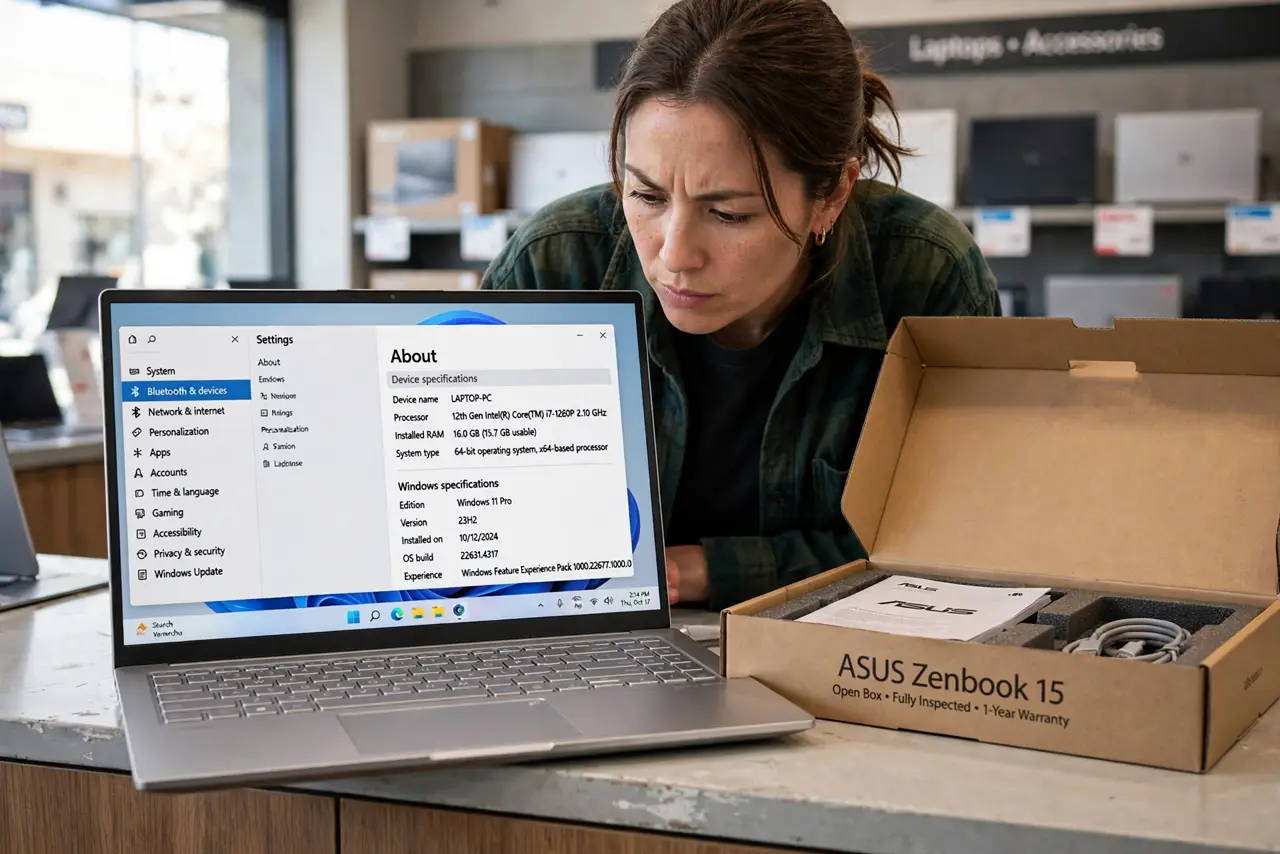
Quick fix: open-box deals save 10-30% on returned or display electronics — inspect the item in store, confirm all accessories and the warranty are included, and test everything within the return window. Buy from retailers with solid return policies, and skip shortened warranties you cannot live with.
Follow these steps
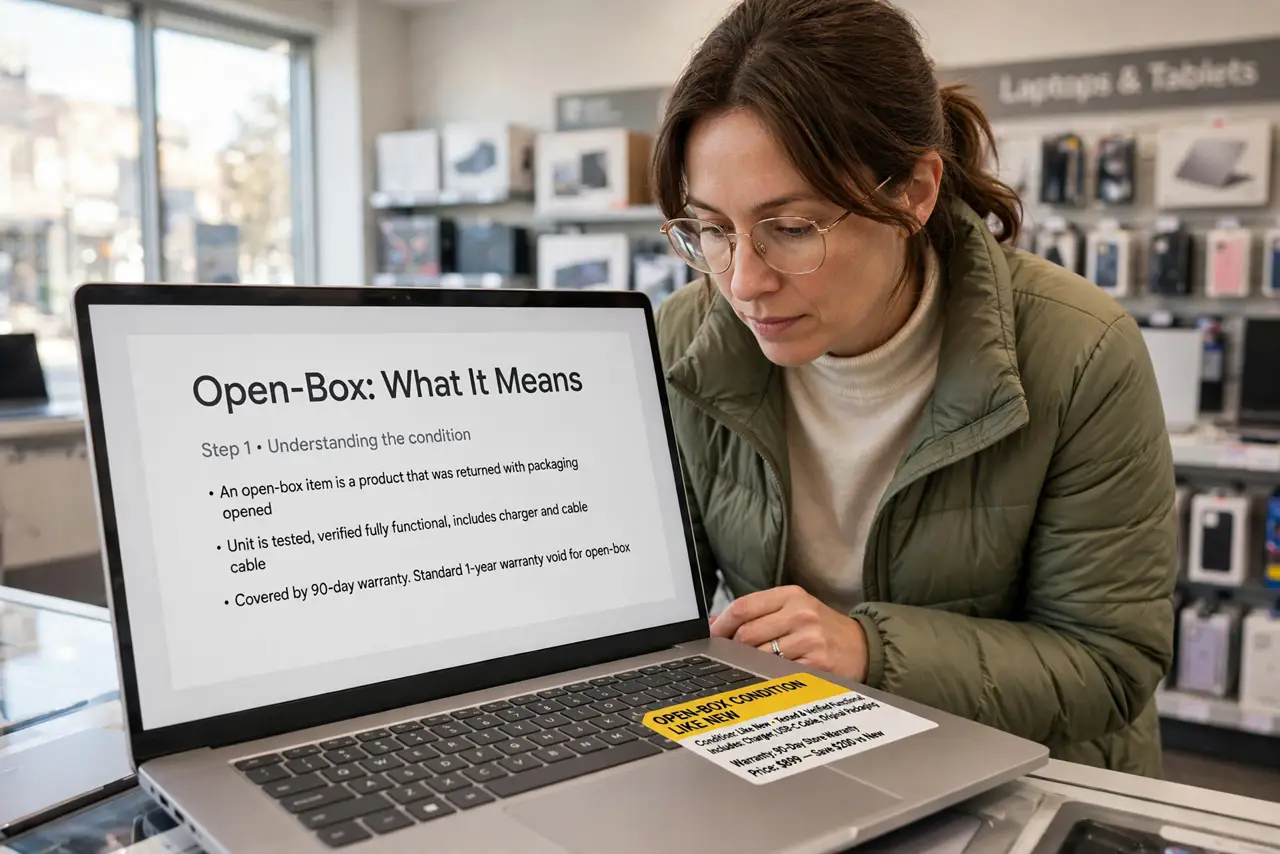
- Understand what 'open-box' means. It covers customer returns, floor displays, and damaged-box items — the product may be unused or lightly used. Grading varies by retailer: 'excellent' vs 'satisfactory' tells you how much wear to expect.
- Inspect it before you commit. Check the screen for scratches and dead pixels, test every port, and look for missing accessories. Floor models suffer the most wear — check hinges, keyboards, and battery health.
- Confirm the warranty. Many open-box items keep the full manufacturer warranty; some get a shorter store warranty instead. A big discount with no warranty is a gamble — price that risk honestly.
- Verify all accessories are included. Chargers, cables, remotes, and manuals go missing from returns. Missing a proprietary charger can erase the savings — check the box contents against the product listing.
- Test everything in the return window. Run the device hard for the first week — full battery cycles, all features. Problems surface early; the return window is your real warranty. Compare with refurbished buying for the stricter alternative.
- Know when to walk away. Deep scratches on screens, swollen batteries, or 'as-is, no returns' terms are walk-away signals. The discount is never worth a device you cannot return.
What NOT to do
- Do not buy open-box 'as-is' with no returns. The discount rarely covers the risk of a dead device.
- Do not skip the in-store inspection. Box condition means nothing — the device condition is everything.
- Do not assume the warranty is full. Ask explicitly and get it in writing; shortened warranties change the math.
- Do not forget to factory-reset it. Returns may carry the previous owner's data and accounts — wipe it on day one.
Frequently asked questions
Are open-box items the same as refurbished?
No — refurbished items are tested and certified, often with new parts. Open-box is simply a returned item resold; inspection standards vary by retailer.
How much should open-box save me?
Typically 10-30% off new. Less than 10% is not worth the uncertainty; more than 30% warrants extra suspicion about condition.
Can I return an open-box item?
Usually yes, within the retailer's normal return window — confirm the policy before buying, since some clearance open-box sales are final.