What Size Power Supply?
The power supply (PSU) is the least glamorous PC part and the one that kills everything else when chosen badly. Too small and the PC crashes under load; too cheap and it can take the motherboard with it when it dies. Sizing it right is simple arithmetic plus one rule about quality. Here is the plain guide.
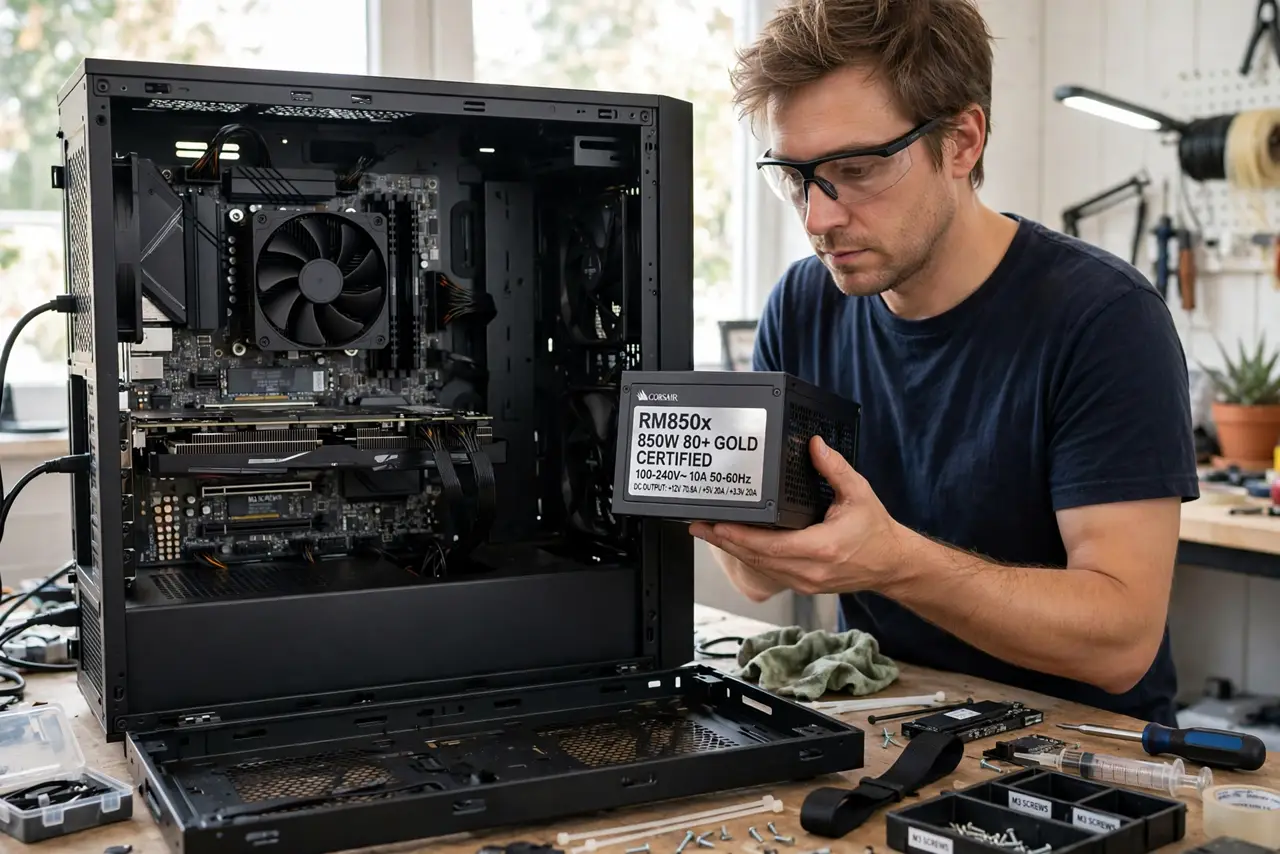
TL;DR / Quick Fix
Quick fix: size your power supply by adding up your parts' power draw — mainly CPU plus graphics card — then add headroom of about 30-50%. A quality 650W unit beats a cheap 850W one every time. Never reuse an ancient PSU in a new build to save money.
Follow these steps
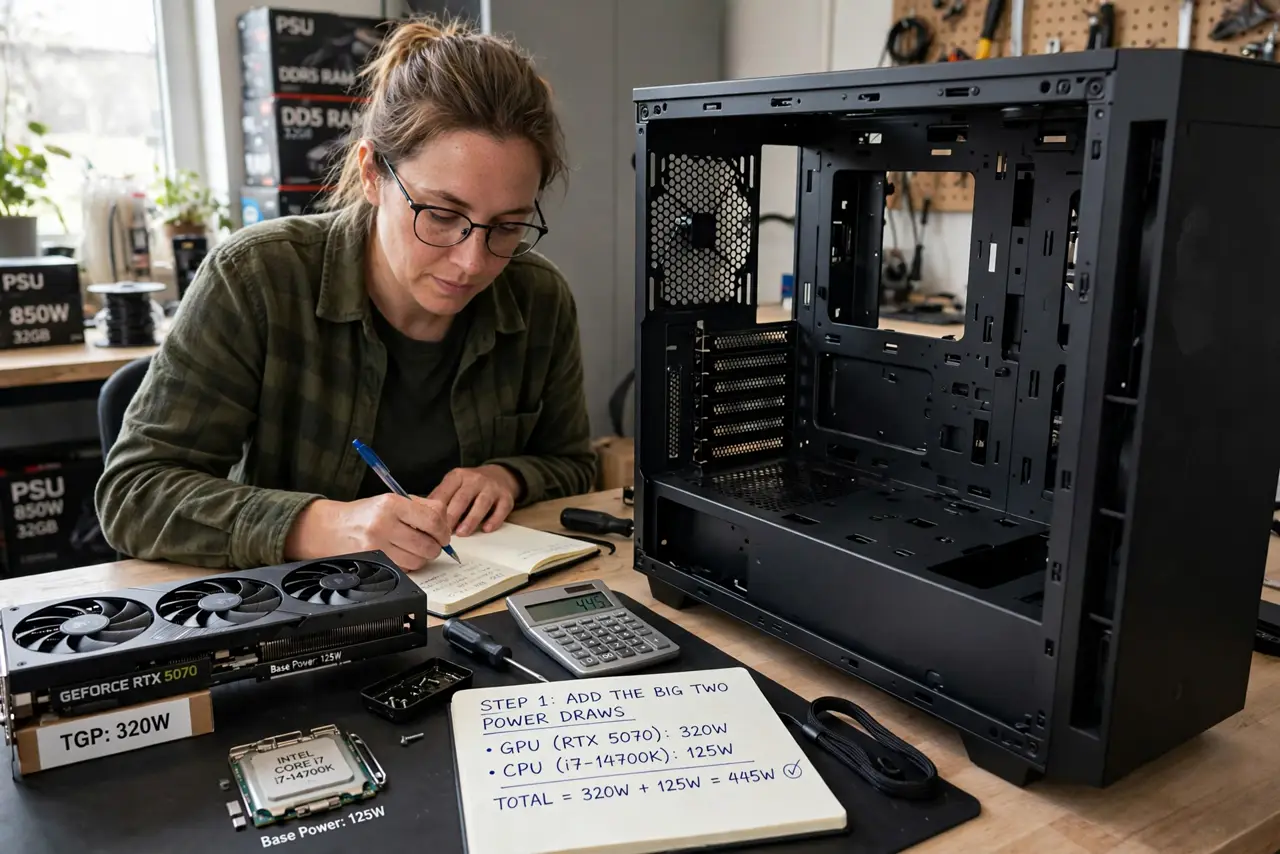
- Add up the big two. The graphics card and CPU draw the vast majority of power — check their rated wattage (TDP) on the maker's pages. Everything else (drives, fans, RAM) is rounding error by comparison.
- Add 30-50% headroom. If your parts draw 400W, buy 550-650W. Headroom covers power spikes (modern GPUs spike hard), keeps the PSU in its efficient zone, and leaves room for upgrades.
- Prioritize quality over wattage. A quality 550W supply delivers clean, stable power; a cheap 750W one lies about its rating and dies dramatically. Read professional reviews — the PSU is the one part where brand and review matter most.
- Check the efficiency rating. 80 Plus Bronze is the sensible minimum; Gold is the sweet spot for most builds. Higher ratings mean less wasted heat and lower power bills — not more power.
- Match the connectors. Modern graphics cards need specific power connectors — count what your GPU requires and confirm the PSU has them natively. Adapters work but add failure points.
- Do not reuse ancient units. Capacitors age. A ten-year-old PSU belongs in recycling, not in a new build — its degraded output can damage new parts that cost ten times more.
What NOT to do
- Do not buy the cheapest PSU that meets the wattage. A failing PSU can kill the motherboard, CPU, and GPU with it — the most expensive 'saving' in PC building.
- Do not size exactly to your parts' draw. Zero headroom means the PSU runs maxed out, loud, hot, and short-lived — spikes will crash the PC.
- Do not trust the wattage on no-name units. Unreviewed brands routinely exaggerate; only buy units with professional teardown reviews.
- Do not forget the PSU when upgrading the GPU. A new power-hungry graphics card on an old small PSU is the classic upgrade crash — check before you buy the card.
Frequently asked questions
Is a bigger PSU wasteful?
No — a PSU only delivers what the parts draw. A 850W unit in a 300W PC runs cool, quiet, and efficient; oversizing costs a little upfront and nothing ongoing.
What does 80 Plus actually mean?
It certifies efficiency — how much wall power becomes PC power versus heat. Bronze wastes more as heat; Gold and above run cooler and cheaper over time.
Can I use my old PSU in a new build?
If it is a quality unit under ~7 years old with the right connectors, yes. Older than that, or a no-name unit — replace it; the risk is not worth it.