Use a Hardware Security Key
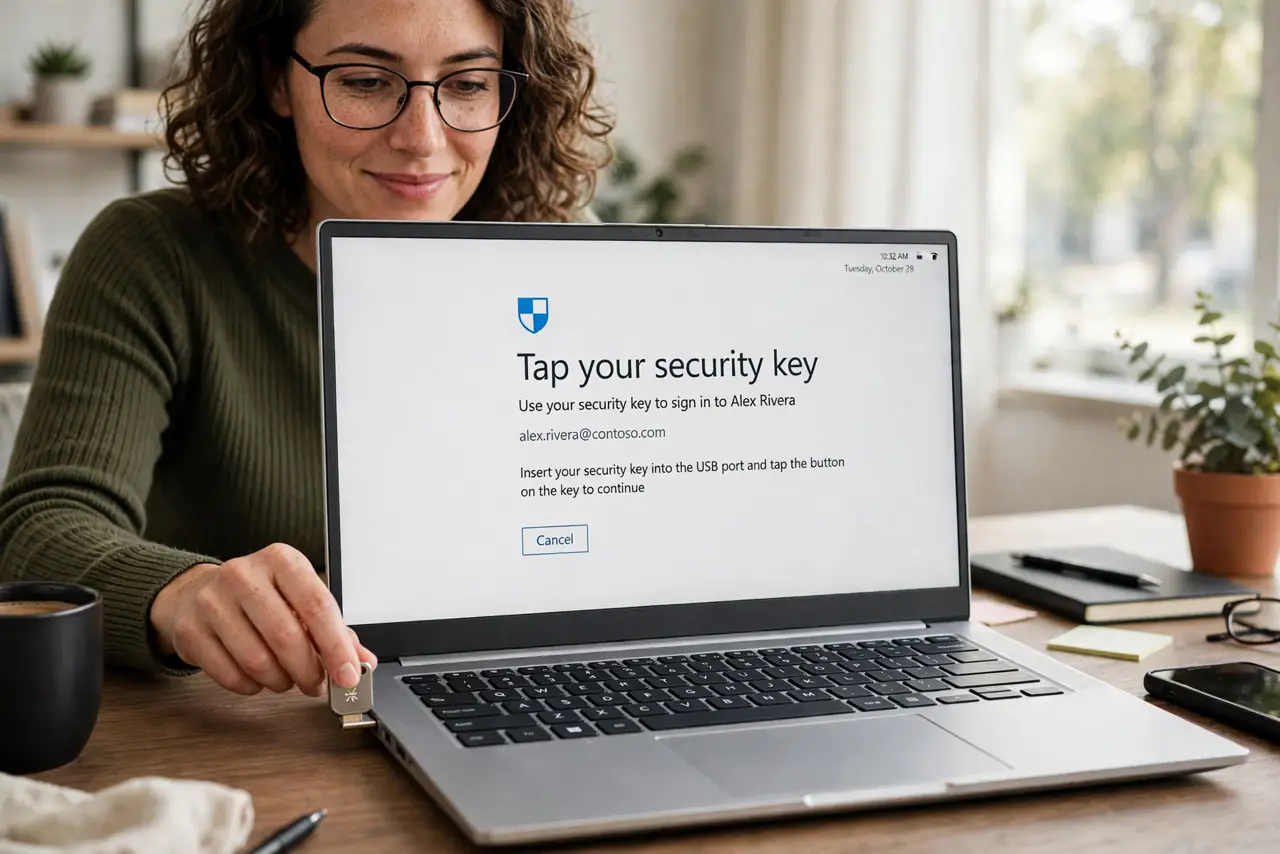
Authenticator apps are good, but their codes can still be phished — a fake login page happily accepts the six digits you type. A hardware security key fixes this at the root: the login only completes on the real site, because the cryptography checks the site's identity. Tap the key, you are in; attackers get nothing usable.
TL;DR / Quick Fix
A hardware security key replaces phishable codes with a physical tap: plug it in or hold it to your phone's NFC spot, and cryptography verifies the real site before completing. Register the key in each account's security settings and keep backup codes safe. The YubiKey setup guide walks through registration.
Follow these steps
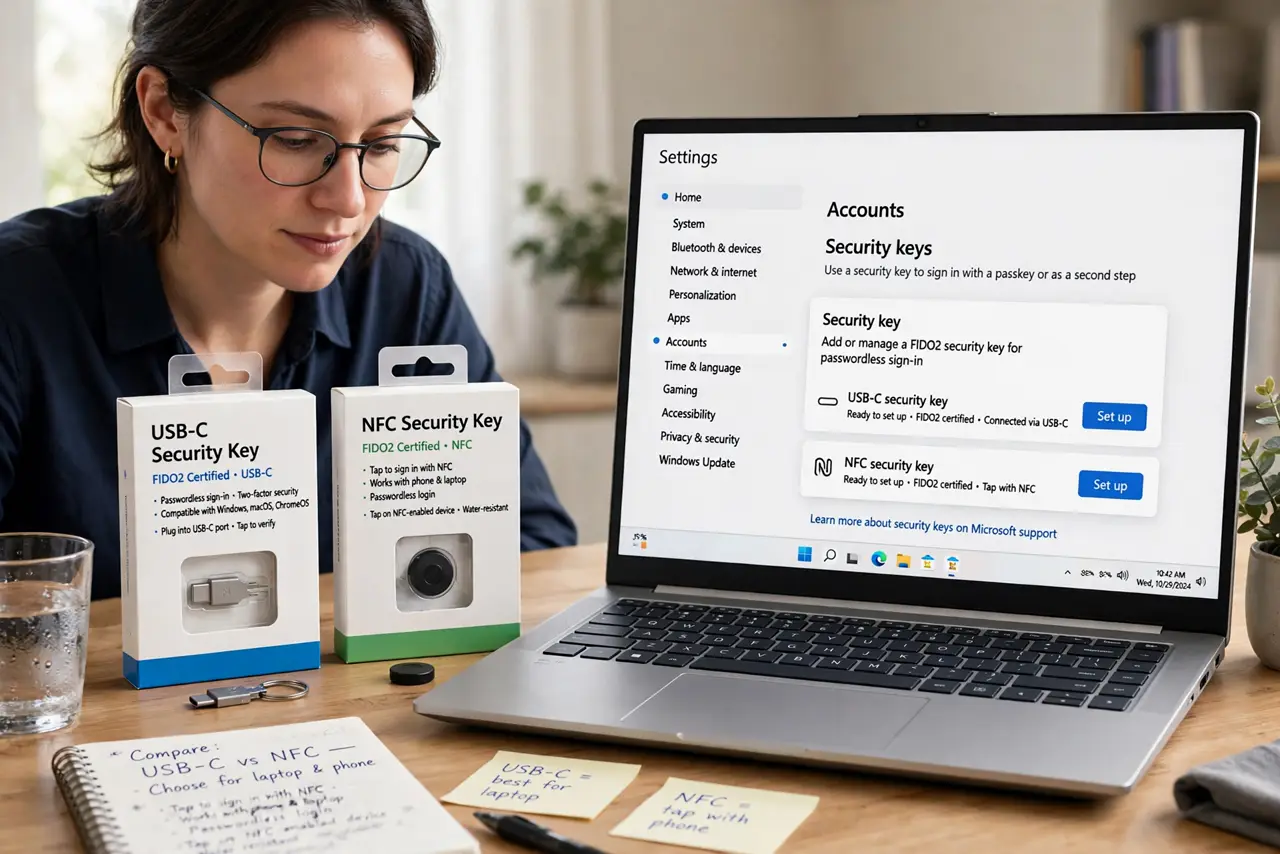
- Get a FIDO2-certified key. Look for the FIDO2 label and a connector matching your devices (USB-C, USB-A, or NFC for phones). Certification means it follows the open standard every major site supports.
- Register it on your most important account. In the account's security settings, choose to add a security key and follow the prompts — insert or tap when asked. Email first, then banking, then everything else.
- Learn the daily login flow. When a site asks, insert the key (or tap it to your phone) and touch the sensor. That is the whole flow — no codes to read, type, or get phished.
- Store backup codes separately. Every site gives recovery codes at registration. Keep them somewhere reachable without the key — a locked note, a printed copy, a second location.
- Register a second key as backup. Add a spare key to the same accounts. Two keys means a lost key is a minor errand instead of a lockout crisis.
- Know when to still use the authenticator app. Some sites and situations (old phones, shared computers) do not accept keys. Keep the authenticator app as a secondary method, not the only one.
What NOT to do
- Do not register a single key with no backup. One key, no codes, no spare — losing it turns every account into a recovery project.
- Do not assume keys work everywhere. Coverage is broad but not universal; check your critical sites before committing fully.
- Do not leave the key in the laptop permanently. An always-plugged key loses most of its phishing protection advantage — tap to authenticate, then pocket it.
- Do not buy based on brand hype alone. The FIDO2 certification matters more than the logo — uncertified keys can have spotty compatibility.
Frequently asked questions
Are security keys better than authenticator apps?
For phishing resistance, yes — decisively. Codes can be tricked out of you; a key's cryptography verifies the site itself. Apps remain a fine backup method.
Can someone steal my key and log in?
They would also need your PIN or biometrics for most setups, and you would notice the physical key missing. Remote attackers get nothing from a stolen key alone.
Do I need one key per website?
No — one key registers on unlimited sites. Buy a second key only as a backup, not per account.