Tech Backpacks? Basics
A tech backpack is a regular backpack rethought for gadget life: a padded laptop compartment, cable organizers, quick-access pockets, and sometimes USB passthroughs. Done well, it is the commuter's command center; done badly, it is an expensive bag with a laptop sleeve sewn in. Here is what actually matters when choosing one.
TL;DR / Quick Fix
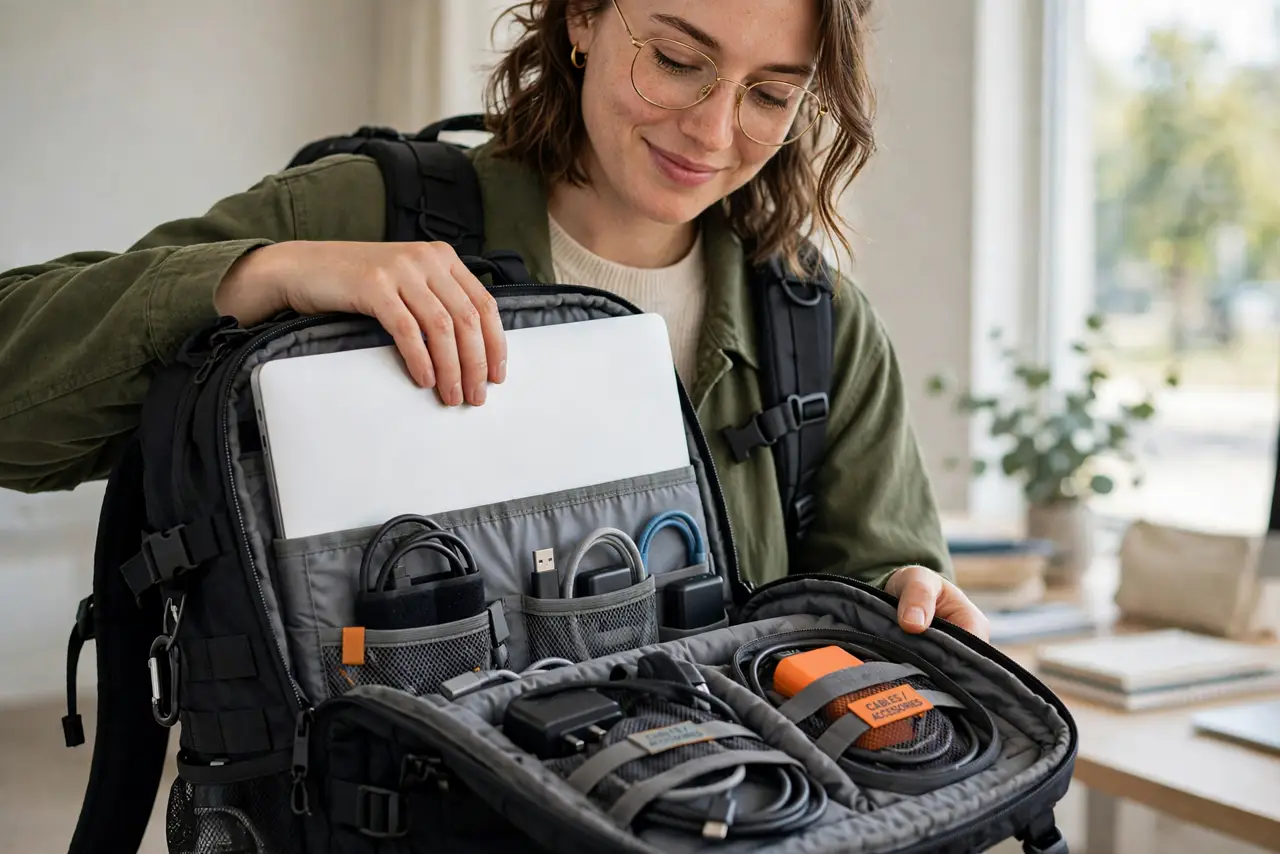
Quick fix: a good tech backpack centers on a padded, suspended laptop compartment that fits your exact laptop -- everything else is secondary. Look for real organization, comfortable straps, and water-resistant fabric. Skip built-in battery gimmicks; a power bank in a pocket does the same job.
Follow these steps
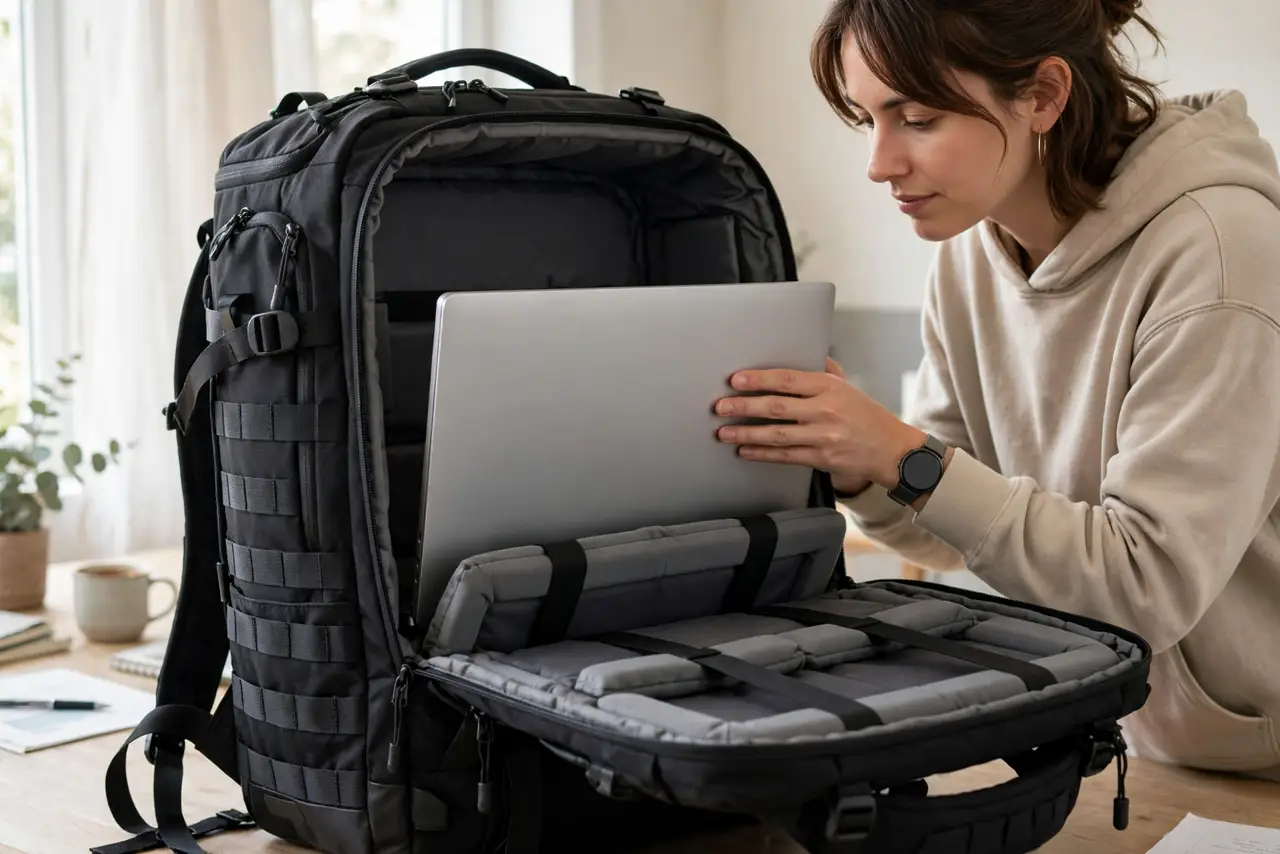
- Prioritize the laptop compartment. It should be padded, suspended off the bag's bottom, and sized to your laptop. This one compartment justifies the 'tech' label -- test it with your actual machine, not the store's demo.
- Demand real organization. Dedicated pockets for charger, mouse, cables, and pens beat one cavernous main compartment. Lay out your daily carry and check each item has a home -- that is the test.
- Test the straps with weight. Load it like you will carry it and wear it for five minutes. Thin straps dig, bad weight distribution pulls -- a backpack you hate wearing is a backpack you stop using.
- Check water resistance. Commuters meet rain. Water-resistant fabric plus covered zippers protects thousands of dollars of gear -- this matters more than any smart feature.
- Ignore the built-in battery gimmick. Bags with integrated power banks sound clever until the bank dies or airline rules change. A regular power bank in a pocket is cheaper, replaceable, and flies anywhere.
- Count the quick-access pocket. Phone, transit card, keys -- you reach for these constantly. One well-placed quick pocket you can open one-handed is worth three buried ones.
What NOT to do
- Do not buy for the gadget list. USB ports and GPS trackers on a bag with a bad laptop compartment miss the entire point.
- Do not size up 'for the future.' An oversized backpack encourages overpacking and wrecks your shoulders -- buy for today's carry.
- Do not trust 'waterproof' without details. Truly waterproof bags are rare; water-resistant with covered zippers is the honest standard.
- Do not overload it. A 10 kg tech backpack is a back injury with pockets -- the best organization cannot fix too much stuff.
Frequently asked questions
Are tech backpacks worth the premium?
If you commute daily with a laptop, yes -- the organization and protection pay off fast. For occasional carry, a basic padded backpack does fine.
What size tech backpack do I need?
20-25 liters covers laptop plus daily essentials. Bigger is for overnight trips, not commutes -- resist the extra space.
Can I fly with a tech backpack?
Yes -- most fit under seats or in overhead bins. The built-in battery kind can complicate security; another reason to skip it.