What Is HDMI 2.1?
The new TV boasts HDMI 2.1, the cable box says 'high speed,' and the console demands the right port — but HDMI version numbers are genuinely confusing, with features scattered across 2.0, 2.1, and marketing terms that mean nothing. HDMI 2.1 is the current standard, and it matters for 4K at 120Hz, variable refresh gaming, and high-end audio. This guide explains what 2.1 actually adds and whether you need it. For the broader port question, see DisplayPort vs HDMI.
TL;DR / Quick Fix
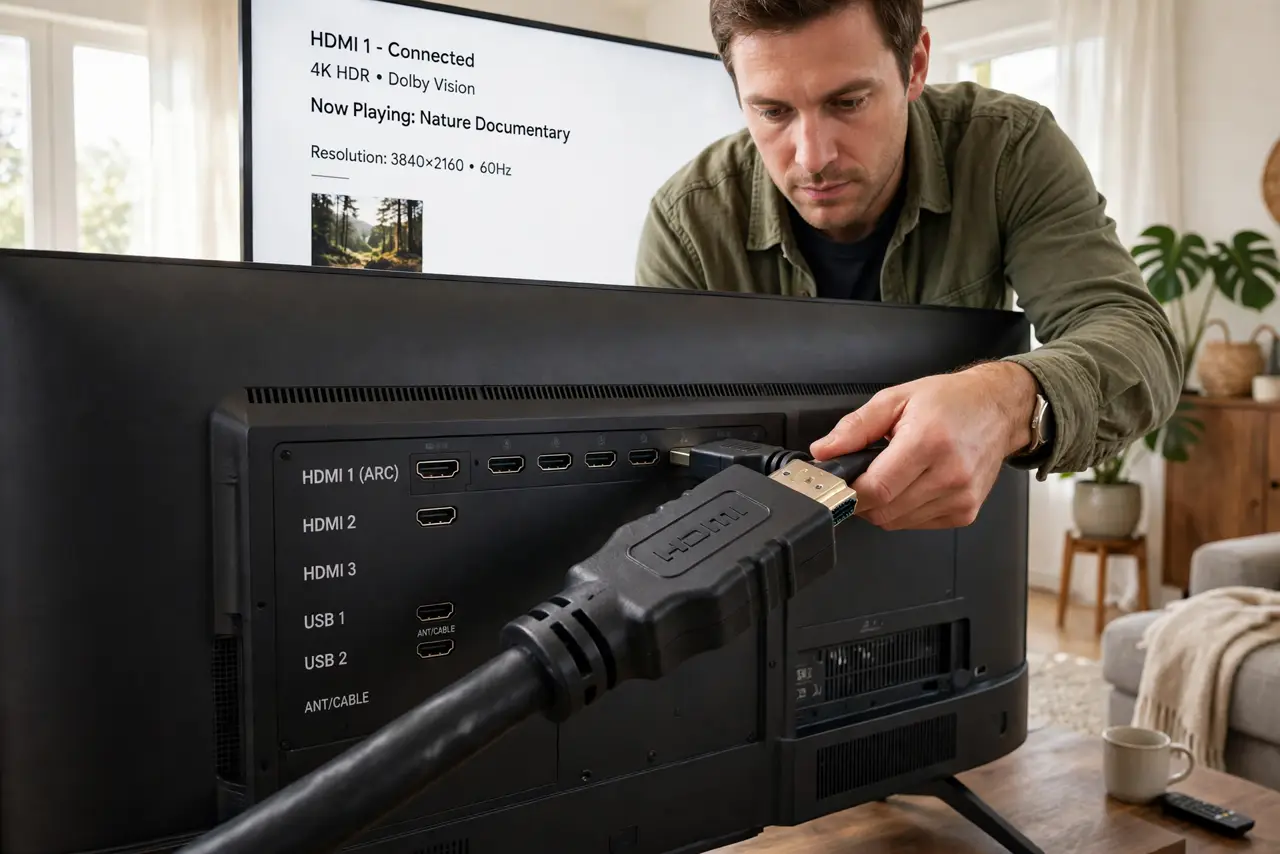
Quick fix: HDMI 2.1 adds the bandwidth for 4K at 120Hz, 8K, variable refresh gaming, and enhanced audio return — the full modern TV package. You need 2.1 on the TV, the source, and an Ultra High Speed cable together. For ordinary 4K 60Hz viewing, older HDMI works fine.
Follow these steps
- Learn what the bandwidth buys. HDMI 2.1 jumps to 48 Gbps — enough for 4K at 120Hz or 8K at 60Hz. That bandwidth is the whole story; every feature below rides on it.
- Know the gaming features. Variable refresh rate, auto low-latency mode, and quick frame transport make console gaming smoother and more responsive. These are the features gamers actually feel.
- Know the audio feature. Enhanced Audio Return Channel (eARC) sends full-quality surround sound from the TV back to a soundbar or receiver — one cable for the whole home theater.
- Check all three links. TV port, source device, and cable must all be 2.1 for the features to work. One weak link — usually the cable — silently drops you to older capabilities.
- Buy Ultra High Speed cables. Look for the Ultra High Speed certification label for 2.1 bandwidth. 'High Speed' cables are the older standard and cannot carry the full signal.
- Do not upgrade for regular viewing. Streaming 4K movies at 60Hz works perfectly on HDMI 2.0. Upgrade to 2.1 for new consoles, high-refresh PC gaming on TV, or future-proofing — not for Netflix.
What NOT to do
- Do not trust 'HDMI 2.1 compatible' cable claims without certification. The Ultra High Speed label is the real credential — the rest is marketing.
- Do not plug a 2.1 source into a 2.0 port expecting 120Hz. The port is the bottleneck; features negotiate down to the weakest link.
- Do not pay luxury prices for digital cables. A certified basic Ultra High Speed cable performs identically to a designer one.
- Do not assume every port on a '2.1 TV' is 2.1. Many TVs include only one or two full-bandwidth ports — check the manual for which.
Frequently asked questions
Is HDMI 2.1 backward compatible?
Yes, fully. New cables and ports work with old devices — you just get the older device's capabilities.
Do I need it for a soundbar?
For basic soundbars, no. For Dolby Atmos and full-quality surround via eARC, the 2.1 audio features help.
What is the maximum cable length?
Passive Ultra High Speed cables work reliably to about 3 meters. Longer runs need active or fiber-optic HDMI cables.