HDR10 vs Dolby Vision?
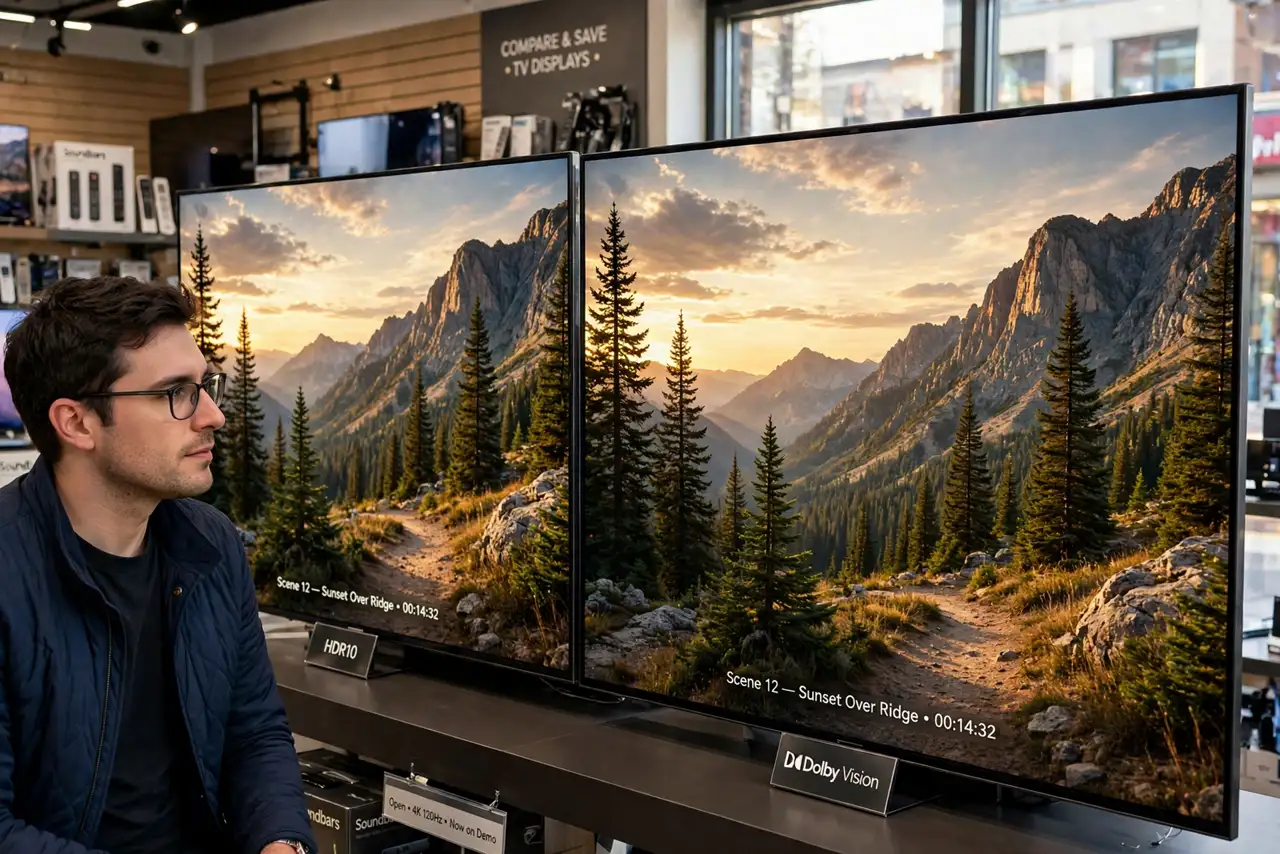
You are comparing two TVs: one touts HDR10, the other Dolby Vision, and the price gap wants an explanation. Both are HDR formats — ways of encoding brighter highlights and deeper shadows than standard video — but they differ in how the brightness instructions travel with the movie. HDR10 is the free, universal baseline; Dolby Vision is the premium, scene-by-scene upgrade. Here is which one actually matters for your viewing.
TL;DR / Quick Fix
Quick fix: HDR10 sets one brightness level for the whole movie; Dolby Vision adjusts scene by scene, so dark scenes keep detail while highlights pop. Vision needs a compatible TV and content; HDR10 works everywhere. On a mid-range TV the difference is subtle — on a great panel, Vision wins.
Follow these steps
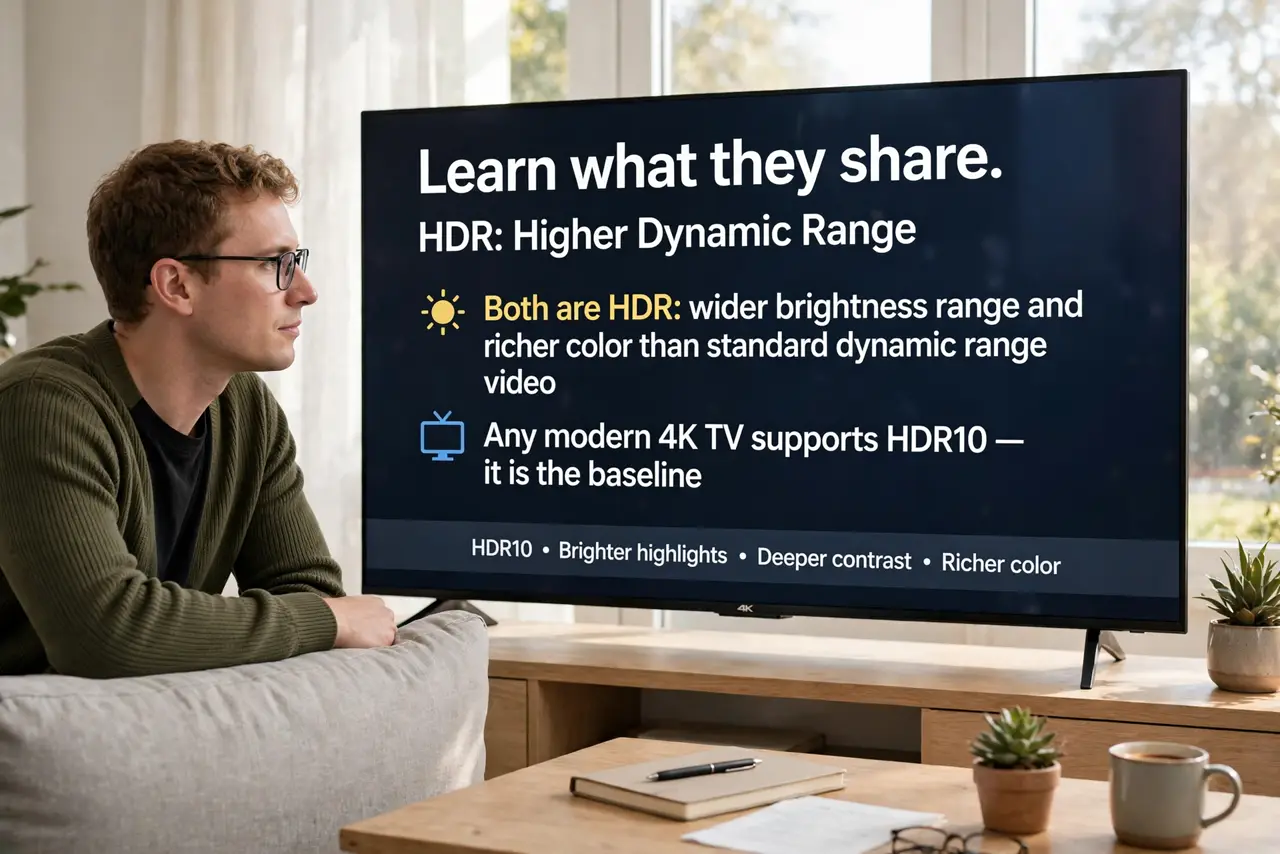
- Learn what they share. Both are HDR: wider brightness range and richer color than standard dynamic range video. Any modern 4K TV supports HDR10 — it is the baseline every HDR movie and stream includes. Nobody buys a TV without HDR10.
- Learn what Dolby Vision adds. Dynamic metadata: brightness instructions that change scene by scene instead of one setting for the whole film. Dark scenes keep shadow detail, bright scenes punch harder — the full explainer is in What Is Dolby Vision?.
- Check what your TV supports. Look for the badge in the specs. Most brands support both; Samsung famously supports HDR10+ (its own dynamic format) instead of Dolby Vision. No Vision badge means the comparison is moot for that TV — it plays HDR10, period.
- Weigh content availability. Dolby Vision has the broadest streaming and disc support of the premium formats; HDR10+ trails. But HDR10 plays everywhere, always — the universal fallback nobody has to think about.
- Consider your panel first. On a dim or budget panel, the format difference is subtle — brightness and contrast of the TV itself dominate. On a great panel, Vision's per-scene tuning is clearly visible. Panel quality outranks format badges.
- Do not overpay for the badge alone. A superb HDR10 TV beats a mediocre Dolby Vision TV every time. Buy the best panel in your budget; treat Vision support as a tiebreaker between equals, not the decision itself. If HDR looks wrong either way, see washed-out HDR before blaming the format.
What NOT to do
- Do not choose the TV by format badge alone. Panel brightness, contrast, and processing decide the picture far more than HDR10 versus Vision.
- Do not expect Vision to rescue a dim TV. Dynamic metadata cannot invent brightness the hardware lacks — nits are still king.
- Do not pay extra for Vision discs without a Vision TV. The premium disc tier only pays off on a compatible display; otherwise HDR10 is what you see.
- Do not confuse HDR10+ with HDR10. HDR10+ is Samsung's dynamic answer to Dolby Vision — similar idea, different badge, smaller content library.
Frequently asked questions
Which is better, technically?
Dolby Vision, on paper — 12-bit color depth support and the widest studio adoption. In practice, the TV's own quality decides more than the spec sheet.
Do I need Dolby Vision for gaming?
Not really — most games use HDR10, and game HDR quality varies by title. Movie watchers benefit most from Vision.
Will HDR10 disappear?
No — it is the mandatory baseline of the UHD standard. Every HDR TV and every HDR title supports it; the premium formats layer on top.