Revoke Guest Access to a Home Camera
You shared your home camera with a housesitter, cleaner, or guest — and never took the access back. Old guest access means someone can still watch your home today, so revoking it is a five-minute job worth doing now.
TL;DR / Quick Fix
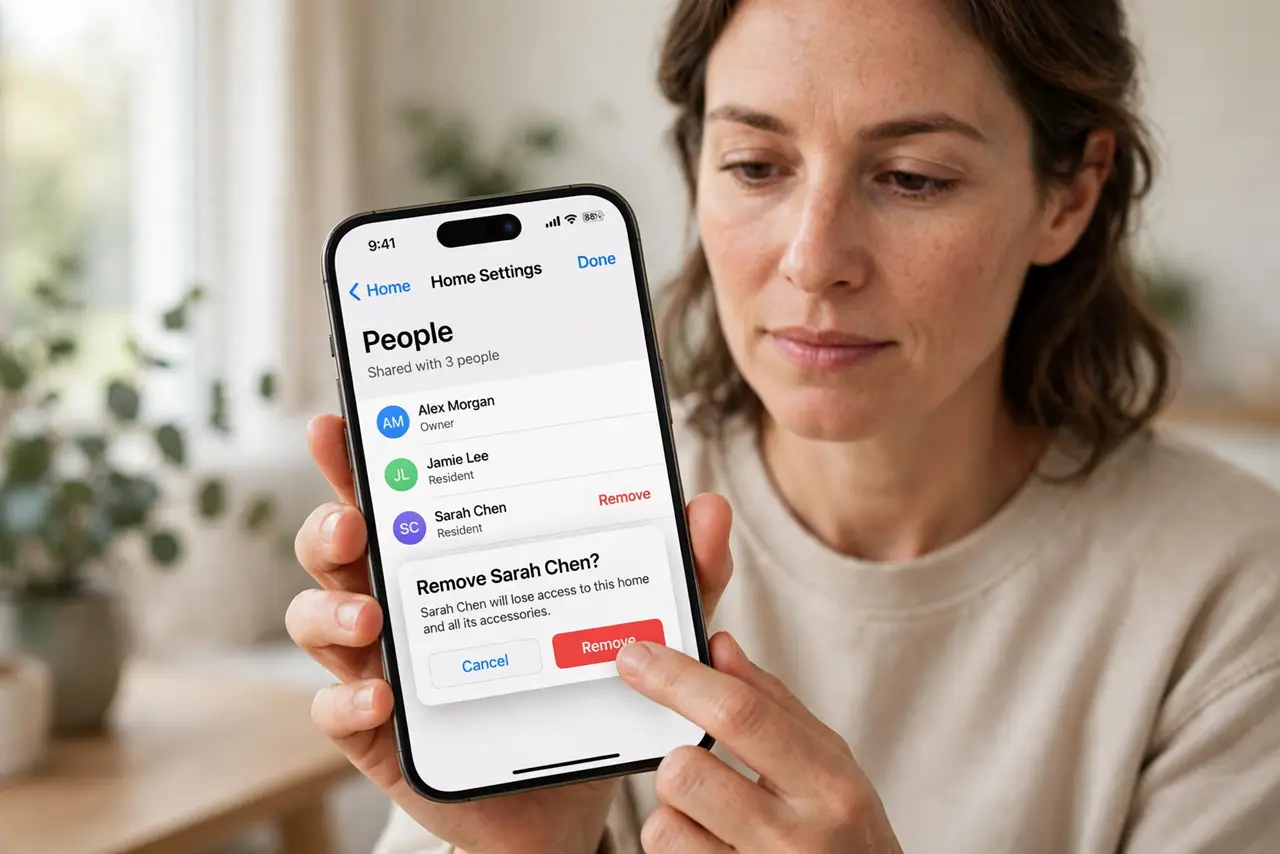
Quick fix: open the camera app's sharing or household settings, find the guest list, and remove everyone who no longer needs access. Then confirm the live view is private again, change the camera password, and review the list twice a year.
Follow these steps
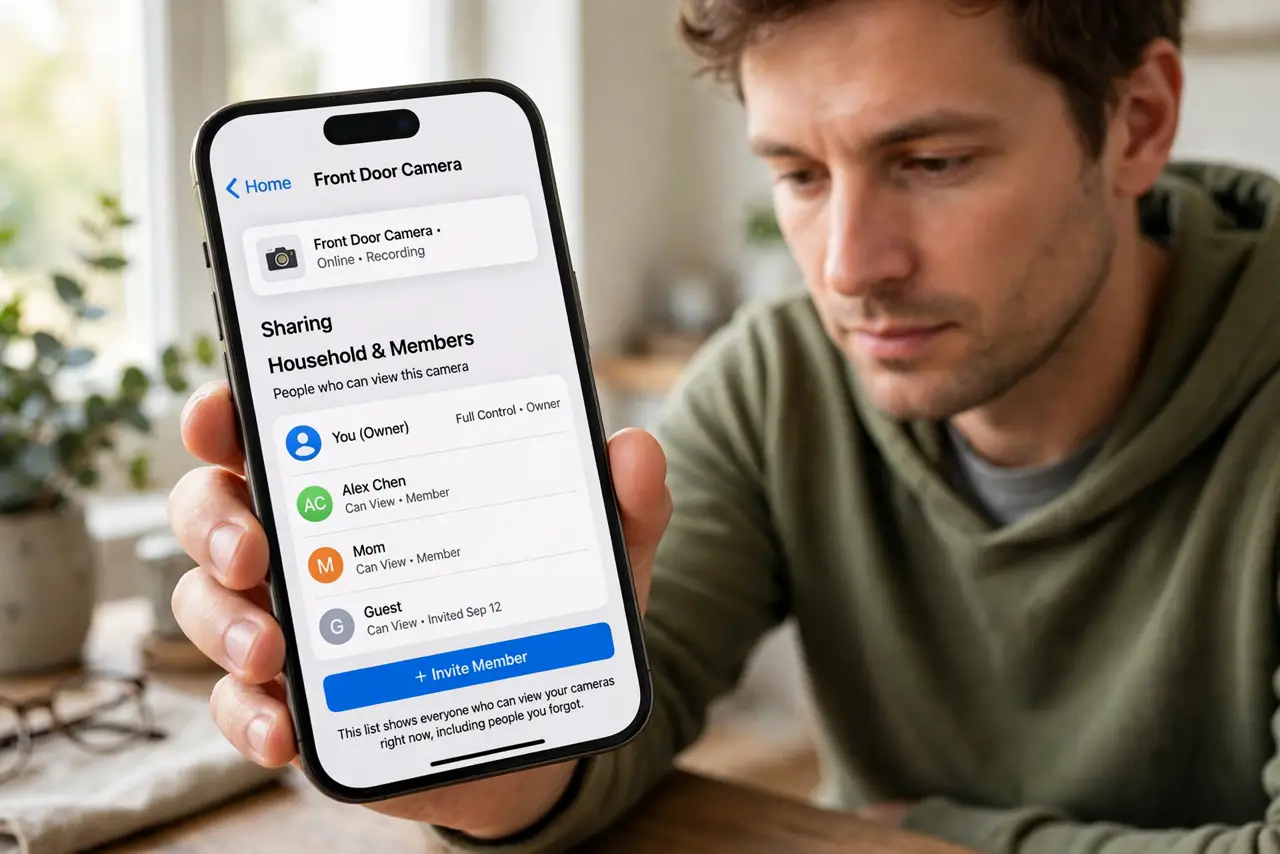
- Open the camera's sharing settings. Open the camera app and find sharing, household, or members. That list shows everyone who can view your cameras right now, including people you forgot.
- Remove guests who no longer need access. Delete the housesitter, cleaner, ex-partner, or former roommate from the list. Access should last exactly as long as the reason for it, not a day longer.
- Confirm the live view is private again. After removing them, check the viewer list or test the share link. The camera should show only current household members with access.
- Change the camera and Wi-Fi passwords. Update the camera account password after removing guests, especially if anyone knew it. A fresh password closes any access that did not go through the guest list.
- Check for shared links too. Look for shared view-only links you may have sent by message. A link shared months ago can still work, so expire or delete old ones.
- Review the list twice a year. Set a reminder to recheck camera sharing every six months. Guest access accumulates quietly, and a regular review keeps it current.
What NOT to do
- Do not leave a housesitter's access active indefinitely. Temporary access needs an end date, or temporary becomes permanent by forgetfulness.
- Do not share the main camera login instead of guest access. Guest roles limit what someone can see and change, while the main login hands over everything.
- Do not assume the guest stopped watching. Access does not expire on good intentions, so remove it explicitly rather than trusting it went unused.
- Do not forget cameras you replaced. An old camera still on the account can still stream, so remove retired cameras from the app too.
Frequently asked questions
How do I know who can see my camera?
Open the camera app's sharing or household settings. Everyone listed there can view the feed right now.
Is removing enough, or should I change passwords?
Do both. Removing ends the guest role, and a new password closes any side doors like a known login.
What about a link I texted someone?
Expire or delete old view links in the app's sharing settings, since a texted link can outlive the guest list.