Do You Need a Patch Panel?
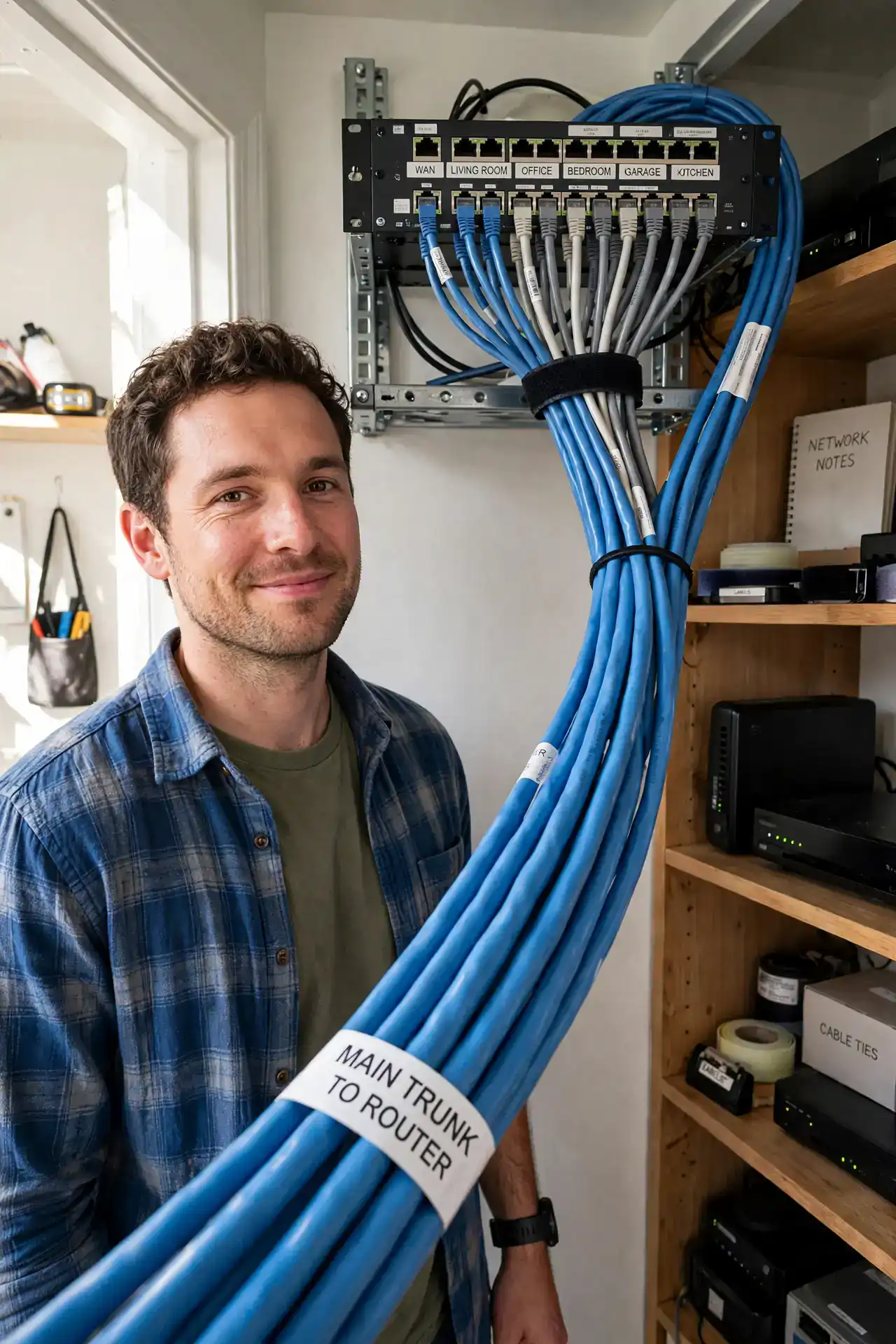
You ran ethernet to three rooms, then five, and now a tangled bundle of cables dangles where your router sits — unlabeled, unmanageable, and one tug away from chaos. A patch panel is the tidy answer: a small panel where every permanent wall run terminates, labeled, with short cords connecting each run to your switch. But it is not for everyone. Here is how to tell whether you actually need one. See the basic patch panel walkthrough if you decide to go ahead.
TL;DR / Quick Fix
Quick fix: buy a patch panel when you have several permanent ethernet wall runs — it turns a messy cable bundle into a tidy, labeled hub where short cords connect each run to your router or switch. For one or two cables, it is overkill.
Follow these steps
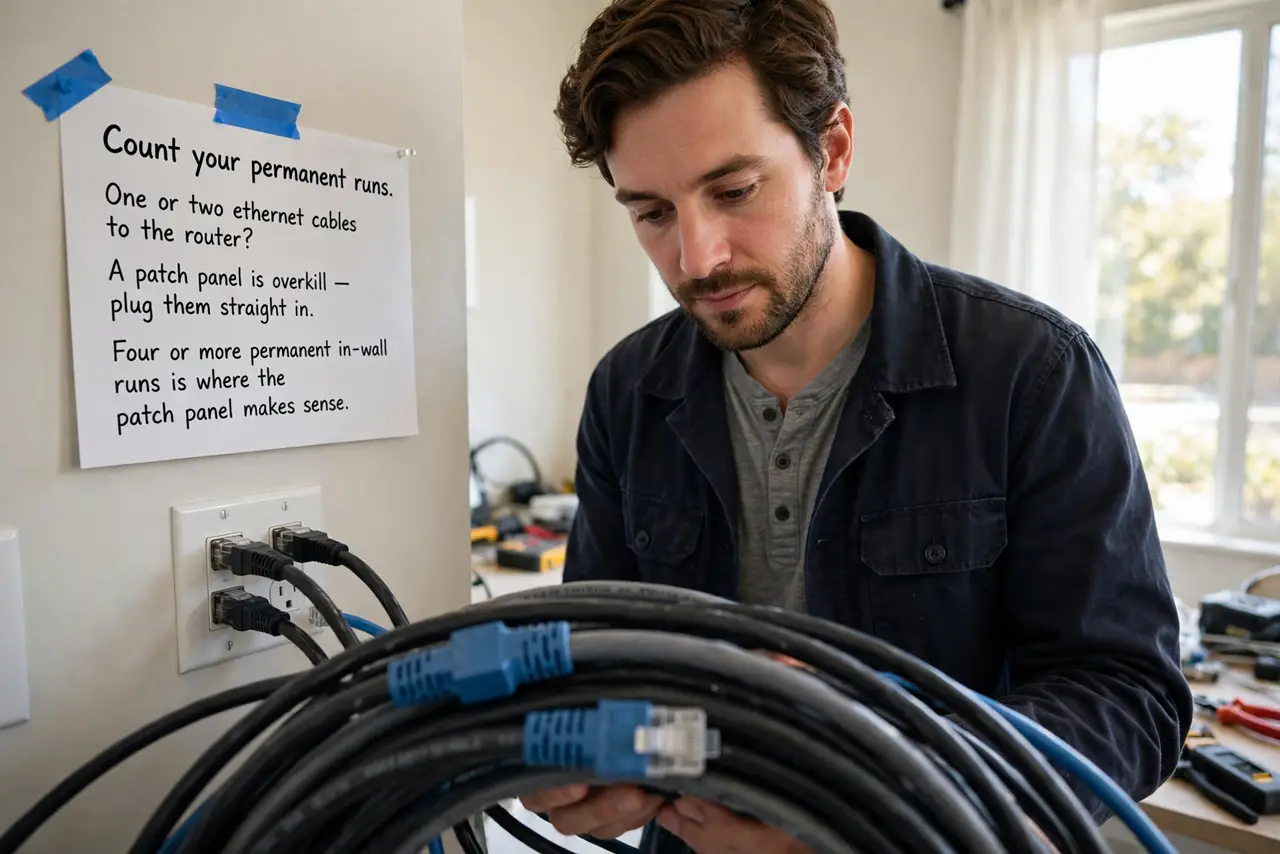
- Count your permanent runs. One or two ethernet cables to the router? A patch panel is overkill — plug them straight in. Four or more permanent in-wall runs is where the mess (and the labeling problem) makes a panel worth it.
- Understand what a panel actually does. In-wall cable is solid-core and should never be plugged directly into devices — it breaks with repeated flexing. A patch panel terminates each run properly with punch-down connections, and flexible patch cords make the final hop to your switch.
- Know the difference from a switch. A switch connects devices and moves traffic; a patch panel connects nothing electrically — it is pure organization, a labeled meeting point. You still need a switch (or router ports) beside it.
- Label every run as you terminate it. The panel's whole value is knowing which port goes to which room. Label both ends before you punch anything down — 'bedroom 2' beats 'cable 7' six months from now.
- Mount it where cables already gather. A small wall bracket or mini rack near your router keeps runs short and tidy. Do not mount it somewhere you will dread reaching — you will touch it every time you add a device.
- Use short patch cords to the switch. Six-inch to one-foot cords between the panel and switch keep the front clean. Long cords draped across defeat the entire purpose of the tidy panel.
What NOT to do
- Do not plug solid in-wall cable directly into your router or switch. Repeated flexing at the connector breaks solid-core cable — terminate it at the panel first.
- Do not skip labeling. An unlabeled panel is just an expensive bundle — label both ends of every run.
- Do not buy a 24-port panel for three runs. Match the panel to your run count with a little room to grow, not a data-center fantasy.
- Do not forget you still need a switch. The panel organizes cables; only the switch (or router) actually connects your devices to the network.
Frequently asked questions
Does a patch panel improve internet speed?
No — it is organization, not electronics. Speed comes from your plan, cabling quality, and equipment. What it improves is reliability and your sanity when troubleshooting.
Can I install one without special tools?
You need a punch-down tool (cheap) and a cable tester (worth it). The job is beginner-friendly: strip, arrange by the color code, punch, test.
Wall-mount or rack-mount?
Wall-mount brackets suit most homes — cheaper and smaller. A mini rack makes sense only if you also have a switch, modem, and other gear to house together.