Hotel Wi-Fi Asks You to Log In Hourly? Fix It
Hotel Wi-Fi that demands a fresh login every hour is the special torment of the traveling worker — calls drop, downloads die, and the portal reappears mid-meeting. The timeouts are deliberate, but you can stretch sessions and reconnect gracefully.
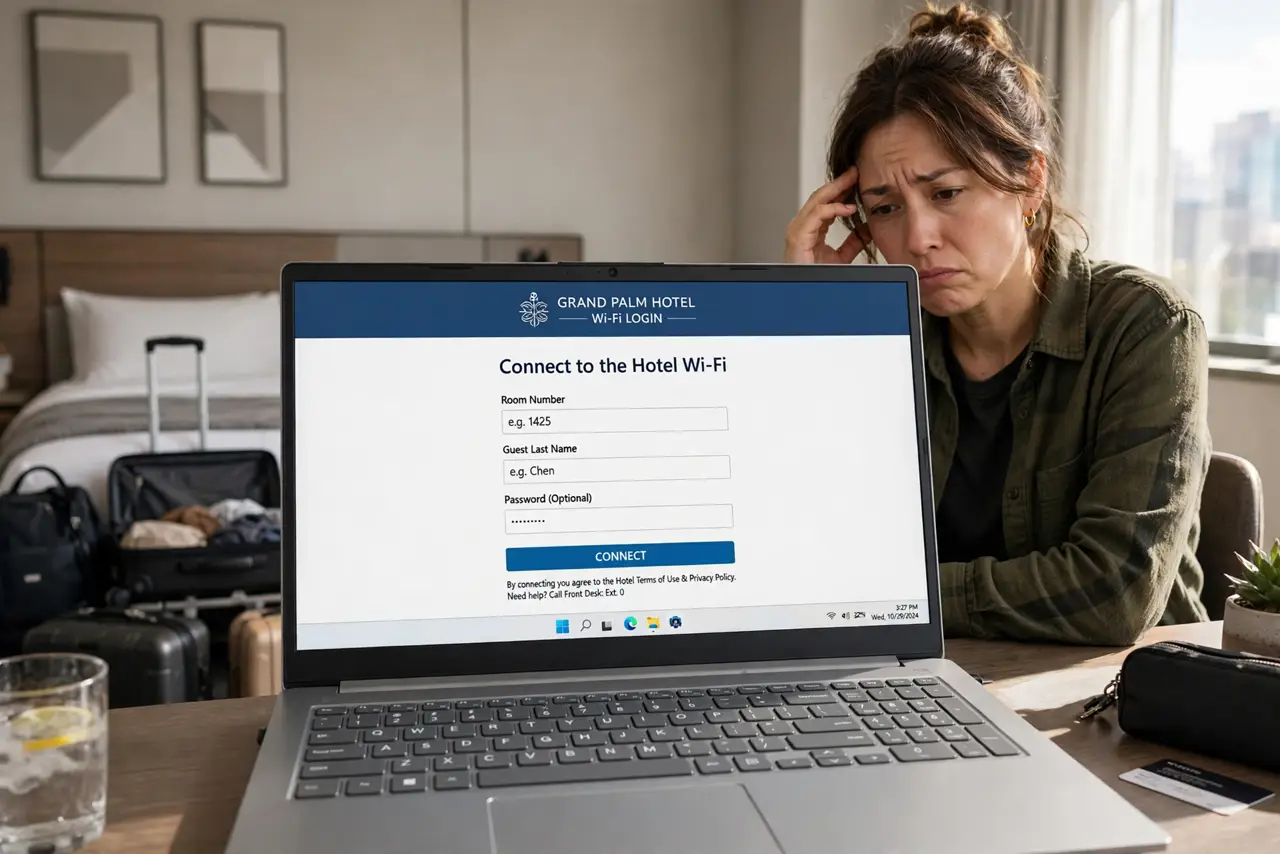
TL;DR / Quick Fix
Quick fix: hotels expire sessions to manage bandwidth — ask the front desk for the timeout and whether premium lasts longer. Bookmark the portal for one-click re-logins. For work trips, a travel router that logs in once for all your devices pays for itself quickly.
Follow these steps
- Ask the front desk for the real policy. Timeouts, device limits, and premium tiers vary. The desk knows; the portal never tells.
- Bookmark the portal page. Save the login URL. Re-logging becomes one click instead of a portal hunt.
- Log in from one device, share via hotspot. Your phone's hotspot shares one authenticated session with the laptop — one login, two devices.
- Keep the VPN connection steady. VPN drops can look like new devices to the portal. A stable tunnel means fewer re-auths.
- Consider the premium tier for work. Paid hotel tiers often have longer timeouts and more bandwidth. For a work trip, it is a business expense.
- Bring a travel router next time. It logs into the portal once and shares the session with all your gadgets — the frequent traveler's fix.
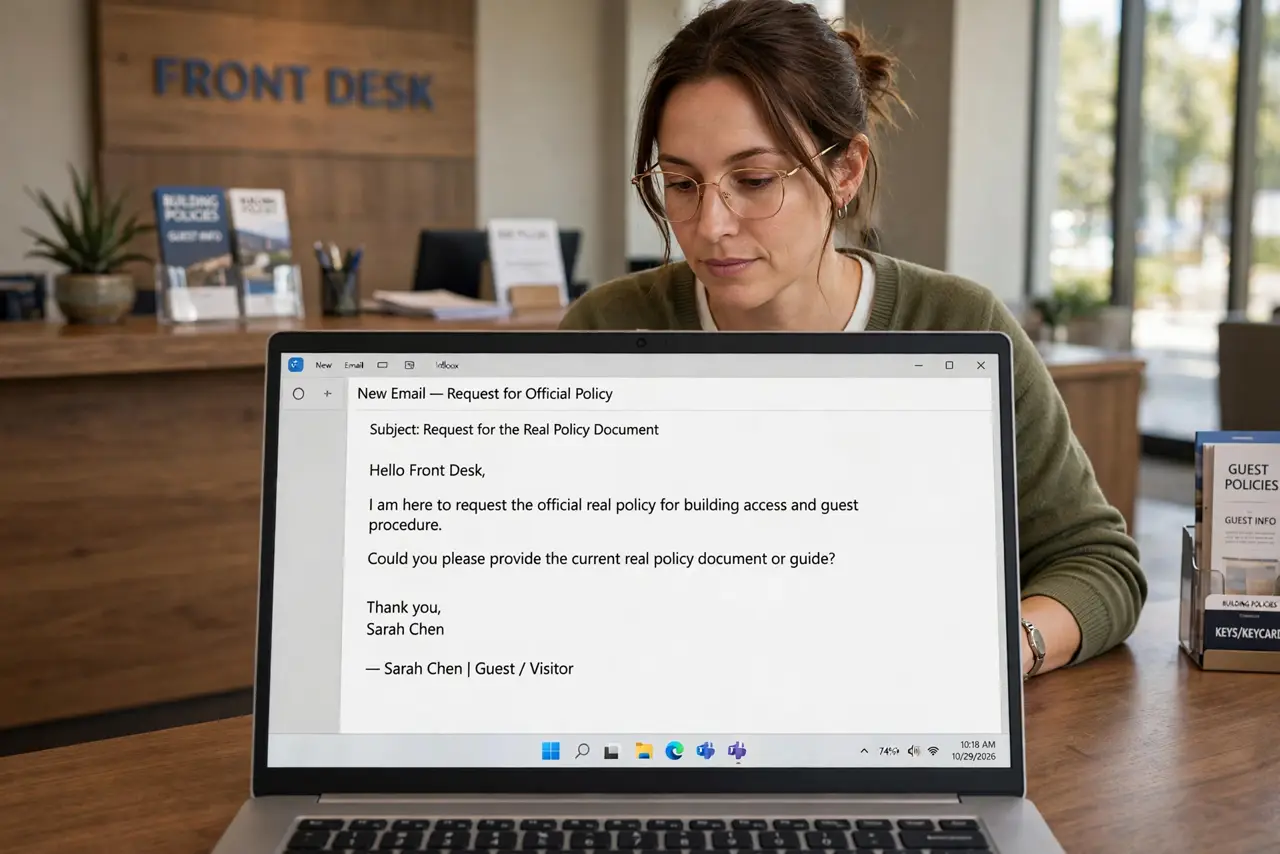
What NOT to do
- Do not fight the timeout with keepalive tricks. Most are terms-of-service violations and rarely work anyway.
- Do not do sensitive work during the unprotected re-login gap. Reconnect the VPN the moment the portal clears.
- Do not share the premium code publicly. Hotels tie codes to rooms; abuse gets them revoked.
- Do not assume the hourly drop is your device. It is the hotel's session timer — your laptop is innocent.
Frequently asked questions
Why does hotel Wi-Fi kick me off every hour?
Session timers manage bandwidth and nudge guests toward premium tiers. It is deliberate network policy, not a glitch.
Can I stay logged in longer?
Premium tiers, travel routers, or simply re-logging via bookmark. The free tier's timer is not negotiable.
Why does the portal reappear mid-video-call?
The session expired mid-call. Re-login restores it — the call app usually reconnects on its own.