Hotel Wi-Fi Payment Page Loops Forever
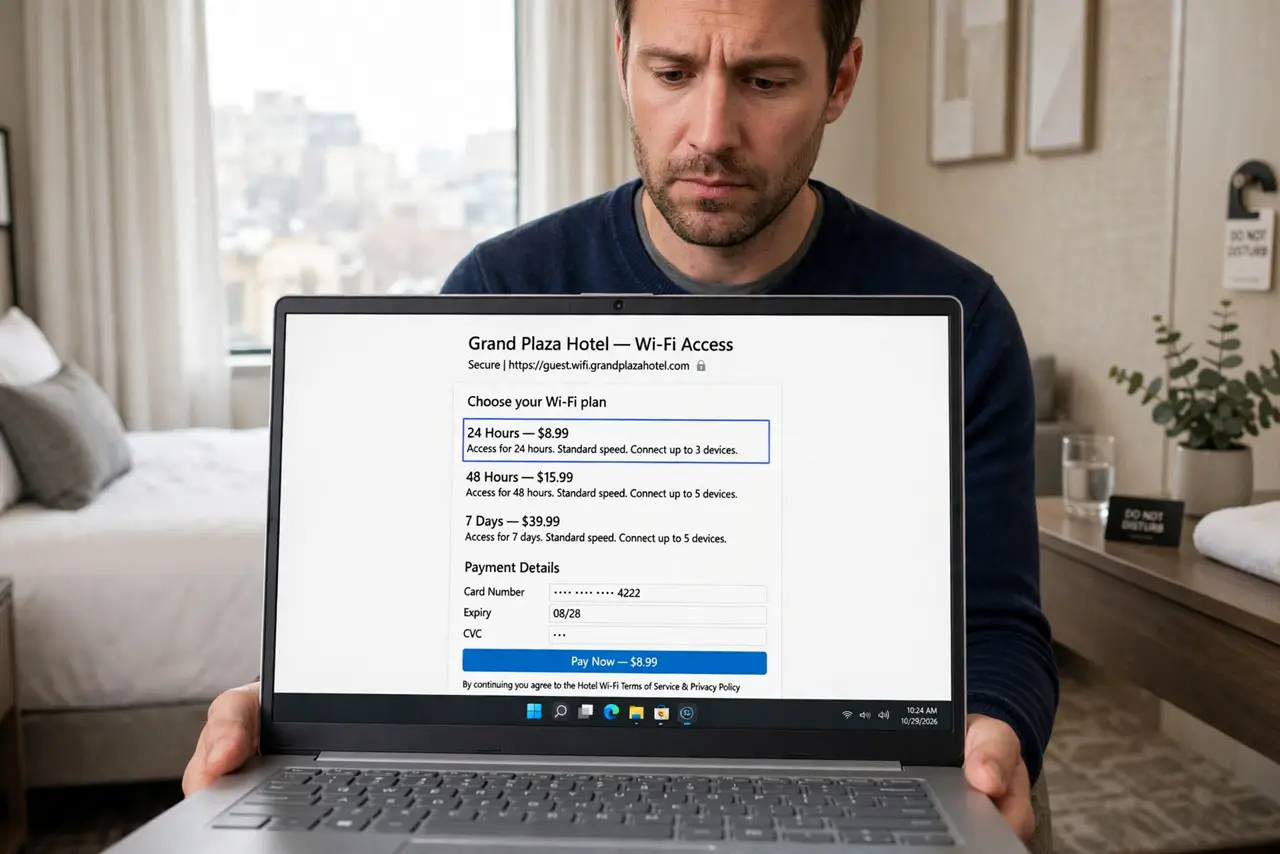
You pay for hotel Wi-Fi, the page spins, and you land back at the payment screen — paid, but still offline. The loop is usually a stuck portal session or a cookie the browser will not let go of.
TL;DR / Quick Fix
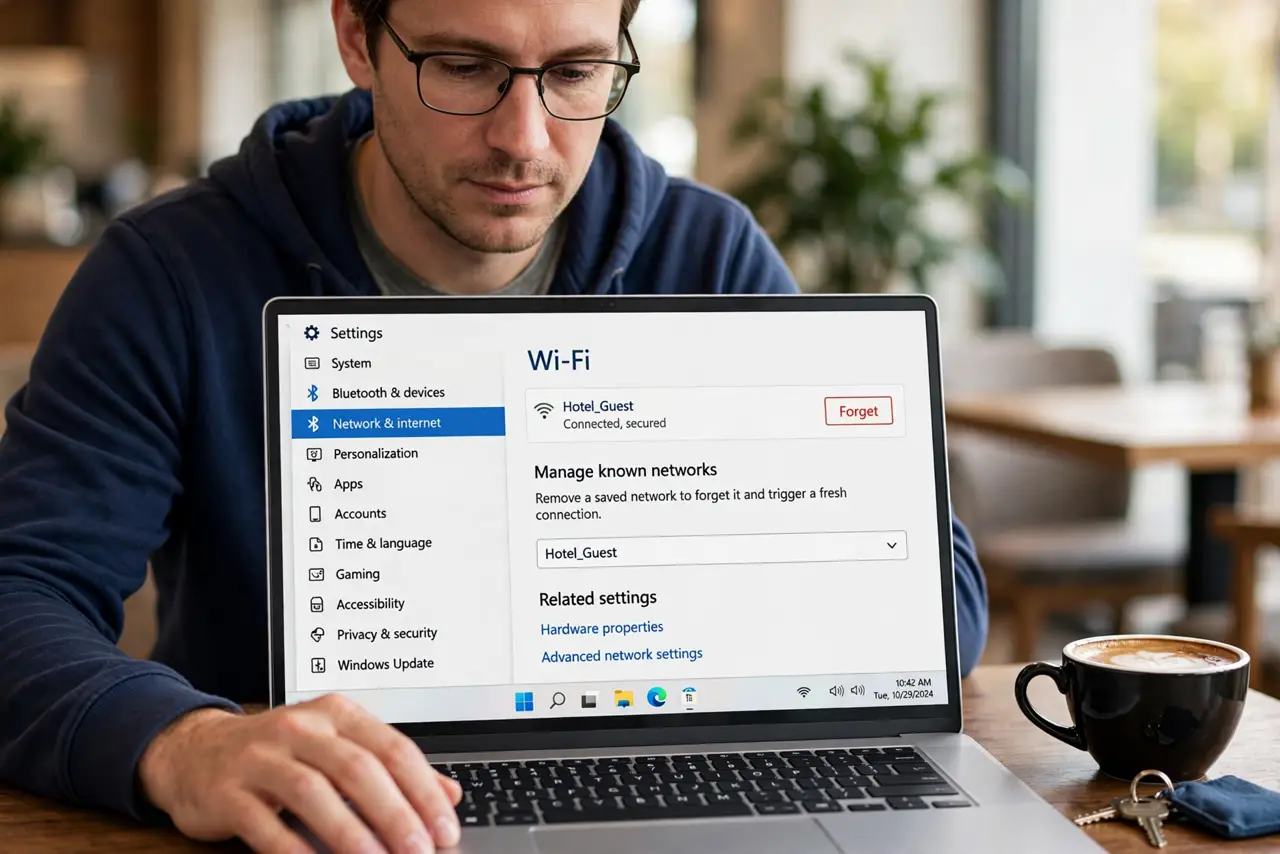
Quick fix: close the portal tab, forget the hotel Wi-Fi network, and rejoin it to get a fresh portal session. Turn the VPN off until you are online, clear the browser's cookies for the portal site, and pay once more in a different browser if the loop repeats.
Follow these steps
- Get a fresh portal session. Forget the hotel network in Wi-Fi settings, then join it again. A new join triggers a new portal session, which often breaks the looping hotel login the old session was stuck in.
- Turn the VPN off for the login. A VPN can confuse the portal's payment check. Keep the VPN off until the payment completes and you are online, then turn it on for actual browsing.
- Clear the portal's cookies. Open browser settings and delete cookies for the hotel or portal domain. A half-finished payment cookie is a classic cause of the pay-again loop.
- Try a different browser. If the loop persists, pay in another browser with no extensions. An ad blocker or privacy extension can silently break the portal's payment steps.
- Check you were actually charged. Look at your card or bank app before paying a third time. If the first payment went through, the front desk can activate your room without another charge.
- Ask the front desk to reset your room's session. The hotel's system can clear a stuck session for your room. A two-minute call beats a twenty-minute fight with the payment page.
What NOT to do
- Do not pay three times hoping one sticks. Check your card first, because duplicate payments on a looping portal are common and annoying to refund.
- Do not enter card details with the VPN off on a page you do not trust. Use the hotel's official portal only, and turn the VPN on the moment you are online.
- Do not assume the loop means the hotel is scamming you. Stuck portal sessions are a boring technical fault, and the front desk deals with them daily.
- Do not keep the portal tab open for hours. An expired portal session loops forever, so a fresh join beats an old tab every time.
Frequently asked questions
Why does the payment page keep looping?
Usually a stuck portal session or a leftover payment cookie makes the system forget you just paid, so it asks again.
Should the VPN be on or off for hotel login?
Off for the login and payment, on afterwards. The portal needs to see you directly to complete its check.
The front desk says I am connected but I am not. Why?
Their system may show the stuck session as active. Ask them to clear it and rejoin the network fresh.
What to read next
- Hotel Login Page Loops? Fix It
- Captive Portal Will Not Load? Fix It