Your Carrier Throttles Hotspot Before the Cap
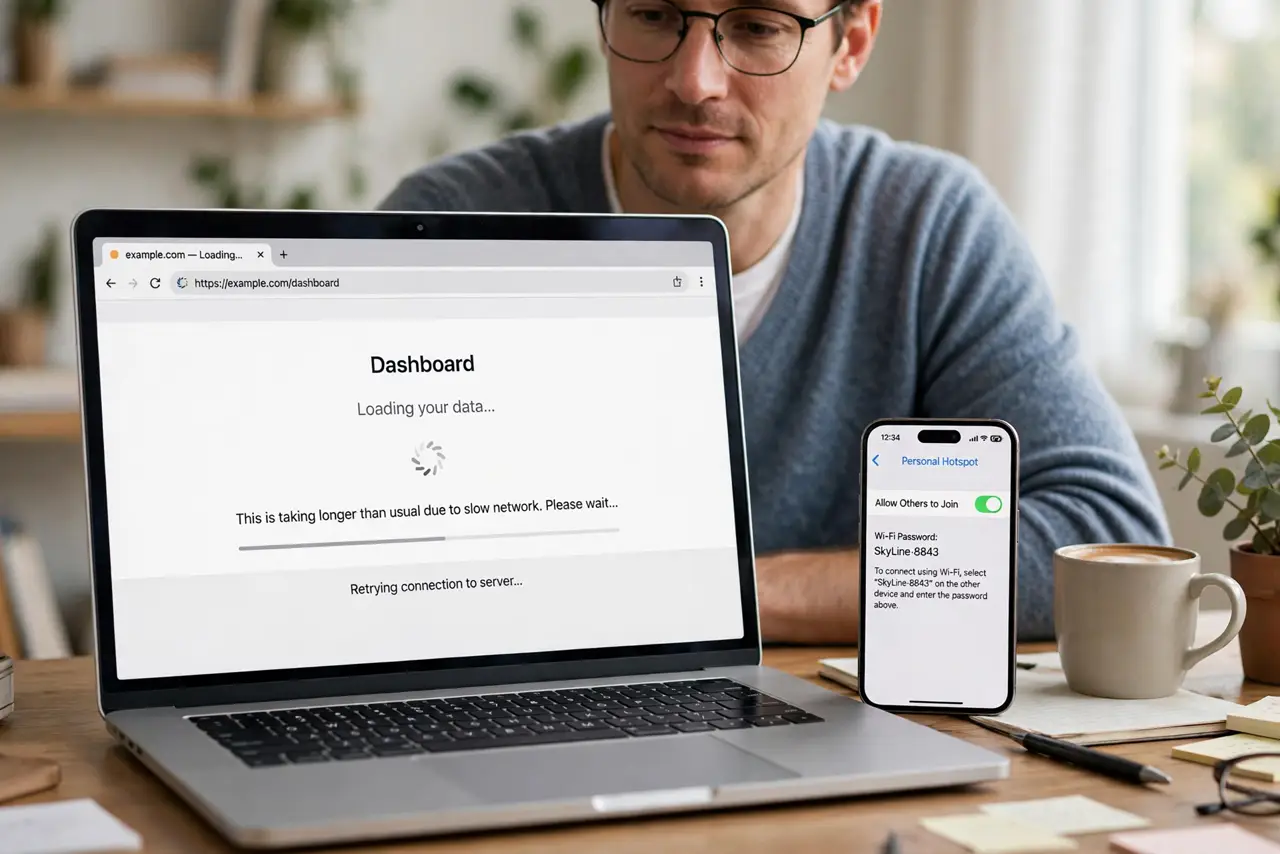
Your plan promises hotspot data, but tethering crawls long before you hit the limit. Carriers often throttle hotspot traffic separately from phone data — and the fix depends on which limit you actually hit.
TL;DR / Quick Fix
Quick fix: check your carrier app for the hotspot allowance versus your phone data allowance — they are usually different numbers. Confirm how much hotspot you have used, test the speed, and switch to USB tethering or lower video quality to stretch what remains.
Follow these steps
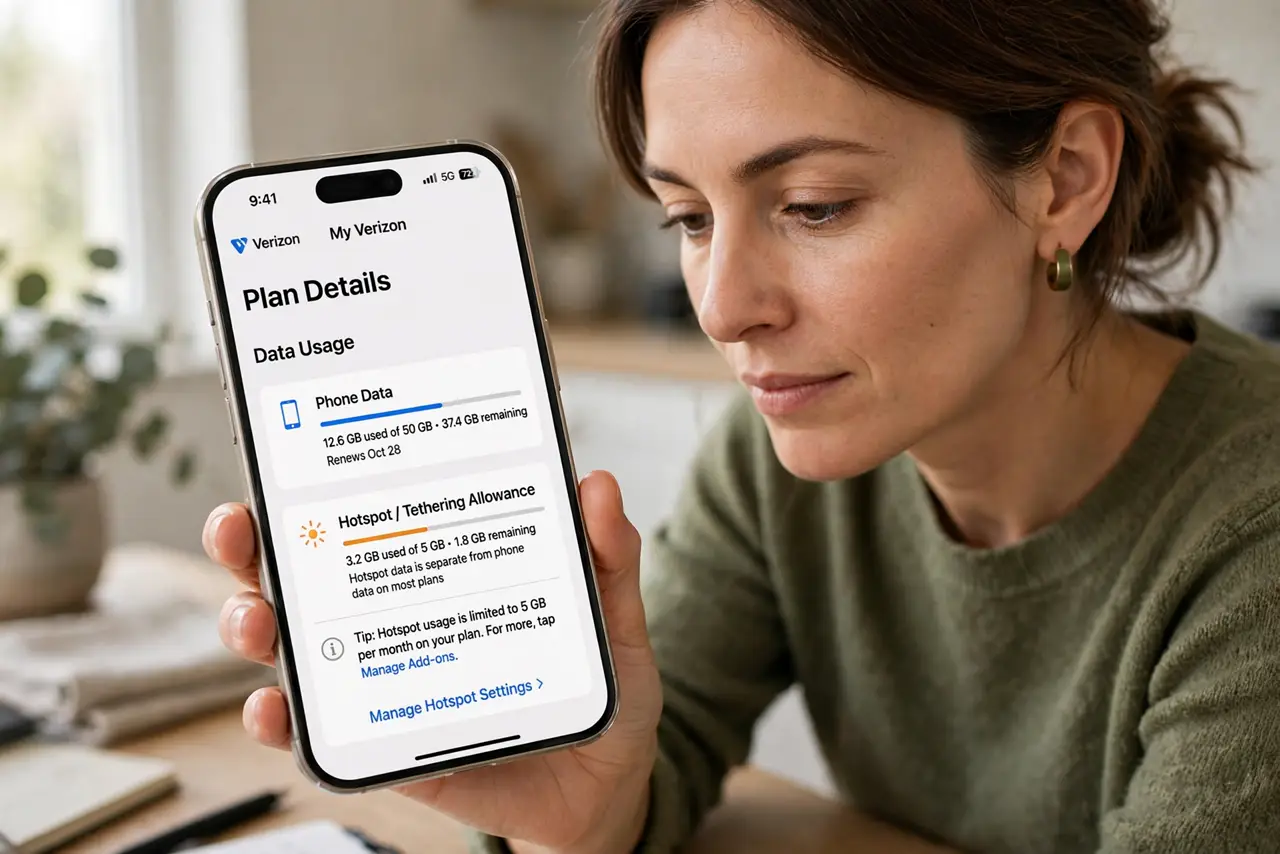
- Find the hotspot allowance in your plan. Open the carrier app and look for the hotspot or tethering line specifically. Phone data and hotspot data are separate buckets on most plans, with the hotspot bucket much smaller.
- Check how much hotspot you have used. Compare used versus allowed hotspot data for this cycle. Hitting the hotspot cap throttles tethering while the phone itself stays fast, which matches the symptom exactly.
- Run a speed test on the tethered device. Test from the laptop, not the phone. Slow on the laptop but fast on the phone confirms hotspot throttling rather than a weak signal.
- Lower video quality on tethered devices. Drop streaming to standard definition while on hotspot. Video eats a hotspot allowance in an evening, while email and browsing sip it.
- Try USB tethering instead of Wi-Fi hotspot. Some carriers count or throttle the two differently, and USB tethering is steadier anyway. It costs nothing to test which one your plan treats better.
- Ask the carrier before buying more. Call or chat and ask whether the throttle lifts at the next cycle or needs a plan change. Buying a top-up for a throttle that resets tomorrow wastes money.
What NOT to do
- Do not assume the phone is broken when only tethering is slow. The phone's own data staying fast is the signature of hotspot throttling, not a faulty phone.
- Do not stream in high definition on a hotspot allowance. One evening of HD video can burn a month's hotspot bucket, and the throttle that follows looks like a malfunction.
- Do not buy a hotspot top-up without checking the cycle date. A throttle that resets in two days needs patience, not money.
- Do not confuse a weak signal with throttling. Test the phone's own speed first, since a bad signal slows everything equally.
Frequently asked questions
Why is hotspot slow but phone data fast?
Because carriers throttle the hotspot bucket separately. Your phone data and your hotspot data have different limits and different speeds after the limit.
Does USB tethering avoid the throttle?
Sometimes. Some plans treat it differently from Wi-Fi hotspot, and it is steadier regardless, so it is worth testing.
Will the throttle lift on its own?
Usually at the next billing cycle. If it does not, the plan itself may need changing.