What Does HTTPS Mean?
Every browser shows a little padlock, every address starts with https://, and nobody explained what any of it means. HTTPS is simply the encrypted version of the web's basic language — it scrambles your connection so eavesdroppers cannot read it. Here is what it does and does not protect.
TL;DR / Quick Fix
Quick fix: HTTPS encrypts the connection between your browser and a website, so no one on the network can read what you send. Always look for the padlock before entering passwords or card numbers. But HTTPS does not mean a site is honest — scammers use it too.
Follow these steps
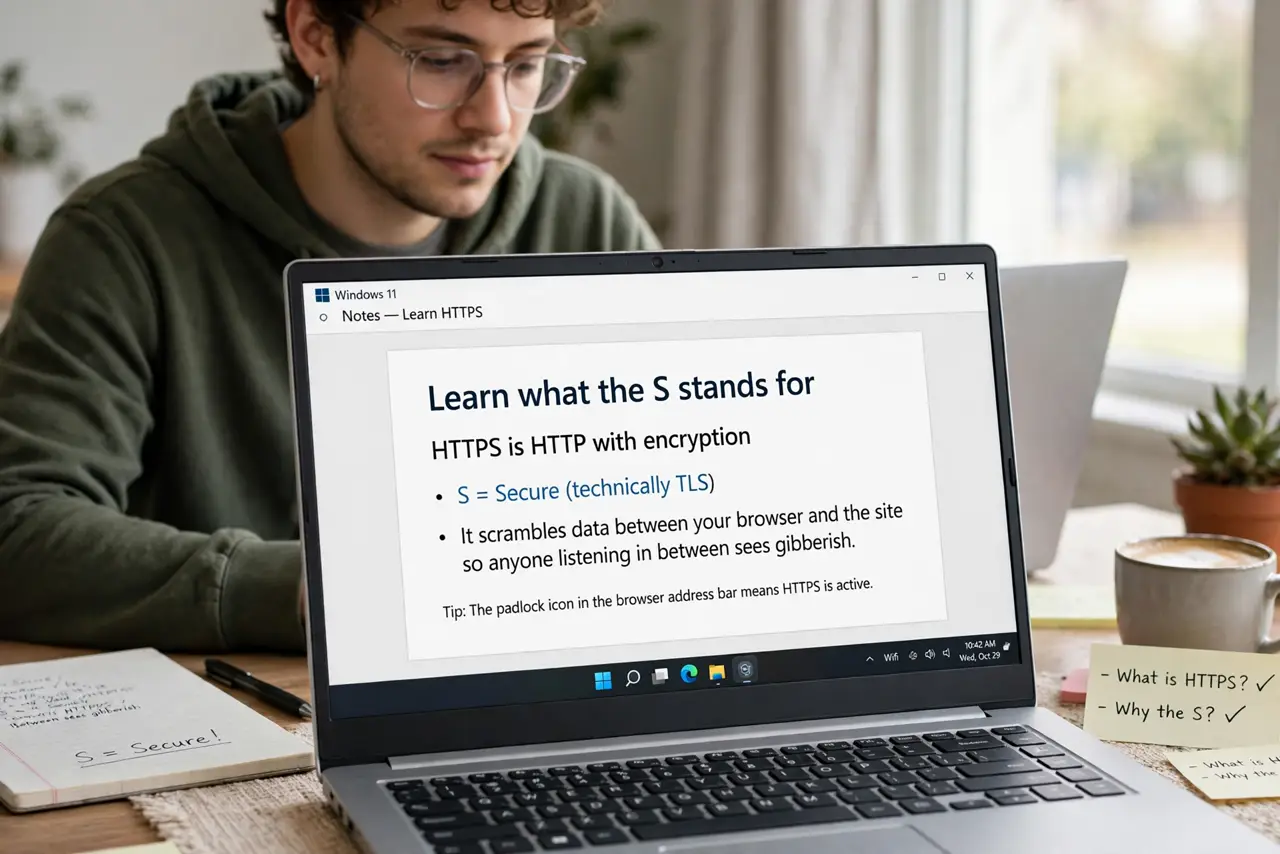
- Learn what the S stands for. HTTPS is HTTP with encryption (the S is for Secure, technically TLS). It scrambles data between your browser and the site so anyone listening in between sees gibberish.
- Spot it in the address bar. Look for https:// and the padlock icon. Clicking the padlock shows the site's certificate — its ID card, issued by a trusted authority.
- Understand what it protects. It protects data in transit: passwords, messages, card numbers. On public Wi-Fi, HTTPS is what keeps the person next to you from reading your traffic.
- Learn what it does NOT prove. A padlock means the connection is encrypted, not that the site is trustworthy. Scam sites get certificates too — see the HTTPS vs VPN comparison for what each tool actually covers.
- Watch for browser warnings. If your browser says 'Not Secure' or blocks a certificate, do not enter sensitive info. The warning means something in the chain is broken.
- Keep it on everywhere you can. Most browsers now default to HTTPS automatically. The habit to build is checking for the padlock before typing secrets.
What NOT to do
- Do not trust a site just because it has a padlock. Scammers encrypt their phishing pages too.
- Do not enter passwords on plain HTTP pages. Without the S, your data travels readable to anyone watching the network.
- Do not ignore certificate warnings. They exist precisely for the moment something is wrong.
- Do not assume HTTPS hides which sites you visit. Your provider can still see the domain names — DNS-level privacy is a separate topic, see DNS over HTTPS.
Frequently asked questions
Is HTTPS the same as a VPN?
No. HTTPS encrypts one site's connection; a VPN encrypts everything leaving your device. They solve different problems and complement each other.
Why do some sites still use HTTP?
Usually old or neglected sites. Browsers increasingly warn about them — treat any login on HTTP as unsafe.
Can my employer see HTTPS traffic?
On a work device with company certificates installed, yes, potentially. HTTPS protects against outsiders, not against whoever controls your device.