What Incognito Actually Hides? And Doesn't
Incognito mode feels like an invisibility cloak, but it hides far less than most people think. It is a useful tool with a specific job — this guide explains exactly what it covers and what it does not.
TL;DR / Quick Fix
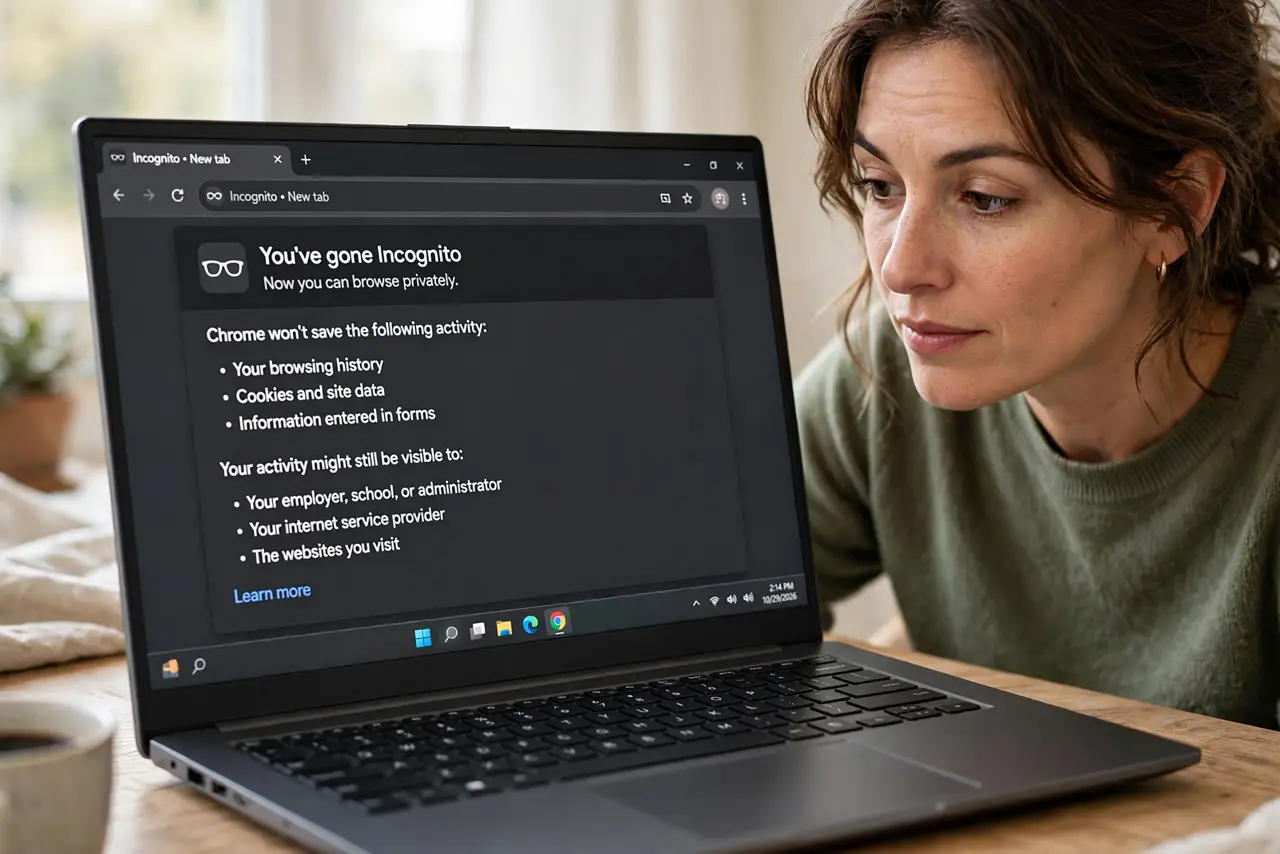
Quick fix: use incognito for hiding local traces — no history, no saved logins, no cookies after you close it. It does not hide you from your internet provider, employer, or the websites you visit. For those, you need a VPN or Tor, not a private window.
Follow these steps
- Know what it hides: local traces. Incognito does not save your history, form entries, or cookies once you close the window. Anyone opening the browser later will not see where you went.
- Know what it does not hide: your network. Your internet provider, employer, or school still sees every site you visit. Incognito is a local curtain, not a network disguise.
- Know it does not hide you from sites. Websites still see your IP address and can fingerprint your browser. Logging into an account in incognito identifies you instantly.
- Use it for its real jobs. Logging into two accounts at once, shopping for surprise gifts, testing a site as a logged-out visitor, or using a shared computer — these are incognito's strengths.
- Add a VPN for network privacy. If you want privacy from your network too, that is a VPN job, not incognito's. The two tools cover different layers.
- Close the window when done. The protection only applies while the window is open and after it closes. Leaving it open on a shared computer defeats the purpose.
What NOT to do
- Do not assume incognito makes you anonymous. It was never designed for that — it is a local privacy feature, not an anonymity tool.
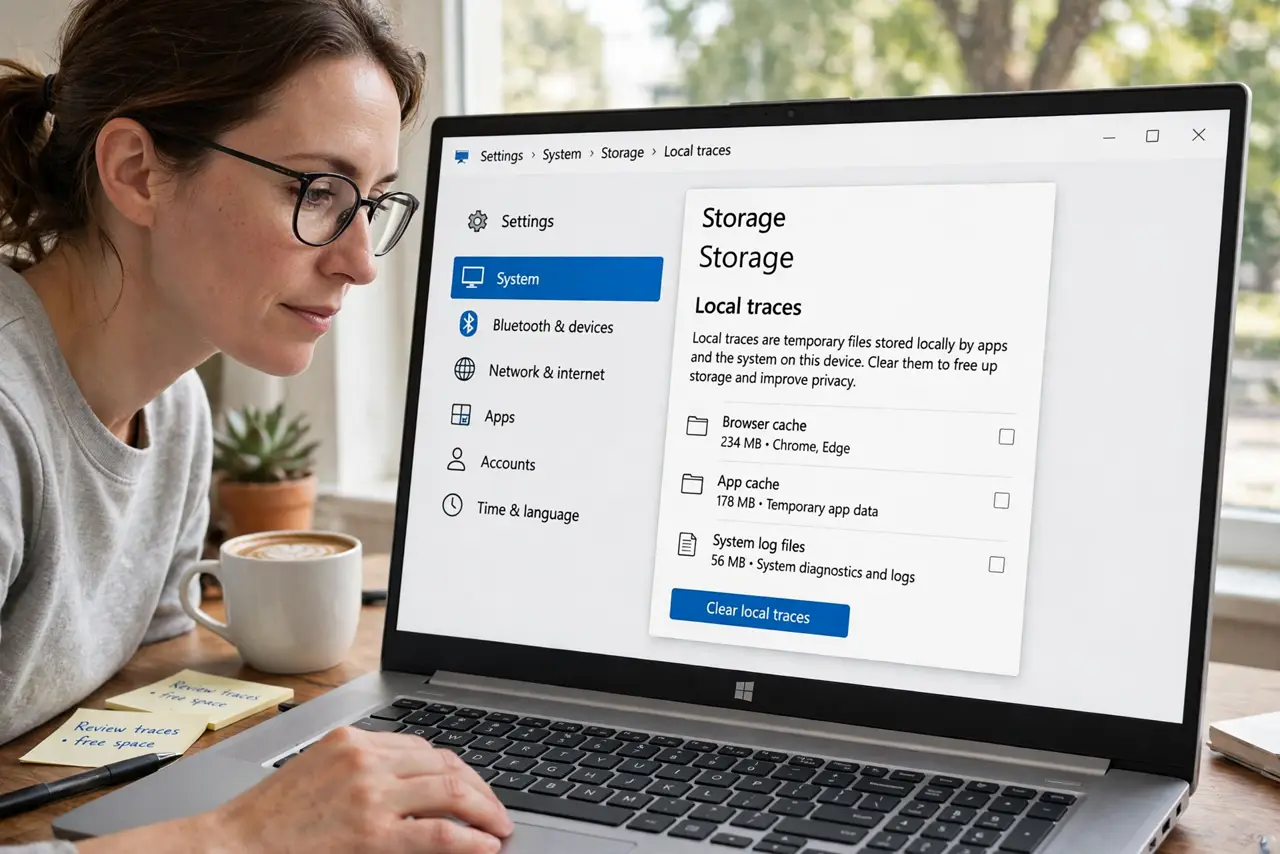
- Do not download files you want hidden and forget them. Downloads stay on the computer even though the history does not.
- Do not log into personal accounts and expect privacy from the site. The site knows exactly who you are the moment you sign in.
- Do not rely on it against monitoring software. Parental controls and workplace monitoring see incognito traffic just fine.
Frequently asked questions
Can my employer see incognito browsing?
Yes. Workplace monitoring and network logs capture it. Incognito only hides traces on the computer itself.
Does incognito block tracking cookies?
During the session, sites can still set cookies — they are just deleted when you close the window. Fingerprinting can also track you across sessions.
Is incognito enough on a public computer?
It helps, but sign out of everything anyway and close the window. See how to sign out fully on machines you do not own.