2.4 vs 5 GHz? Which to Use
Your router broadcasts two networks — or one name hiding two bands — and devices land on 2.4 or 5 GHz seemingly at random. One is the long-range workhorse, the other the short-range sprinter, and putting each device on the right one is the easiest free speed upgrade in home networking. Here is the two-minute education.
TL;DR / Quick Fix
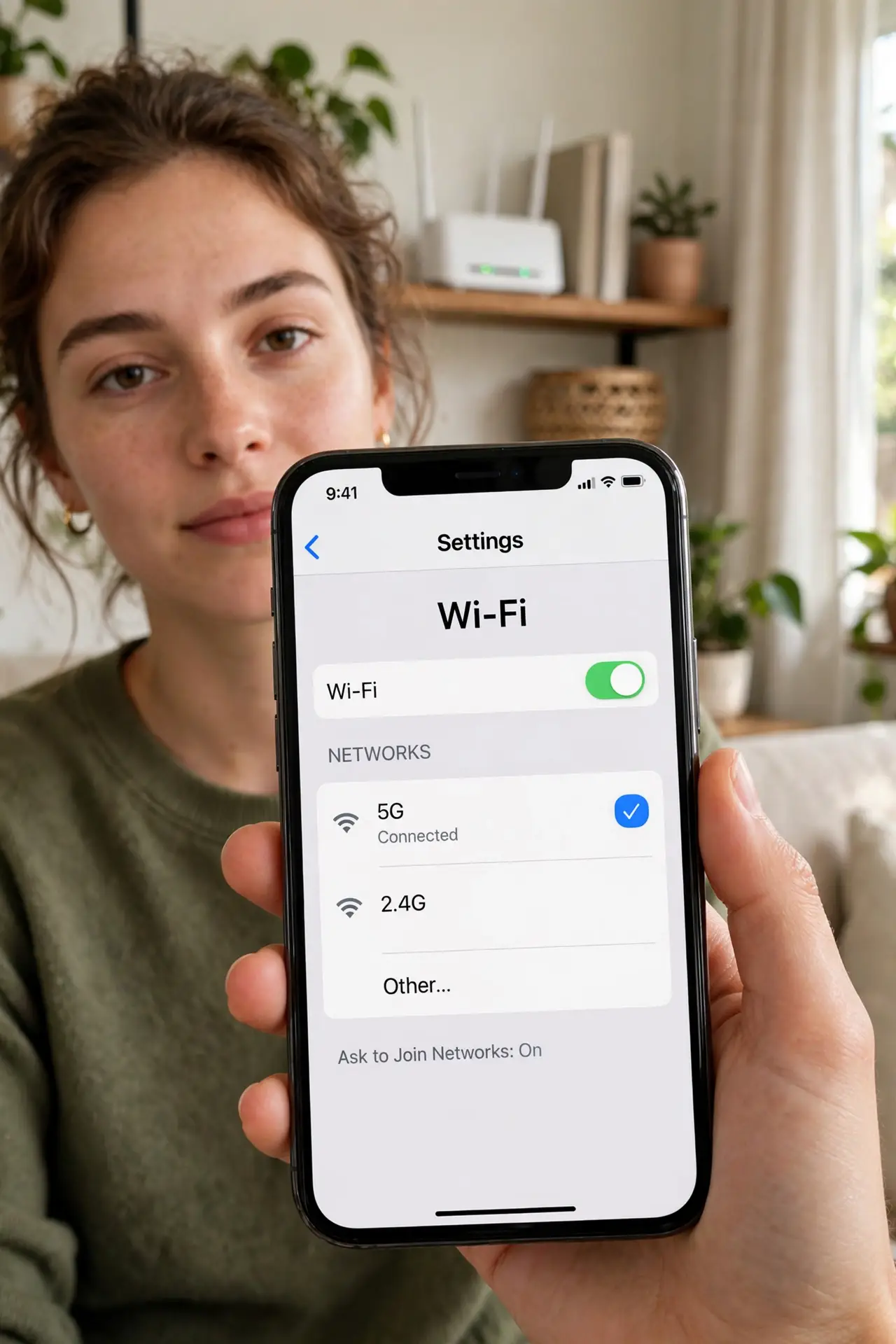
Quick fix: use 5 GHz for speed near the router — phones, laptops, TVs in the same room. Use 2.4 GHz for range — distant rooms, the backyard, and smart gadgets that only speak 2.4. If your router merges both under one name, devices usually choose sensibly on their own.
Follow these steps
- Learn the tradeoff. 2.4 GHz: slower, travels far, punches through walls. 5 GHz: much faster, shorter range, weaker through walls. There is no universally 'better' — only better for the situation.
- Put nearby speed-hungry devices on 5 GHz. Laptops, phones, and streaming boxes in the router's room belong on 5 GHz. That is where the hundreds-of-megabits live.
- Leave distant and simple devices on 2.4 GHz. Far bedrooms, the garage camera, the smart plug — 2.4's range wins where speed does not matter. See 2.4 vs 5 detail for the numbers.
- Understand the single-name setup. Most modern routers broadcast one name and steer devices automatically. This is fine 90% of the time — intervene only when a device clearly lands wrong.
- Nudge a stubborn device. If a laptop clings to 2.4 GHz next to the router, forget the network and rejoin, or separate the bands temporarily to force the choice.
- Remember 6 GHz is the next step. On Wi-Fi 6E/7 gear there is a third band — see the 6 GHz band — playing the same game one rung up: even faster, even shorter range.
What NOT to do
- Do not disable 2.4 GHz to 'force everything to 5.' Your smart bulbs, plugs, and older gadgets need 2.4 — you will brick your smart home.
- Do not assume 5 GHz is always faster. At long range, a strong 2.4 signal beats a dying 5 GHz one — bars matter more than band.
- Do not rename bands identically then wonder which is which. If you split them, name them clearly (Home-5G vs Home-2G).
- Do not chase the band per device obsessively. Set it sensibly once; micromanaging every gadget's band is a hobby, not a fix.
Frequently asked questions
Why does my device keep switching bands?
Roaming and band-steering move devices as signal changes. Occasional switching is normal; constant flapping means the router's steering is too aggressive.
Which band for video calls?
Whichever gives the stronger signal where you sit. Stability beats peak speed for calls — a solid 2.4 connection outperforms a flaky 5 GHz one.
Do I need to care with a mesh system?
Less — good mesh handles steering well. But knowing the bands helps you diagnose when a device lands badly.