6 GHz Devices? Basics
Wi-Fi 6E and Wi-Fi 7 routers advertise a third band -- 6 GHz -- alongside the familiar 2.4 and 5 GHz. It promises the fastest, cleanest wireless ever, with nobody else's gadgets in the way. The catch: only newer devices can even see it, and its range is the shortest of all. Here is which devices qualify and whether the band is worth chasing.
TL;DR / Quick Fix
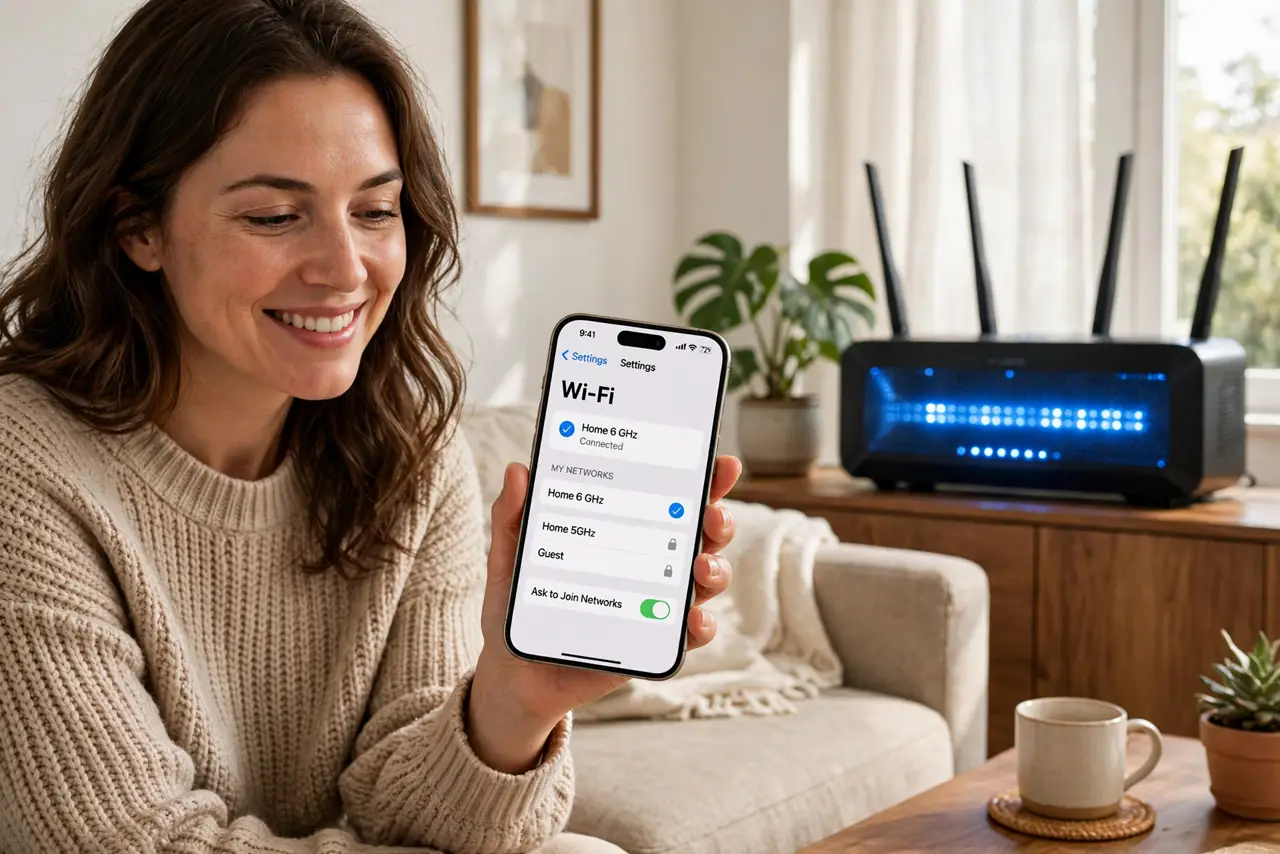
Quick fix: the 6 GHz band is the fastest, least-congested Wi-Fi band, but only Wi-Fi 6E and 7 devices can use it. Check your phone or laptop specs for 6E/7 support first. It shines at short range -- same room as the router -- and fades fast through walls.
Follow these steps
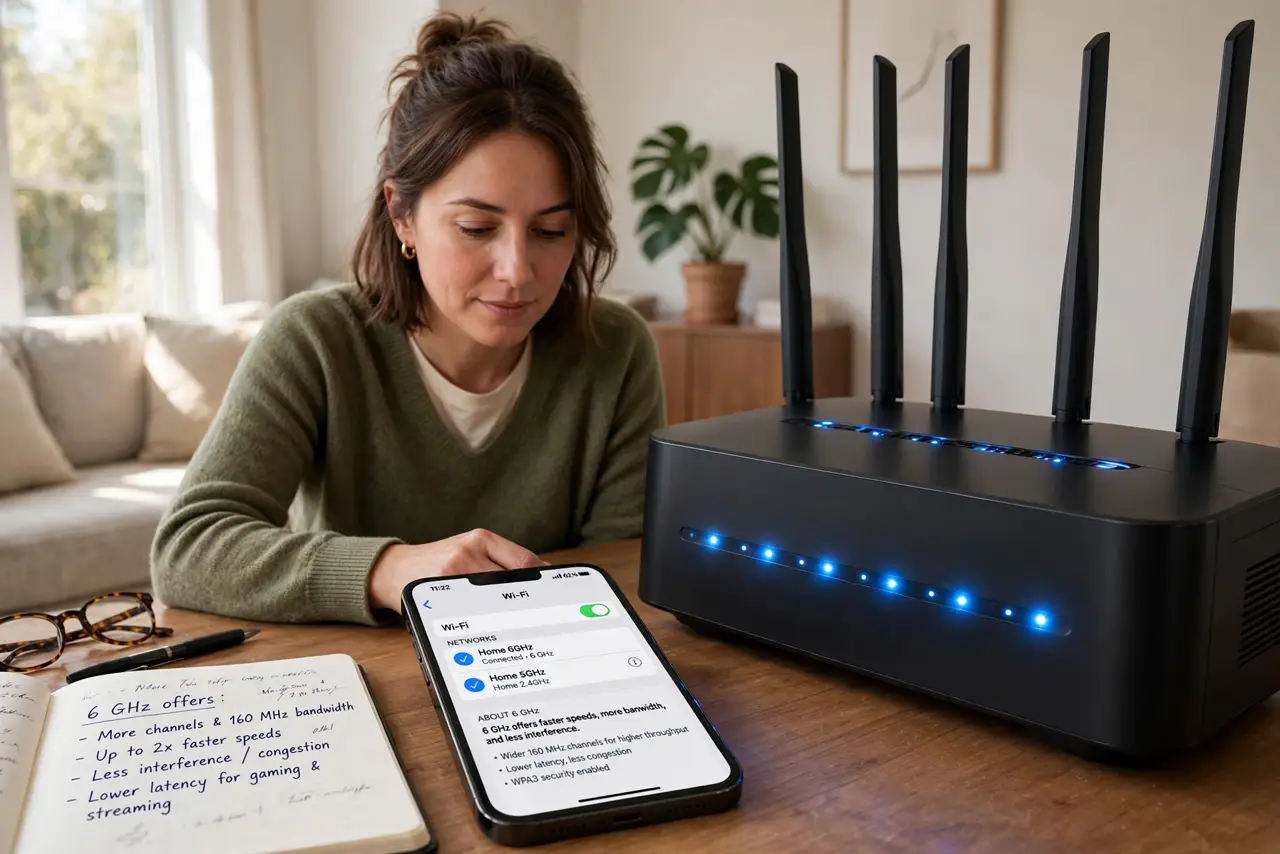
- Learn what 6 GHz offers. A whole new band with wide channels and almost no legacy devices -- meaning no congestion and very high speeds. It is the cleanest wireless spectrum most homes have ever had.
- Check your devices for support. Only Wi-Fi 6E and Wi-Fi 7 phones, laptops, and tablets can join 6 GHz. Check the specs -- 'Wi-Fi 6' alone is not enough; it must say 6E or 7. Older devices simply will not see the network.
- Understand the range tradeoff. 6 GHz is the shortest-range band -- fantastic in the same room, weak through two walls. It complements 5 GHz for nearby speed rather than replacing it for coverage.
- Know the router requirement. You need a Wi-Fi 6E or Wi-Fi 7 router broadcasting the band. Some routers need the 6 GHz network enabled manually in settings -- check if yours lists it.
- Watch for regional restrictions. Some countries limit 6 GHz Wi-Fi power or channels. If the band is missing on a capable router, a region setting or firmware update is usually the explanation.
- Decide if it matters for you. One new laptop near the router? Lovely. A house full of older gadgets? The 6 GHz band guide helps, but your devices decide -- upgrade devices before chasing the band.
What NOT to do
- Do not buy a 6E router for old devices. If nothing you own supports 6 GHz, the fancy band sits empty -- upgrade devices first.
- Do not expect whole-house 6 GHz coverage. It is a same-room sprinter, not a marathon runner -- plan on 5 GHz for distance.
- Do not confuse Wi-Fi 6 with 6E. Wi-Fi 6 is 2.4/5 GHz only; the E adds 6 GHz. The letter matters enormously here.
- Do not disable 2.4 GHz chasing speed. Smart-home gadgets live on 2.4 GHz -- keep all three bands for a happy house.
Frequently asked questions
Which devices support 6 GHz Wi-Fi?
Phones and laptops with Wi-Fi 6E or Wi-Fi 7 -- roughly flagship models from 2022 onward. Check the wireless spec line, not the marketing name.
Is 6 GHz faster than 5 GHz?
At short range with wide channels, yes -- noticeably. Through walls, 5 GHz often wins by simply reaching.
Do I need Wi-Fi 7 for 6 GHz?
No -- Wi-Fi 6E introduced the 6 GHz band. Wi-Fi 7 improves on it, but 6E devices already enjoy the band.