Reach Home Network Remotely? Options
You are away from home and need a file from your computer, or want to check the security camera — but everything sits behind your router, unreachable. There are three sane ways to get in: your router's built-in VPN, a remote-access service, or carefully exposed ports. They differ wildly in safety. Here is how to choose and set up the right one.
TL;DR / Quick Fix
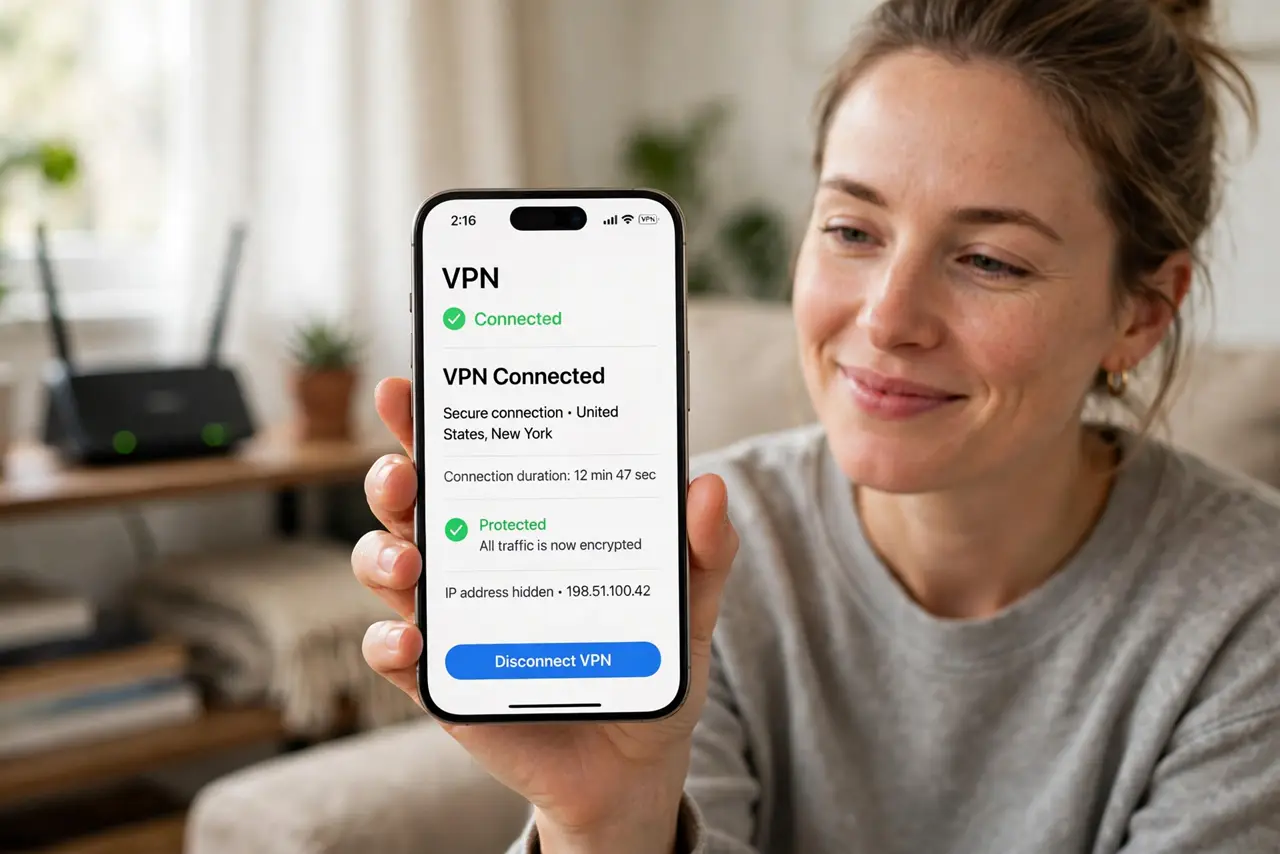
Quick fix: the safest remote access is a VPN server on your router — it encrypts the connection with no services exposed to the internet. Enable your router's VPN feature, install its app on your phone or laptop, and connect. Avoid exposing services unless you know how to secure them.
Follow these steps
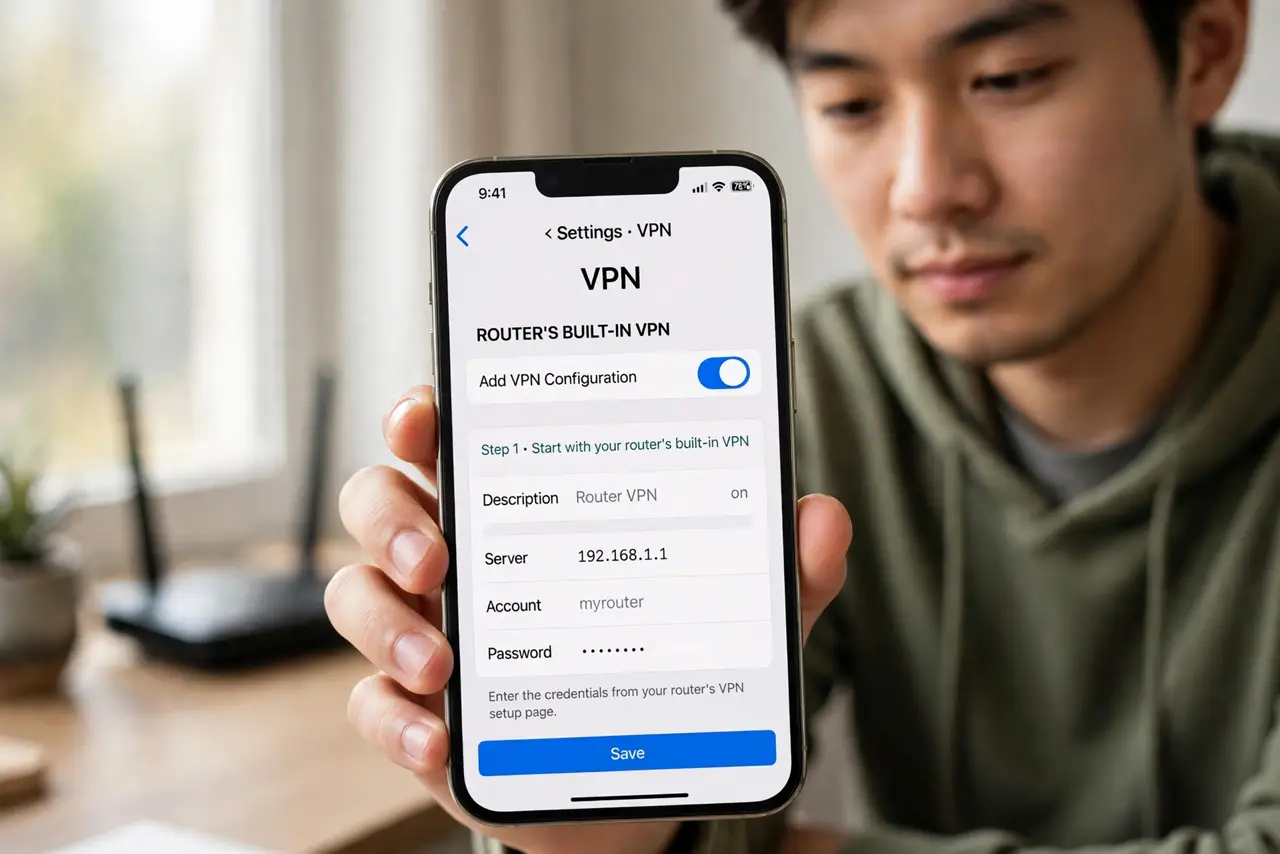
- Start with your router's built-in VPN. Most modern routers include a VPN server feature — often WireGuard or OpenVPN. Enabling it gives you an encrypted tunnel home with no third party involved.
- Install the matching app on your devices. Your router's manual or app names the client to use. Import the configuration file the router generates — this is the key that lets your phone in.
- Test from outside your network. Turn off Wi-Fi on your phone so it uses mobile data, then connect the VPN. If you can open your router's admin page, the tunnel works.
- Use remote-access software for single PCs. If you only need one computer, remote-desktop tools are simpler than a full VPN. They punch through NAT on their own — handy behind CGNAT.
- Expose ports only as a last resort. Forwarding a service directly to the internet works, but every open port is scanned by bots within hours. Use strong unique passwords and keep the software updated.
- Pair access with dynamic DNS. Your home IP changes; a dynamic DNS hostname means your VPN profile keeps working without edits.
What NOT to do
- Do not expose your router's admin page to the internet. That is the single most attacked page on any home network.
- Do not forward ports for services with default passwords. Bots find them within hours — change credentials first.
- Do not skip the VPN because setup looks fiddly. Ten minutes of setup beats explaining a compromised camera feed.
- Do not use remote access over open hotel Wi-Fi without the VPN on. The tunnel is what keeps the coffee-shop snoop out.
Frequently asked questions
Is a router VPN hard to set up?
Usually not — most routers now walk you through it with a wizard and a QR code for your phone. Older routers may need a firmware update first.
Can I access my files, not just my network?
Yes. Once the VPN connects, your phone acts like it is home — shared folders, printers, and cameras all respond.
What if my ISP uses CGNAT?
A router VPN cannot receive connections behind CGNAT. Use a relay-style remote-access service instead — those initiate the connection outward.