ISP-Approved Modems? Basics
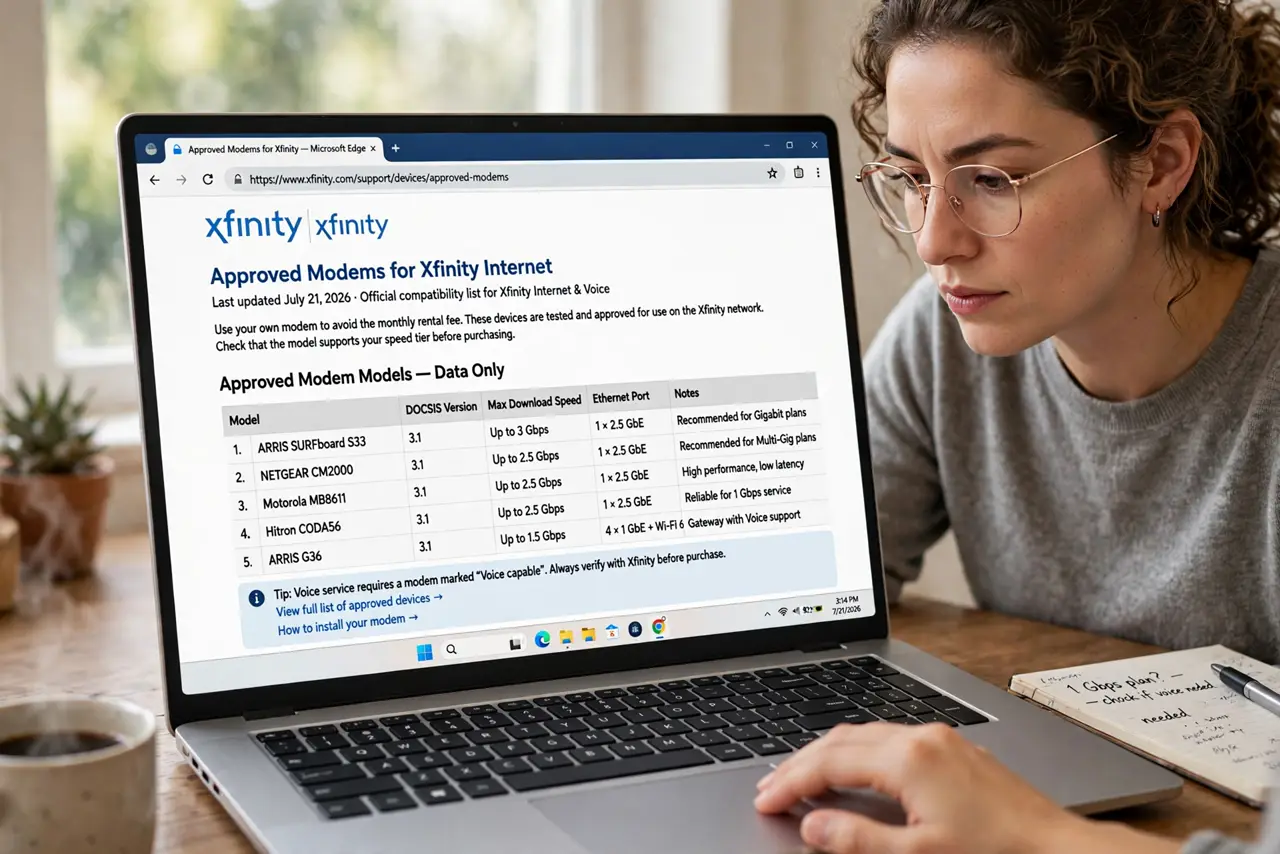
Before you buy your own modem, there is one mandatory step: checking your provider's approved list. Providers only activate modems they have certified — buy the wrong one and you own an expensive paperweight. Here is how to find the list, read it, and pick the right model for your speed tier.
TL;DR / Quick Fix
Quick fix: every ISP publishes an approved modem list — only listed models activate. Find it by searching your provider's name plus 'approved modems', match the model to your speed tier, and buy that exact model number. Skipping this check leaves you with a modem that never activates.
Follow these steps
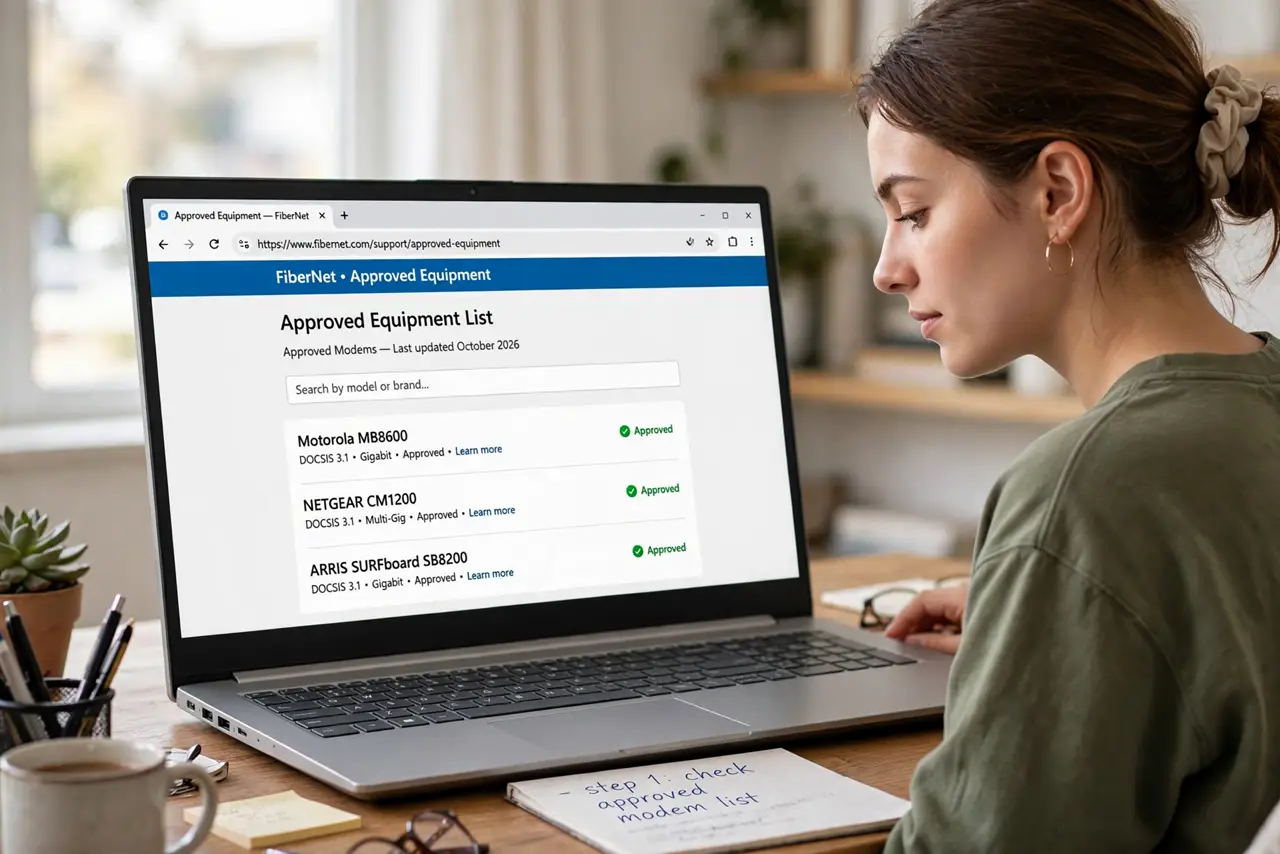
- Find your provider's list. Search '[provider name] approved modems' — it lives on the provider's support site. Bookmark it; you will reference it while shopping.
- Match the model exactly. Approval is per exact model number, not brand family — 'Model X100' approved does not mean 'X100v2' is. One wrong letter means no activation.
- Check your speed tier column. Lists show which speed plans each modem supports. A modem approved for 300 Mbps will not provision on gigabit — buy for the plan you have or plan to get.
- Confirm the DOCSIS version. The list usually notes it — gigabit tiers need DOCSIS 3.1. Cross-check with the cable modem basics so the version matches your plan.
- Buy new from a reputable seller. Used modems can be locked to a previous account or blacklisted. New-in-box from a known retailer avoids the 'already provisioned' headache.
- Keep the MAC address handy. Activation needs the modem's MAC/HFC address from its label — photograph it before you crawl behind the furniture to install.
What NOT to do
- Do not buy a modem that is not on the list. No list, no activation — there are no exceptions worth betting on.
- Do not trust the box's 'works with' claims alone. Marketing claims are not certification — the provider's list is the truth.
- Do not buy used modems casually. Previous-account locks and blacklists turn bargains into bricks.
- Do not forget to return the rental. Get a receipt — unreturned rental fees continue whether you use their modem or not.
Frequently asked questions
Why won't my provider activate my modem?
Almost always: not on the approved list, wrong model variant, or still tied to a previous account. Check the list first.
Do approved lists change?
Yes — providers add new models and retire old ones. Check the current list at purchase time, not from an old bookmark.
Can I use a modem approved by a different ISP?
Only if your ISP also lists that exact model. Approval is per-provider — there is no universal certification.