Cable Modems? Basics
The cable modem is the unglamorous box that turns your provider's coax signal into internet — and the one most people rent forever without thinking about it. Understanding what it does, what the lights mean, and when it is worth buying your own can save real money and fix mysterious slowdowns. Here is the plain explanation.
TL;DR / Quick Fix
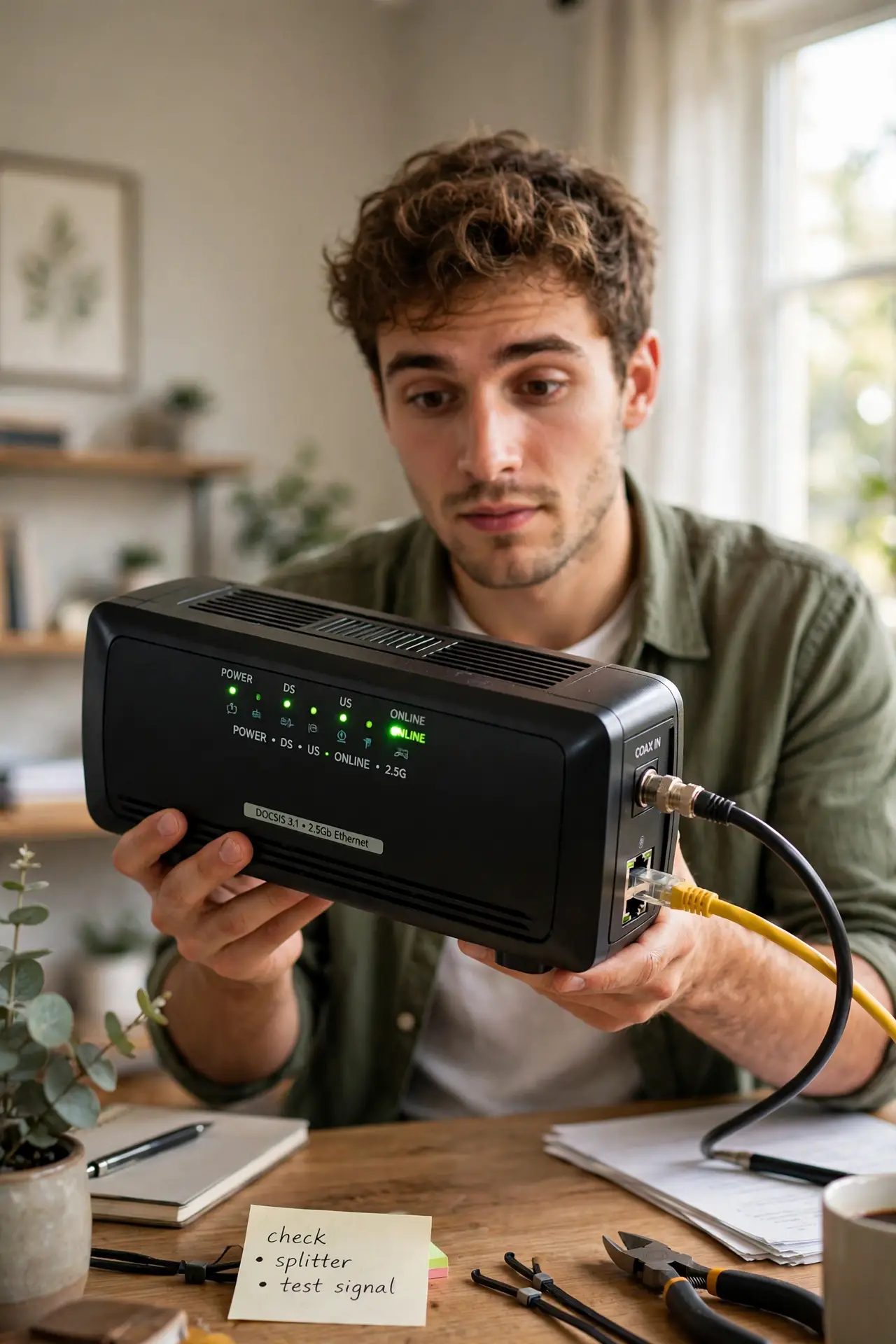
Quick fix: a cable modem converts your provider's coax signal into internet for your router. Most people rent one monthly — buying your own approved modem usually pays for itself within a year. Check your provider's approved list before buying, and match the DOCSIS version to your speed plan.
Follow these steps
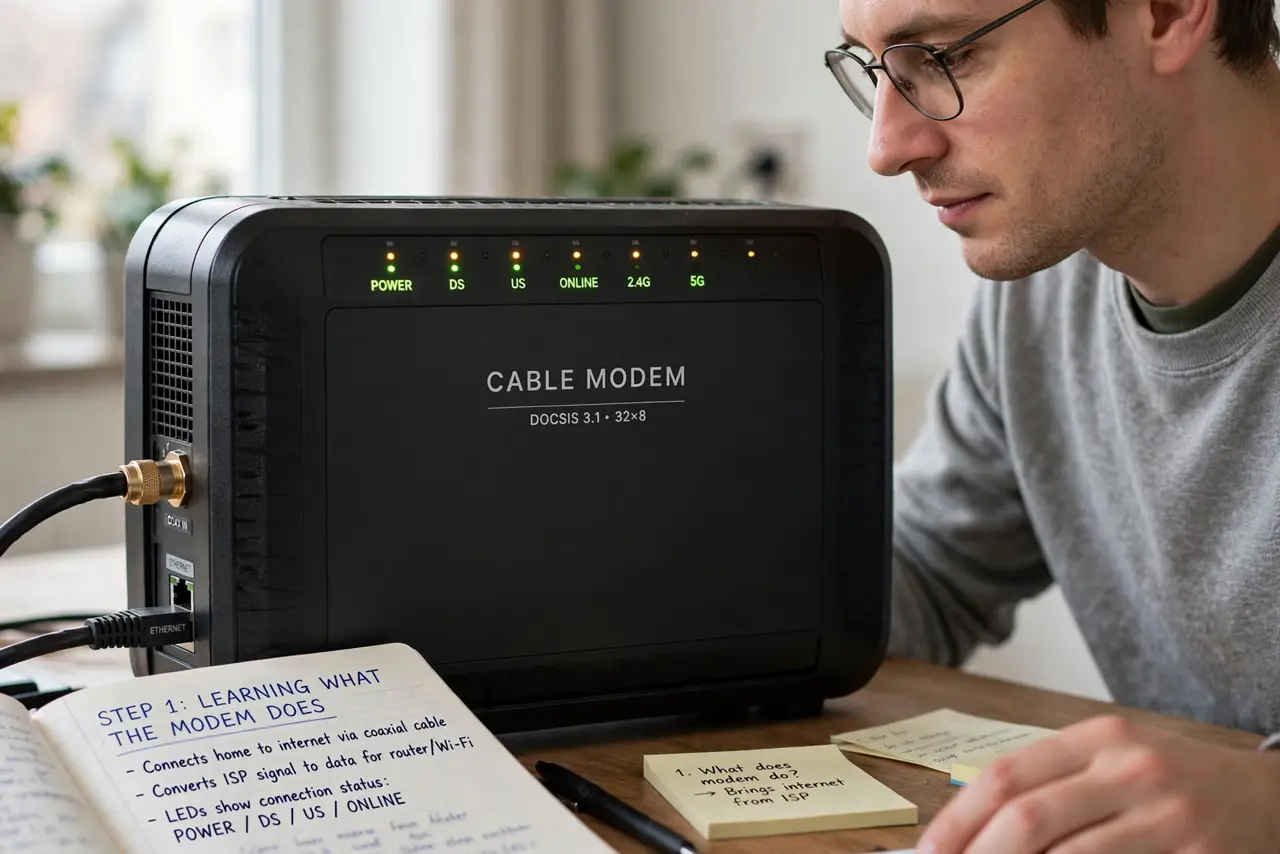
- Learn what the modem actually does. It translates the signal on the coax cable into Ethernet your router understands. Modem handles the provider connection; router handles your Wi-Fi — two jobs, sometimes one combined box.
- Read the lights. Power, downstream, upstream, and online lights should be solid; the internet/WAN light blinks with traffic. All lights flashing forever after a reboot means it cannot talk to the provider — call them.
- Check the DOCSIS version. DOCSIS is the language modems speak — 3.0 is the minimum for modern plans, 3.1 for gigabit. An old DOCSIS 2.0 modem silently caps your speed no matter what you pay for.
- Do the rental math. At typical rental fees, a purchased modem pays for itself in under a year. If you have had the same rented modem for years, you have likely bought it several times over — see rent vs buy.
- Buy only approved models. Providers maintain an approved list — an unapproved modem will not activate. Buy from that list and keep the receipt in case provisioning needs the MAC address.
- Reboot it properly when troubleshooting. Unplug power for 30 seconds, plug back in, and wait up to five minutes for all lights to go solid. One clean reboot resolves most transient issues.
What NOT to do
- Do not buy a modem that is not on your provider's approved list. It will not activate, and returns are a hassle.
- Do not keep a DOCSIS 2.0 modem on a fast plan. It caps your speed and you will blame the Wi-Fi for a modem problem.
- Do not stack the modem in an enclosed cabinet. Heat kills modems slowly — give it air and keep vents clear.
- Do not confuse modem and router problems. No online light means provider/modem; online but no Wi-Fi means router.
Frequently asked questions
Do I need a separate router with my modem?
If your modem is modem-only, yes — you need a router for Wi-Fi. Gateway combos do both; separate boxes give you more control and easier upgrades.
How long do cable modems last?
Typically 3-5 years. If speeds sag and reboots stop helping, age is a prime suspect — especially past the five-year mark.
Can I use any modem with any provider?
No — each provider certifies specific models. Always check the approved list for your provider and speed tier before buying.