Baby Monitor vs Wi-Fi? Interference
The Wi-Fi dies every evening at exactly bedtime — and the baby monitor just switched on. Older baby monitors blast the same 2.4 GHz airspace as Wi-Fi, and some are loud enough to knock devices offline. It is a classic interference mystery with a simple diagnosis. Here is how to confirm it and what actually fixes it.
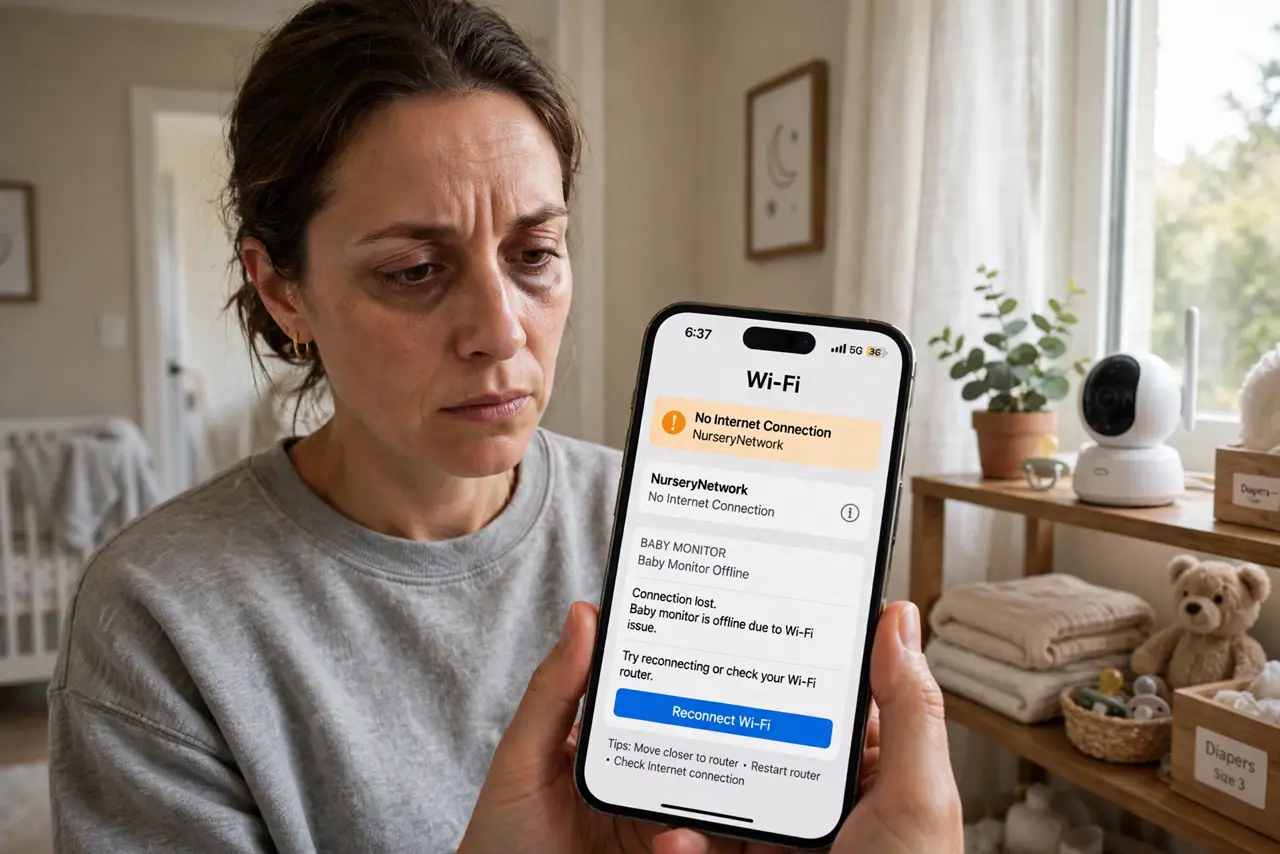
TL;DR / Quick Fix
Quick fix: if Wi-Fi problems start exactly when the baby monitor turns on, you have found the culprit. Move the monitor's base away from the router, switch the monitor's channel if it offers one, or replace an old analog monitor with a modern DECT one.
Follow these steps
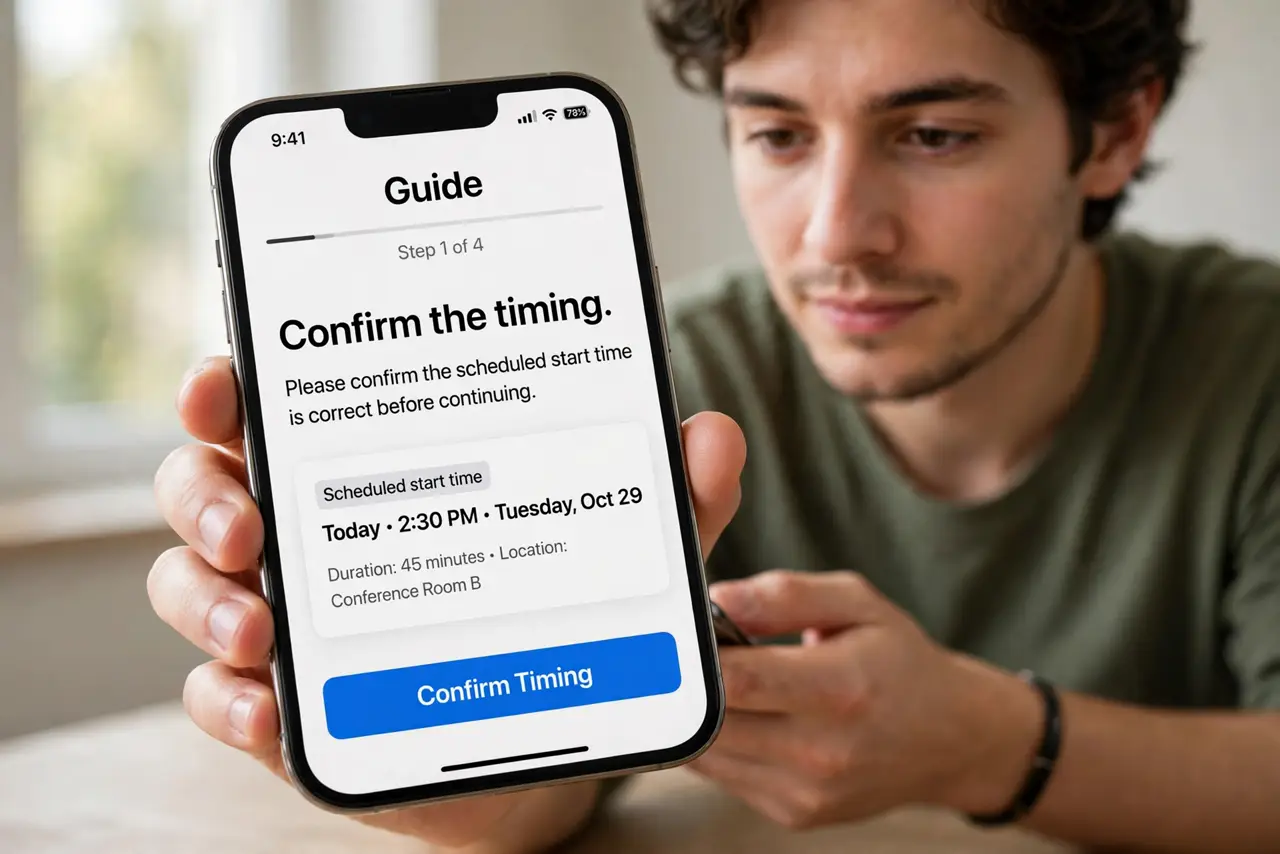
- Confirm the timing. Interference has a schedule. If the Wi-Fi tanks precisely at monitor-on and recovers at monitor-off, testing is over — that is the cause.
- Identify the monitor type. Old analog and 2.4 GHz digital monitors are the offenders. DECT monitors (1.9 GHz) and modern Wi-Fi monitors do not fight your Wi-Fi.
- Separate them physically. Move the monitor base and the router as far apart as practical — different rooms if possible. Distance is the cheapest filter.
- Change the Wi-Fi channel. If the monitor sits on part of the band, switching channels (1, 6, or 11) may dodge it. Test each and keep the winner.
- Upgrade the monitor. A modern DECT or Wi-Fi baby monitor ends the war permanently. It is also usually a better monitor — clearer audio, less static.
- Check the other suspects too. Cordless phones and microwaves cause the same pattern. If the timing does not match the monitor, widen the search.
What NOT to do
- Do not buy a stronger router to shout over the monitor. More power against interference just makes a louder mess for everyone.
- Do not place the monitor base next to the router 'to keep baby gear together.' That is the worst possible pairing — separate them.
- Do not ignore it because 'it's just the baby's room.' Interference radiates — one monitor can degrade Wi-Fi across the whole house.
- Do not assume all monitors interfere. If yours is DECT or Wi-Fi-based, look elsewhere — blaming the innocent monitor wastes the fix.
Frequently asked questions
Why only in the evening?
Because that is when the monitor turns on. Interference that follows a schedule is a device with a schedule — classic clue.
Can the monitor really knock devices offline?
Old analog ones, yes — they are essentially jammers on the 2.4 band. Digital ones usually just slow things down.
Will 5 GHz avoid it?
Mostly yes — old monitors live on 2.4 GHz. Devices on 5 GHz often sail through unaffected, which is itself a diagnostic clue.