Bedtime Wi-Fi Schedule? Setup
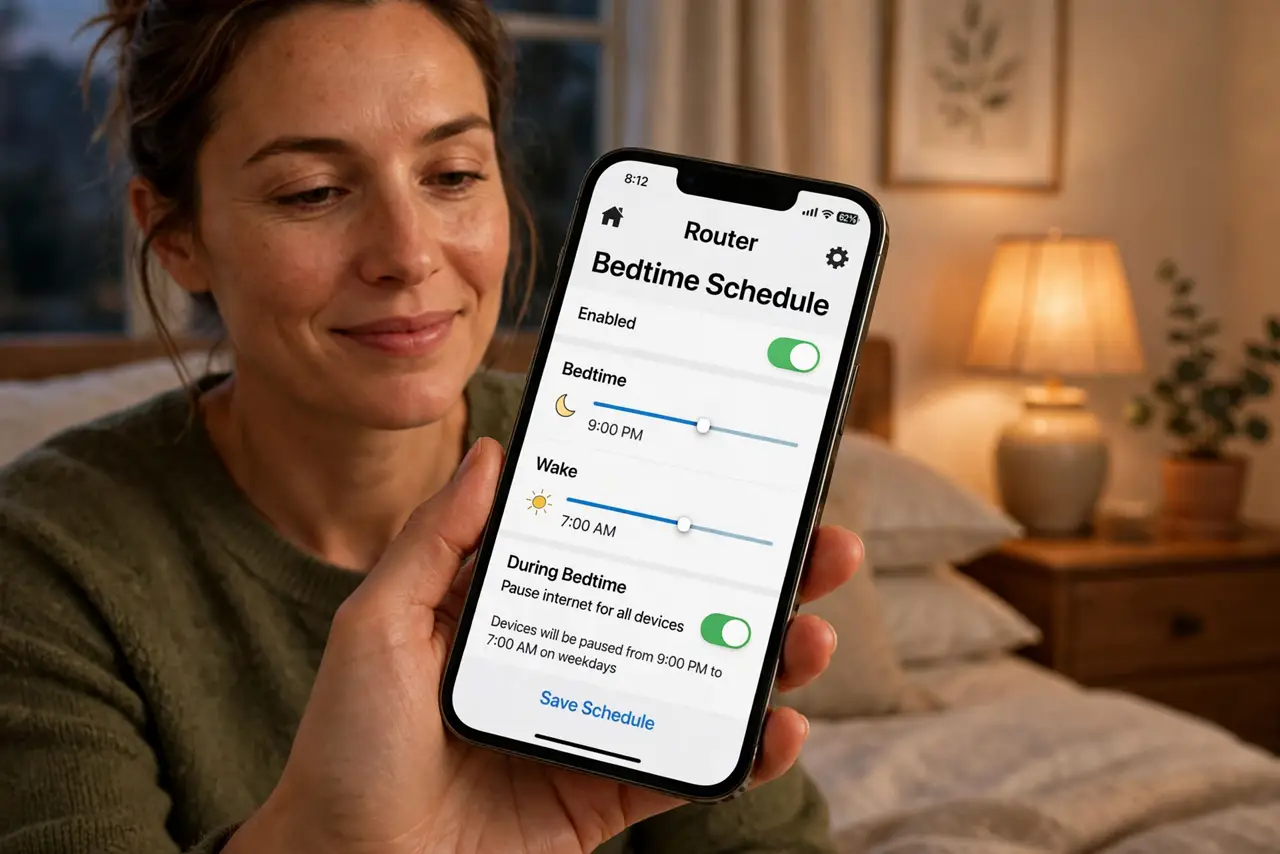
The nightly 'turn it off' battle is exhausting — for you and the kids. A bedtime Wi-Fi schedule automates it: the kids' devices lose internet at 9:30 on school nights and get it back at 7, no negotiation, no forgetting. Most routers can do this per device or per profile. Here is the setup that actually sticks.
TL;DR / Quick Fix
Quick fix: in your router's app, open parental controls and create a bedtime schedule per child — internet off at bedtime, back on in the morning, different times for weekends. Apply it to their devices only, never the whole network, so your devices and smart home keep working.
Follow these steps
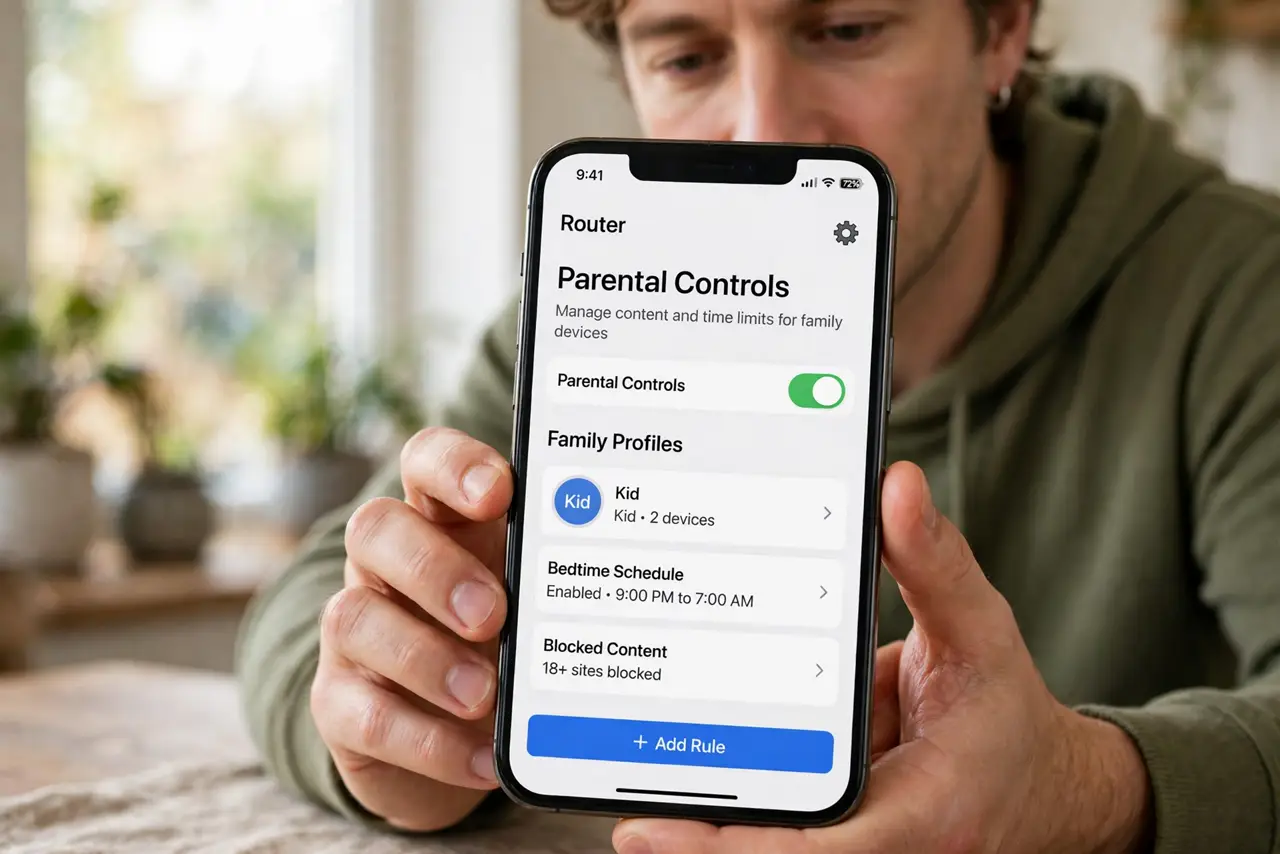
- Open parental controls in the router app. Look for profiles, parental controls, or bedtime schedules. Modern router apps put this front and center — older routers may hide it in web settings.
- Create a profile per child. Group each kid's phone, tablet, and console into their profile. Schedules apply to profiles, so grouping is the step that makes everything else work.
- Set school-night and weekend times separately. 9:30 off on school nights, later on weekends — most apps allow different schedules per day. Match the schedule to your actual house rules.
- Apply to their devices only. Never schedule the whole network — your work laptop, the doorbell, and the thermostat should never lose internet at bedtime.
- Warn the kids before it first kicks in. A countdown beats a cutoff. Tell them the schedule starts tonight; the first cutoff should never be a surprise.
- Review and adjust monthly. Bedtimes shift with age and seasons. A schedule nobody updates becomes a schedule everybody ignores — revisit it.
What NOT to do
- Do not schedule the entire network. Your devices, guests, and smart home gear all suffer — profiles exist for a reason.
- Do not set the cutoff without telling the kids. Surprise disconnections feel like punishment; announced schedules feel like rules.
- Do not forget consoles and smart TVs. Kids migrate to whatever still has internet — the schedule must cover every device they use.
- Do not use bedtime Wi-Fi as the only sleep rule. Devices with downloaded games and cellular data still glow past cutoff — pair with a charging station outside bedrooms.
Frequently asked questions
Will the schedule block mobile data too?
No — it only controls Wi-Fi. A phone with its own data plan stays online, which is why rules plus tech work better than tech alone.
Can kids change the schedule back?
Only with the router app login. Keep the admin credentials to yourself and they cannot undo it.
What about homework that needs internet late?
Build in exceptions — most apps allow bonus time per night. Flexibility keeps the system trusted instead of resented.