DOCSIS? Plain Explanation
Your cable modem's box says DOCSIS 3.0 or 3.1 and your speed plan assumes one of them — but nobody explains what it means. DOCSIS is simply the language cable modems use to talk to your provider, and the version decides your maximum speed. Here is the plain explanation and why the number on your modem matters.
TL;DR / Quick Fix
Quick fix: DOCSIS is the standard your cable modem uses to communicate with your provider — 3.0 handles most plans, 3.1 is needed for gigabit speeds. An older modem silently caps your speed no matter what you pay for. Match the version to your plan when buying.
Follow these steps
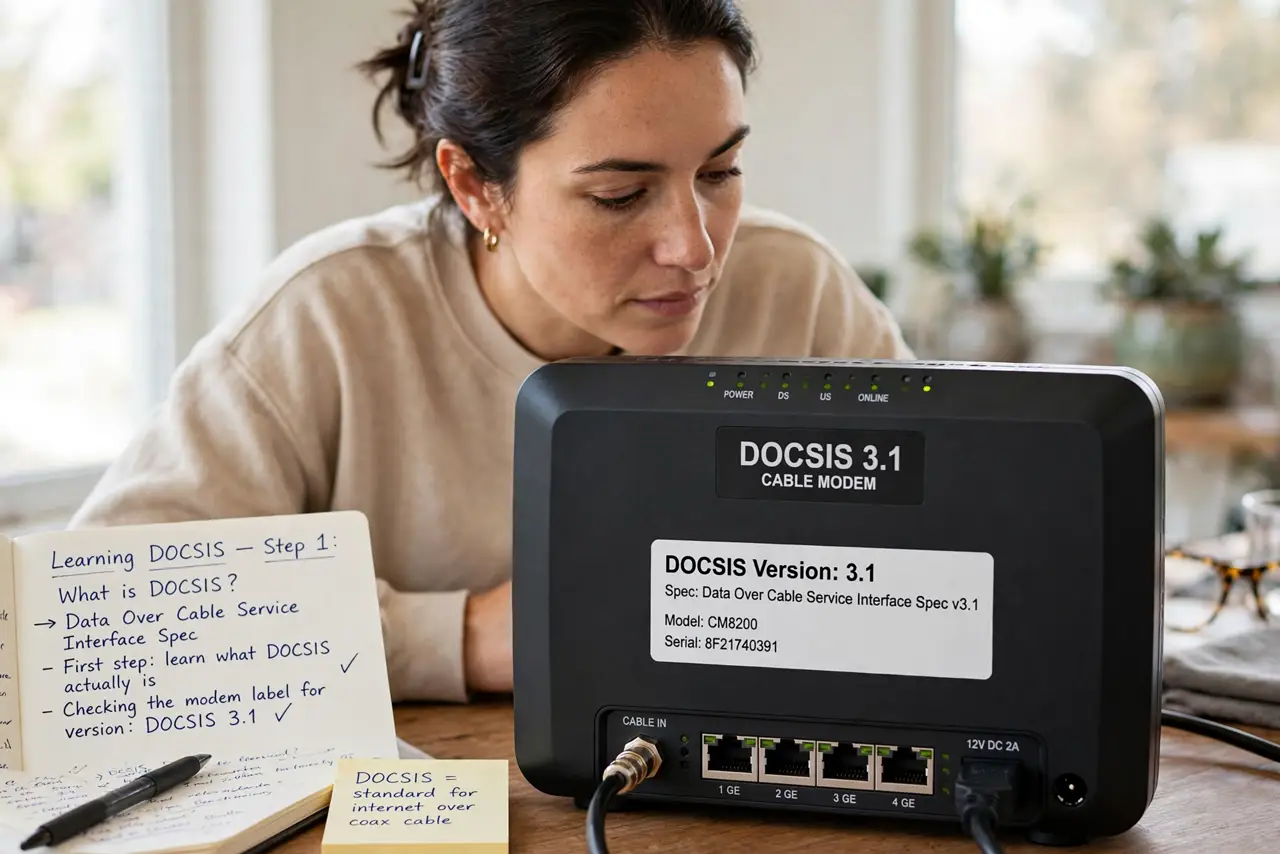
- Learn what DOCSIS actually is. Data Over Cable Service Interface Specification — the shared language between your cable modem and the provider's network. Both ends must speak a compatible version.
- Know the versions that matter. DOCSIS 3.0: up to roughly a gigabit down in ideal bonding — fine for most plans. DOCSIS 3.1: true gigabit-plus with better efficiency. Anything older is a museum piece.
- Match the modem to your plan. On a 300 Mbps plan, DOCSIS 3.0 is plenty. On gigabit, you need 3.1 — a 3.0 modem will cap you well below what you pay for, and support will blame everything else first.
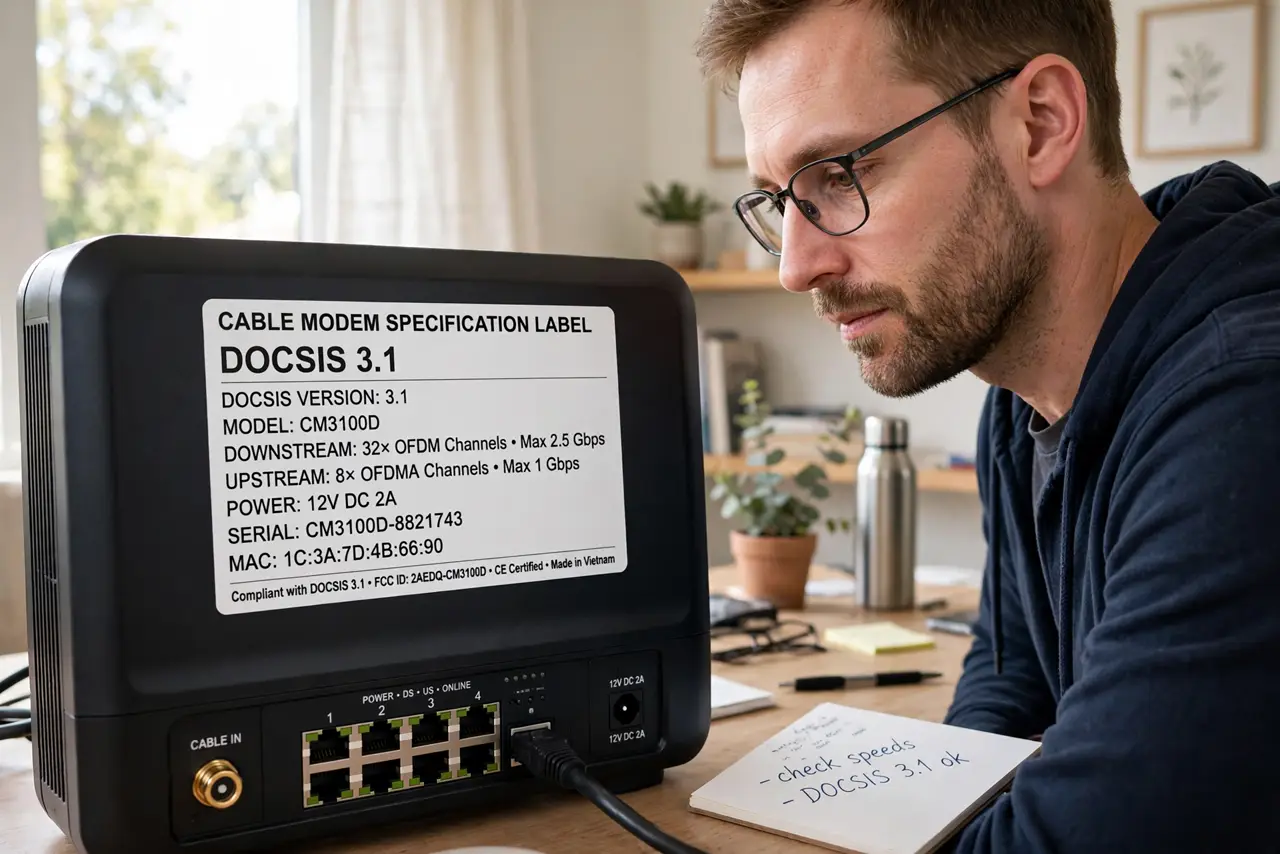
- Check what you already own. The version is printed on the modem's label and in its admin page. If you are renting, ask your provider which version they gave you — old rentals linger for years.
- Understand channel bonding simply. DOCSIS 3.0 bonds multiple channels together for speed — more channels, more speed. It is why two '3.0' modems can perform differently; 16x4 vs 32x8 matters.
- Watch for DOCSIS 4.0. The next generation promises multi-gigabit symmetrical speeds over cable. Do not buy around it yet — but know it is the future when providers start offering it.
What NOT to do
- Do not pay for gigabit with a DOCSIS 3.0 modem. The modem caps you — upgrade the box or downgrade the plan.
- Do not assume the rented modem is current. Providers recycle old units; check the label and ask for a swap if it is ancient.
- Do not confuse DOCSIS with Wi-Fi standards. DOCSIS is the cable line language; Wi-Fi 6 is your wireless — both must be decent.
- Do not buy a modem without checking signal levels first. A great modem cannot fix a bad line.
Frequently asked questions
Is DOCSIS 3.1 worth it if I don't have gigabit?
Not really — 3.0 handles sub-gigabit plans fine. Buy 3.1 when you buy gigabit, or if the price difference is tiny for future-proofing.
Does DOCSIS affect upload speed?
Yes — the version and your provider's configuration both cap uploads. Cable uploads lag downloads by design; fiber is symmetrical if that matters to you.
Can I just use the provider's modem?
You can, usually as a rental. Buying your own approved 3.1 modem typically pays for itself within a year.