Hotel Login Page Won't Load? Fix It
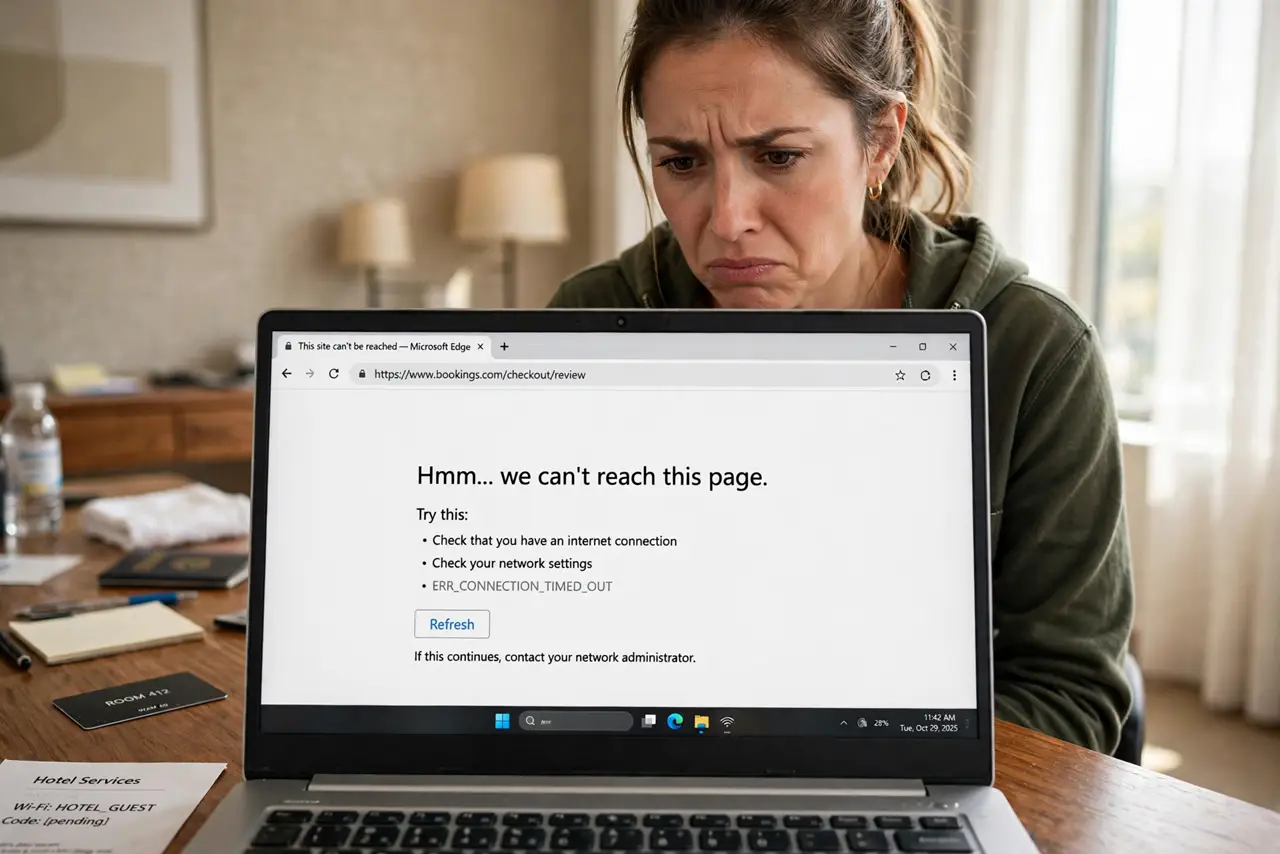
You join the hotel Wi-Fi, but the login page never appears — no browser popup, no terms to accept, just no internet. The captive portal (that login screen) is supposed to intercept your first web request, but HTTPS, VPNs, and private DNS all block the interception. Here is how to force the page to show.
TL;DR / Quick Fix
Quick fix: open a plain HTTP site in the browser — the portal hijacks unencrypted requests, which usually triggers the login page. If that fails, temporarily turn off your VPN and any private-DNS setting, then retry. Forgetting the network and rejoining also helps.
Follow these steps
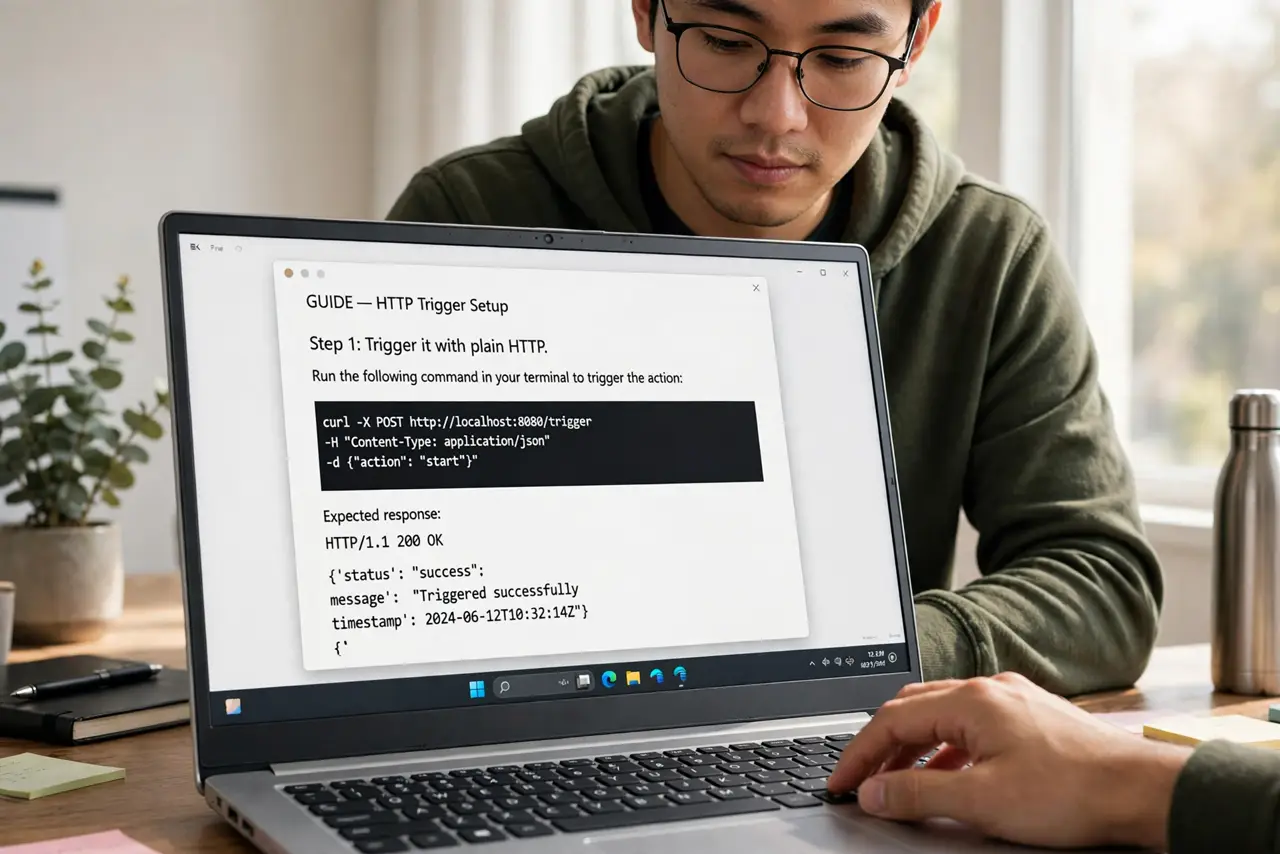
- Trigger it with plain HTTP. The portal hijacks unencrypted requests. Opening a basic HTTP page (not HTTPS) gives it something to grab — this alone works most of the time.
- Disable the VPN temporarily. VPNs tunnel past the portal's interception entirely. Turn it off, log in, then turn it back on — order matters.
- Turn off private/secure DNS. Private DNS (Android) or encrypted DNS profiles bypass the network's DNS, which the portal needs to redirect you. Disable it until you are logged in.
- Forget and rejoin the network. A stale connection from an earlier attempt can skip the portal trigger. Forget the network, rejoin, and watch for the login prompt.
- Try the router's login address. Some portals live at a numeric address. The network's welcome card — or the front desk — often lists it; staff deal with this daily.
- Use the OS portal helper. Phones and laptops usually pop a special portal window on join. If you dismissed it, toggling Wi-Fi off and on summons it again.
What NOT to do
- Do not enter sensitive logins before the portal clears. Until authenticated, the network is open — avoid banking until the VPN is back on.
- Do not install the hotel's 'required' profile blindly. See profile install warning — some ask for more access than a Wi-Fi login needs.
- Do not assume the Wi-Fi is broken. Nine times in ten the radio is fine; it is the portal interception that failed.
- Do not leave the VPN off afterward. Once logged in, re-enable it — hotel networks are exactly where you want the protection.
Frequently asked questions
Why does the login page appear on my phone but not my laptop?
Different portal-detection behavior. Phones probe aggressively; laptops wait for you. The HTTP trick works on both.
Is hotel Wi-Fi safe after logging in?
Safer, not safe. It is still shared — use a VPN for anything sensitive, per VPN before login.
The portal loads but login fails — now what?
Check the room number/name spelling, ask the desk for the current password, and confirm you are on the guests' network, not the conference one.