Data Cap Overage Fees? Avoid Them
An extra $30 appeared on the bill labeled 'data overage' — you did not know your plan even had a cap. Many providers limit monthly data (often around a terabyte) and charge per block over it. The fix is part monitoring, part settings, and occasionally part plan change. Here is how to stop the fees.
TL;DR / Quick Fix
Quick fix: find your plan's data cap and usage in your ISP's app, then cut the biggest drains — lower streaming from 4K to HD and pause cloud backups. If you blow past the cap monthly, switch to the unlimited tier; it is usually cheaper than repeated overage fees.
Follow these steps
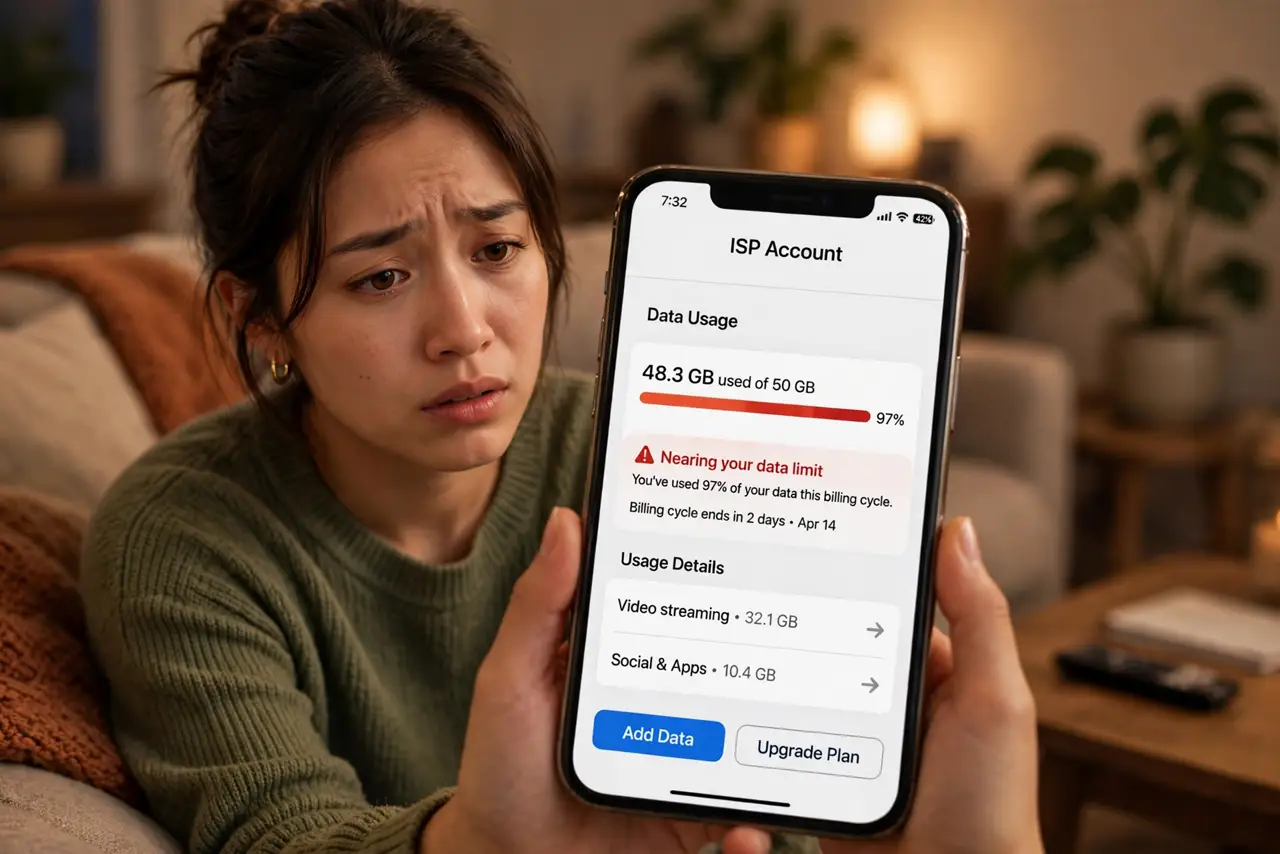
- Find your cap and your usage. Your ISP's app or website shows both. Many people discover the cap only after the first fee — check now and set up usage alerts if offered.
- Identify the biggest data drains. 4K streaming is the usual champion — an evening of 4K can eat tens of gigabytes. Cloud photo backups and game downloads round out the top three.
- Drop streaming from 4K to HD. On most screens the difference is subtle, but the data savings are huge — roughly a quarter of the usage. Set it per-profile so the kids' tablets do not undo it.
- Schedule big downloads off-peak — or accept them. Game updates and backups do not care when they run. Overnight scheduling keeps them inside the cap; metered users should also check Windows metered connections on PCs.
- Ask about the unlimited tier. ISPs usually sell an unlimited add-on. If overage fees are monthly, the add-on pays for itself — do the math on three months of fees versus the upgrade.
- Dispute the first fee politely. First-time overage fees are often waived if you ask and agree to monitor usage. One polite call can erase the surprise charge.
What NOT to do
- Do not pay repeated overage fees silently. Two months of fees usually exceeds the unlimited upgrade — the math favors switching fast.
- Do not assume 'unlimited' phone data covers home use. Tethering a capped home connection through a phone just moves the overage.
- Do not let every device stream in 4K by default. One settings pass across TVs and tablets can halve a household's usage.
- Do not ignore the ISP's usage meter. It is the official scoreboard — your own estimates do not win disputes.
Frequently asked questions
How much data does 4K streaming use?
Roughly several times HD — a couple of hours nightly adds up to hundreds of gigabytes a month. HD uses about a quarter of that.
Do data caps apply to uploads too?
Usually the cap counts total usage, both directions. In practice downloads dominate, so focus your cuts there.
Can the ISP really measure my usage accurately?
Their meter is the one that bills you, so treat it as truth. If you suspect error, compare with your router's traffic stats before disputing.