Data Prioritization? Basics
Your 'unlimited' mobile plan was blazing fast, then suddenly crawled — but you never hit a stated limit. That is deprioritization: after heavy use, the carrier moves you to the back of the line during congestion, while lighter users go first. It is legal, common, and buried in the fine print. Here is how it works and what to do about it.
TL;DR / Quick Fix
Quick fix: deprioritization means your carrier slows you only during tower congestion after you pass a usage threshold (often 50–100 GB). It is not a hard cap — speeds return when congestion clears. Check your plan's threshold in the fine print, and switch plans if you get deprioritized constantly.
Follow these steps
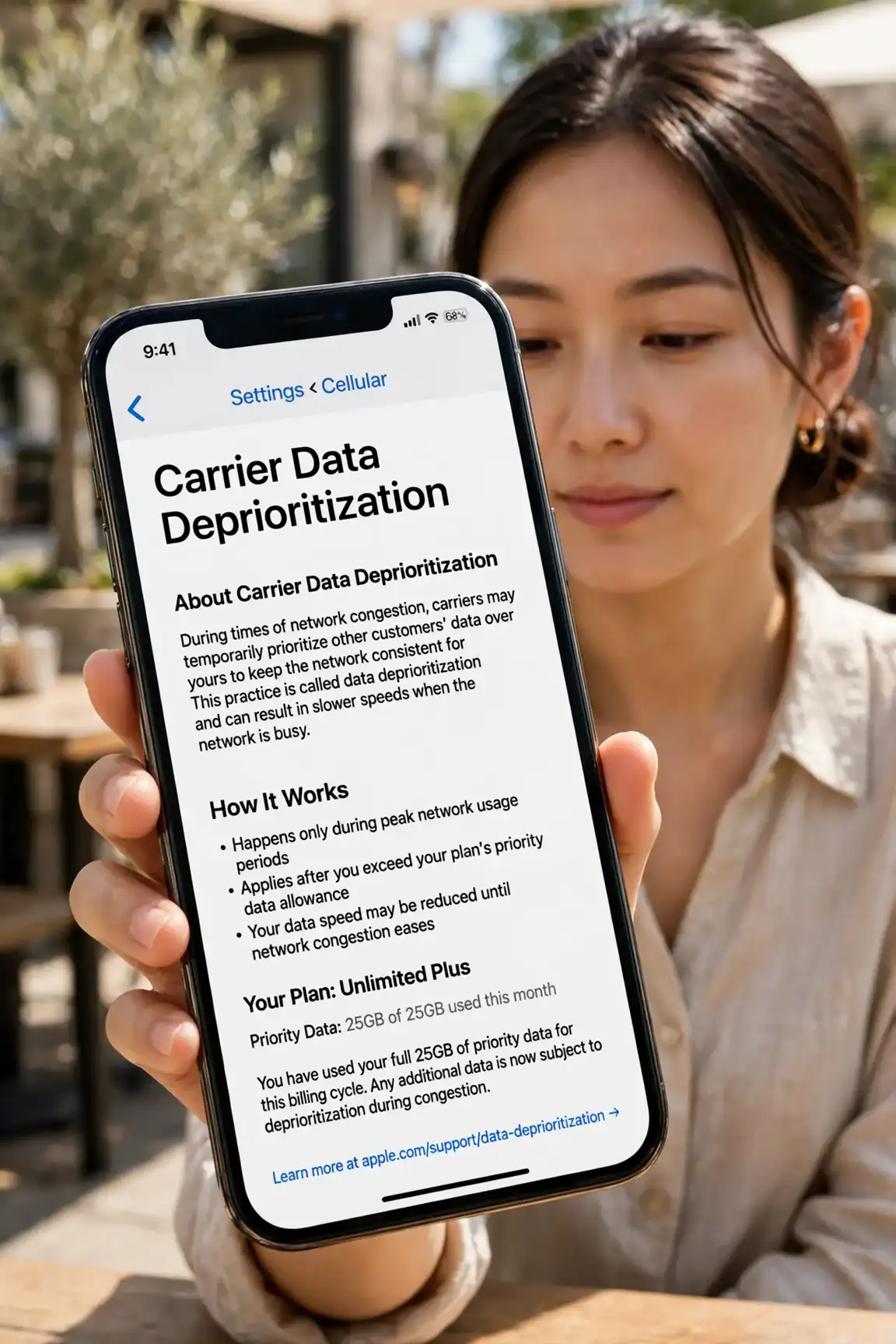
- Understand what deprioritization is. Carriers sell more data than towers can deliver at peak. To cope, heavy users get temporarily lower priority during congestion — your packets wait while lighter users' go first. Off-peak, you are full speed again.
- Find your plan's threshold. Check your carrier's plan details for the deprioritization threshold — commonly 50, 100, or 200 GB per month. Below it, you are never deprioritized; above it, only during congestion. This number is the single most useful comparison between 'unlimited' plans.
- Distinguish it from throttling. Throttling is a hard speed cap regardless of congestion; deprioritization is conditional and temporary. Carriers blur the terms — our throttling vs prioritization guide untangles them.
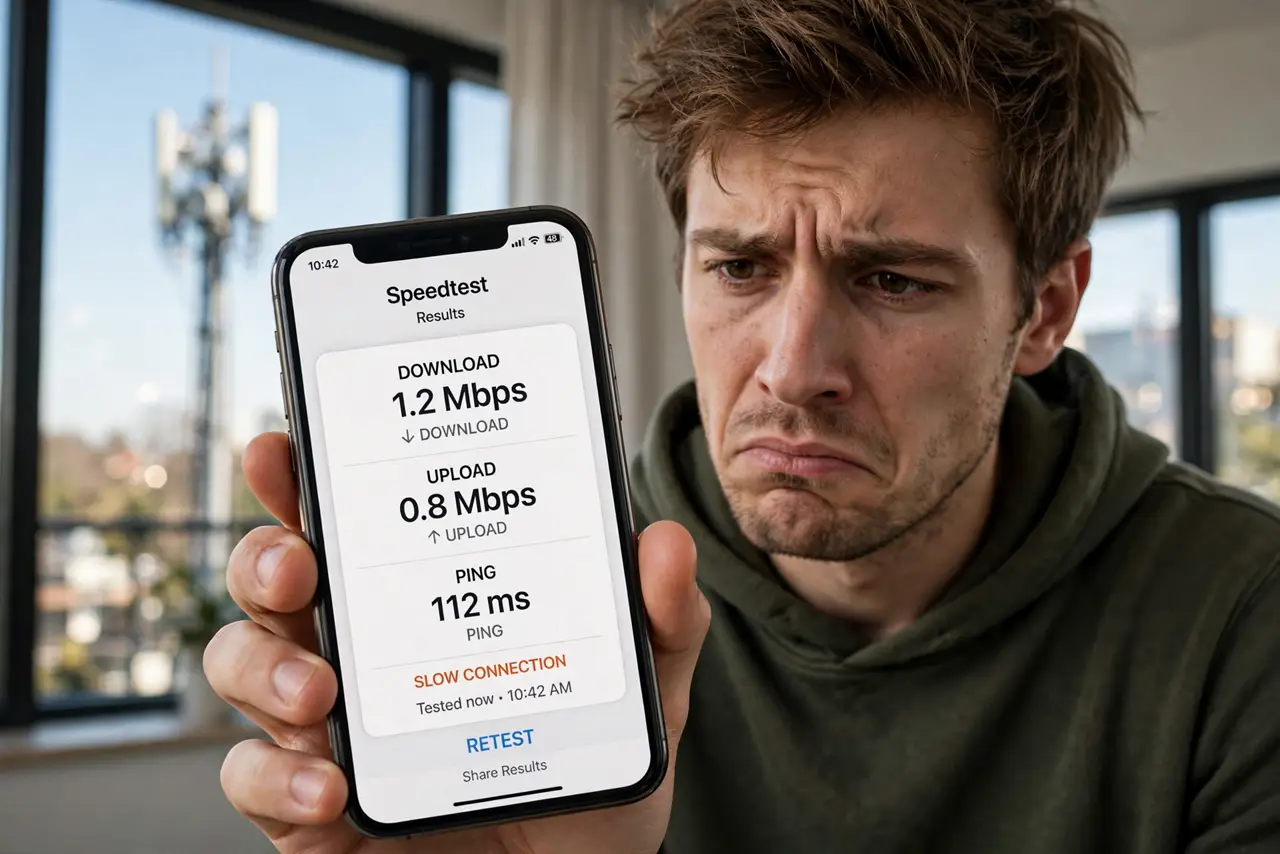
- Test at different times. Run speed tests at noon and at 8 PM. Fast at noon, slow at 8 PM, high usage this month? Classic deprioritization. Slow all the time? That is a different problem — signal, plan, or device.
- Reduce what counts. Offload to Wi-Fi whenever possible — Wi-Fi data never counts toward the threshold. Download big files and updates on Wi-Fi; save mobile data for when you are actually mobile.
- Switch plans if it is chronic. If you blow past the threshold every month and evenings are always slow, a plan with a higher threshold (or true priority data) is cheaper than frustration. Compare thresholds, not just prices.
What NOT to do
- Do not confuse deprioritization with a broken phone. If speeds crater only at peak hours after heavy use, the network is managing you — not malfunctioning.
- Do not buy a 'signal booster' to fix it. Deprioritization is a queueing policy, not a signal problem — boosters change nothing.
- Do not assume all unlimited plans are equal. A 50 GB threshold and a 200 GB threshold are different products wearing the same 'unlimited' costume.
- Do not rage-switch carriers without checking. Every carrier deprioritizes; compare thresholds and your actual usage before moving.
Frequently asked questions
Is deprioritization legal?
Yes — as long as it is disclosed in the plan terms, which it is (in the fine print). Regulators allow network management; the controversy is about how clearly it is advertised.
Does deprioritization affect 5G home internet?
Yes — many 5G home plans sit at lower priority than phone plans by default. That is part of why they are cheaper; check before relying on one for work.
Will a VPN fix deprioritization?
No. Deprioritization happens at the carrier's traffic management layer based on your account usage — a VPN cannot hide how much data you have used.