Video Doorbell Keeps Disconnecting? Fix
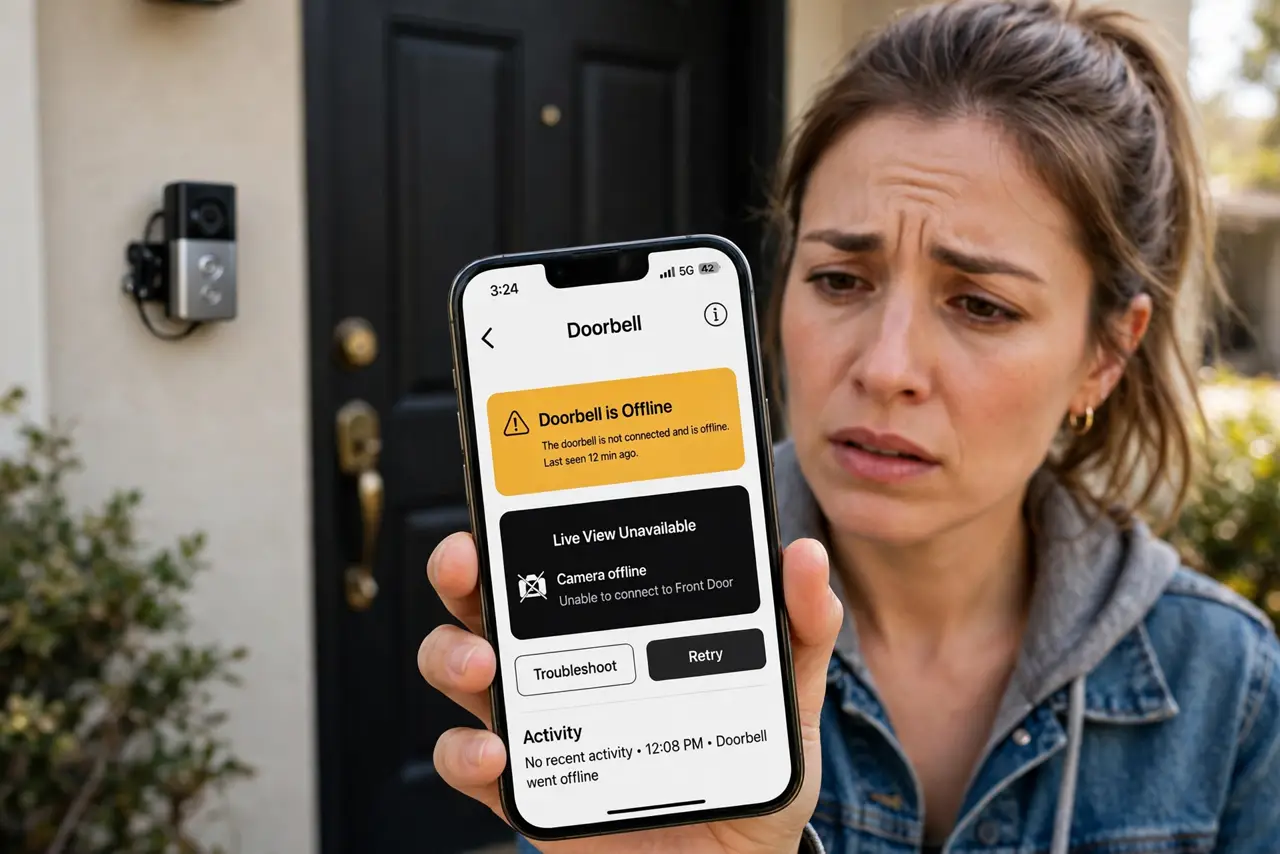
Your video doorbell worked great for months, then started dropping offline every few days — missing visitors and motion alerts. Doorbells live in the worst Wi-Fi spot in the house: outside, behind a wall, often far from the router. The good news is that most doorbell disconnects are signal problems, not broken hardware. Work this ladder before buying a replacement.
TL;DR / Quick Fix
Quick fix: doorbells disconnect because they sit far from the router with a weak signal. Check the signal strength in its app — if it's weak, move the router closer to the front of the house or add an extender halfway. Also verify the doorbell's battery or power is healthy.
Follow these steps
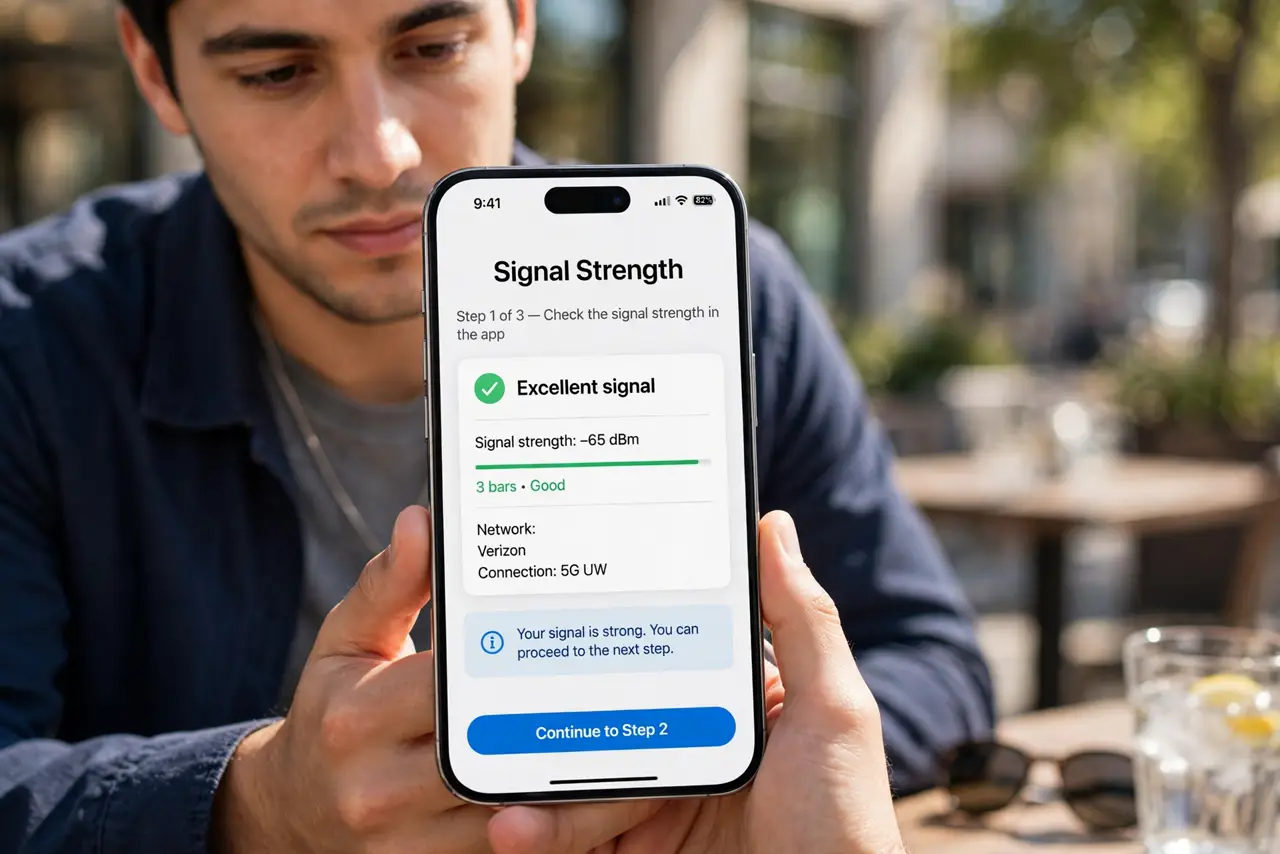
- Check the signal strength in the app. Most doorbell apps show a Wi-Fi signal rating. Weak or poor signal confirms this is a coverage problem, not a broken doorbell — and tells you the fix is placement, not replacement.
- Move the router toward the front of the house. Routers buried in a back office starve the front door. Even shifting the router to a central hallway can lift the doorbell from flaky to solid.
- Add an extender or access point halfway. A Wi-Fi extender placed between the router and the door bridges the gap. This is the most common permanent fix for doorbell disconnects.
- Verify the power supply. Battery doorbells disconnect more as the battery drains; wired ones need a transformer with enough voltage. Low power mimics Wi-Fi problems exactly.
- Reduce interference on the 2.4 GHz band. Doorbells use 2.4 GHz for its range. Baby monitors and microwaves crowd that band — see dead zone mapping if the whole front of the house is weak.
- Update the doorbell firmware. Makers steadily improve reconnection behavior. Check the app for a firmware update before assuming the hardware is failing.
What NOT to do
- Do not replace the doorbell before checking signal strength. Most 'dead' doorbells are just starved of Wi-Fi.
- Do not mount the extender right next to the doorbell. It needs to sit halfway — close enough to the router for a strong link, close enough to the door to serve it.
- Do not ignore a dying battery. Disconnects that grow more frequent over weeks usually track the battery, not the Wi-Fi.
- Do not put the router inside a metal cabinet. Metal boxes are Wi-Fi coffins, and the doorbell is always the first victim.
Frequently asked questions
Why did it work fine for months, then start dropping?
Networks change — a new neighbor's router, a firmware update, a growing device crowd. The doorbell, on the weakest link, feels every change first.
Should the doorbell use 2.4 or 5 GHz?
2.4 GHz, always — its longer range is what reaches outside. 5 GHz barely penetrates the front wall.
Does cold weather affect video doorbells?
Yes for battery models — cold drains batteries faster, causing exactly these disconnects. Wired doorbells are immune to this.