Set Up a Wi-Fi Extender?
The bedroom gets one bar while the living room flies — the classic dead-zone problem. A Wi-Fi extender (repeater) grabs your router's signal and rebroadcasts it further, covering the dead spot for the price of a pizza. It is the cheapest fix, but placement makes or breaks it. Here is how to set one up so it actually helps.
TL;DR / Quick Fix
Quick fix: a Wi-Fi extender rebroadcasts your router's signal into dead zones — plug it in halfway between the router and the dead spot, not inside the dead spot itself. Expect about half the speed of the main network. For big homes, a mesh system usually works better.
Follow these steps
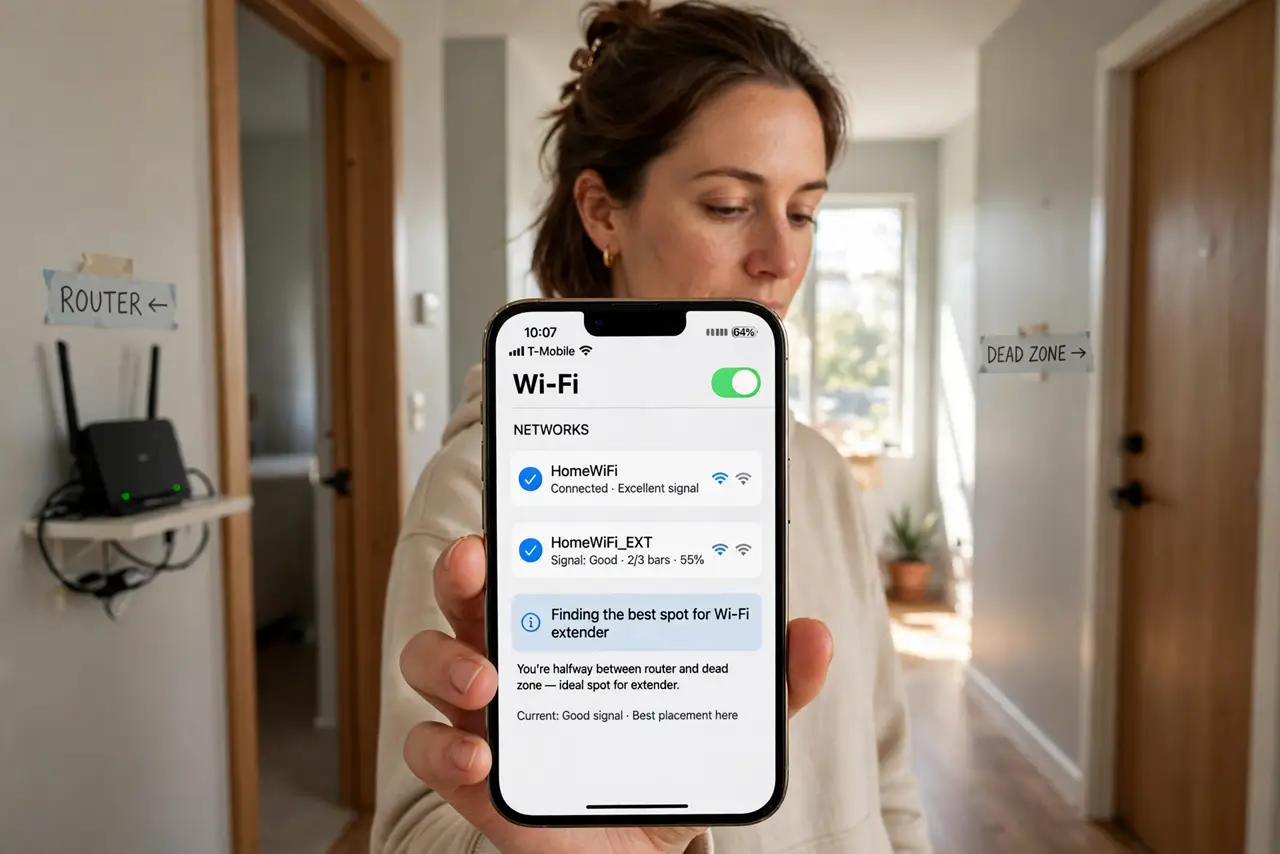
- Place it halfway, not in the dead zone. The extender needs a decent signal to repeat — put it where your phone still shows two to three bars, roughly midway between router and dead spot. Inside the dead zone it has nothing to amplify. See the extender placement guide for the details.
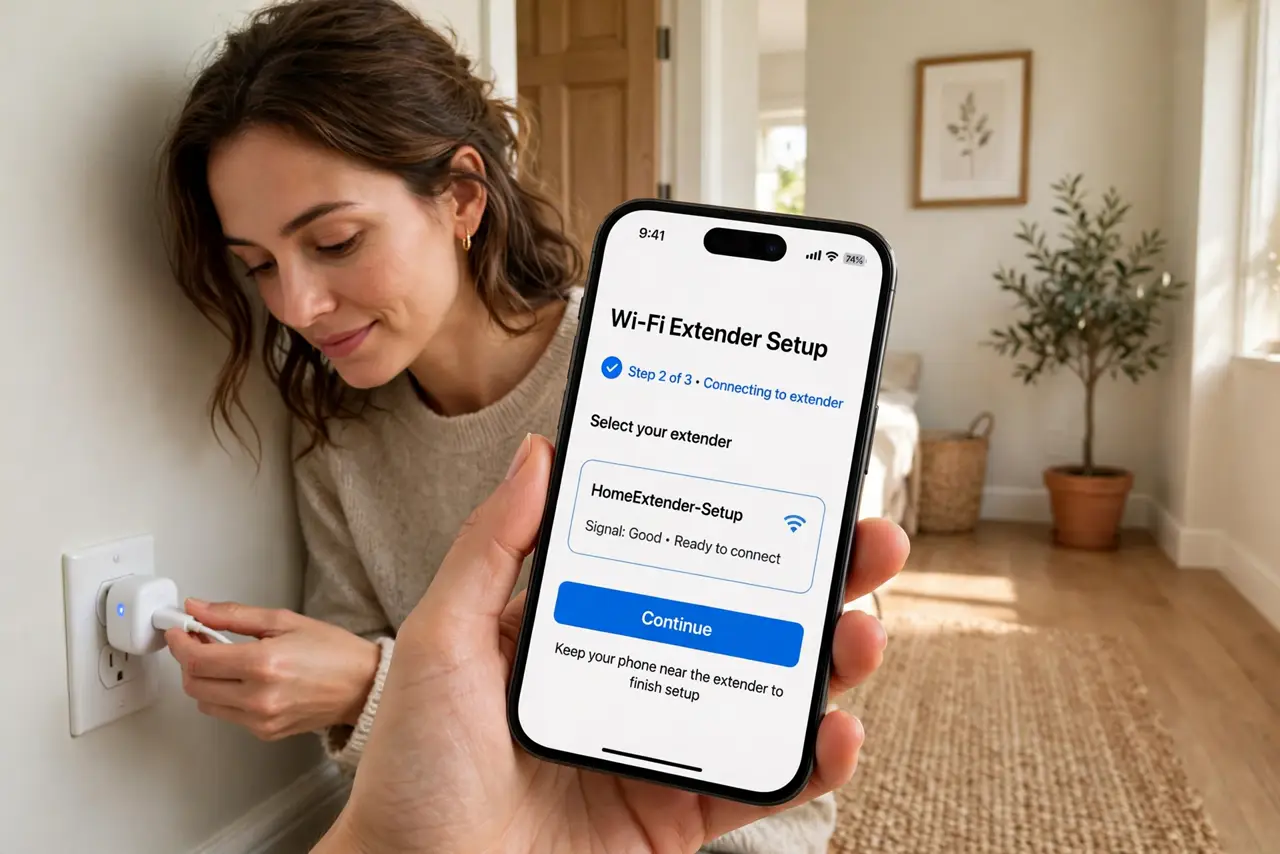
- Use the setup app or WPS. Most extenders set up through a phone app: plug it in, connect to its temporary network, and follow the prompts to join your main Wi-Fi. WPS button pairing works too if your router supports it.
- Match the network name wisely. You can clone your main network name (seamless roaming, sometimes sticky) or use a distinct name like 'Home_EXT' (manual switching, predictable). A distinct name avoids the confusion of not knowing which you are on.
- Expect the speed tradeoff. Extenders halve bandwidth by nature — they listen and rebroadcast on the same channel. Fine for browsing and video in a dead zone; not for gaming or big uploads. See why extenders halve speed for the technical reason.
- Keep it out from behind furniture. An extender shoved behind a couch or inside a cabinet radiates poorly — the outlet-behind-furniture mistake is depressingly common. Open air, waist height or higher, away from metal.
- Know when to choose mesh instead. One dead zone: extender. Several weak spots or a large home: a mesh system gives one seamless network instead of patched-together coverage. Compare before buying a second extender.
What NOT to do
- Do not place the extender in the dead zone. It cannot amplify a signal it cannot hear — halfway is the rule.
- Do not expect full speed through an extender. Halved bandwidth is physics, not a defect — plan around it.
- Do not hide it behind furniture or in a cabinet. Blocked radiators radiate poorly, however convenient the outlet.
- Do not chain extenders off extenders. Each hop halves speed again — two hops in means quarter speed and misery.
Frequently asked questions
Extender vs mesh — which should I buy?
One dead zone and a tight budget: extender. Multiple weak areas or a bigger home: mesh. The detailed comparison walks through the decision.
Why did my extender create a second network?
That is normal when you give it a distinct name — it is a separate broadcast of the same internet. See the second-network explainer if it confuses your devices.
Can I use an old router as an extender?
Often yes — many routers have a repeater or bridge mode. It takes more fiddling than a purpose-built extender but costs nothing.