Fiber vs Cable? Plain Answer
Fiber and cable both deliver fast internet, but they are different technologies with different real-world behavior. Fiber is light through glass — symmetrical speeds and rock-steady latency. Cable is shared neighborhood wiring — fast downloads but slower uploads and evening slowdowns. When both are offered at your address, the choice matters. Here is the honest comparison.
TL;DR / Quick Fix
Quick fix: fiber wins when available — symmetrical upload speeds, lower latency, and no evening slowdowns. Cable is fine for streaming-heavy households that rarely upload. Compare the upload speed, not just downloads: fiber often gives 500 up where cable gives 20.
Follow these steps
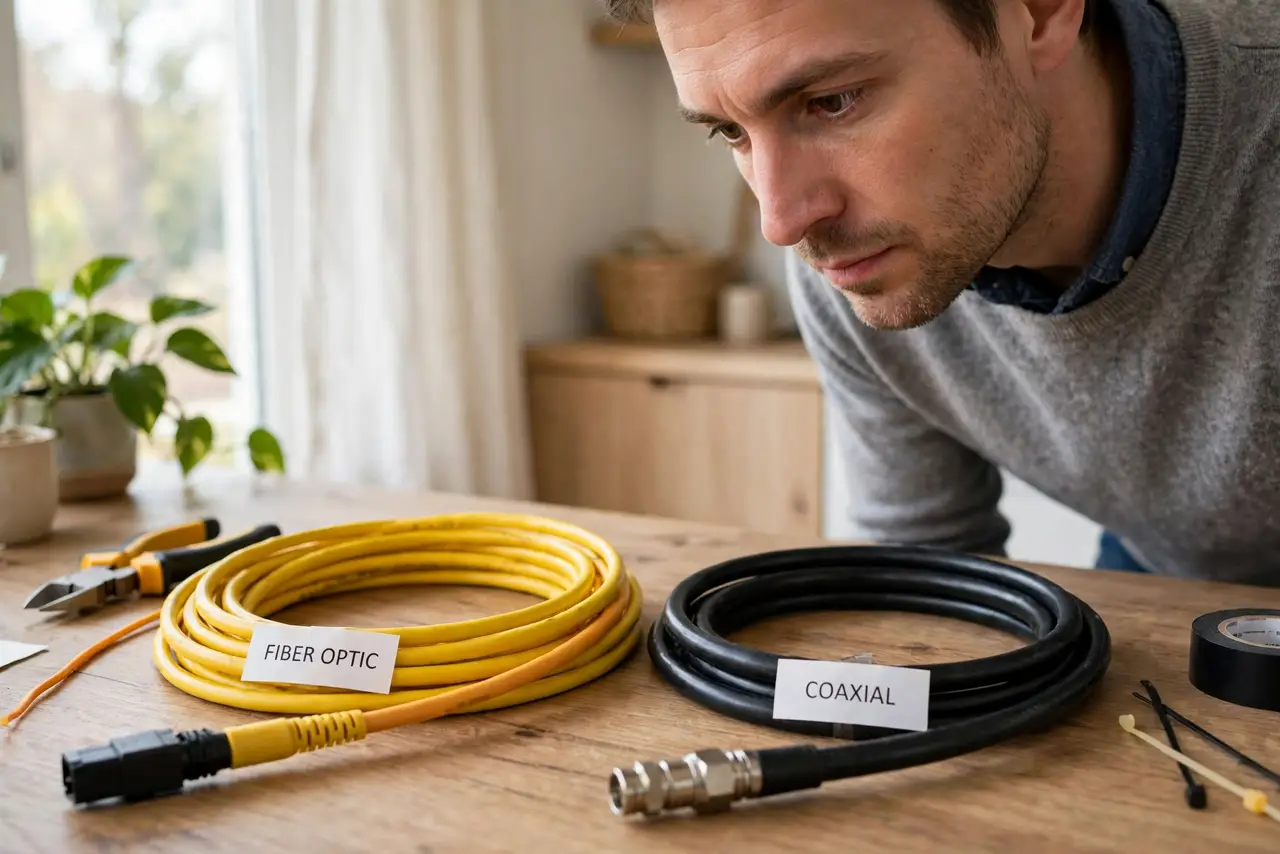
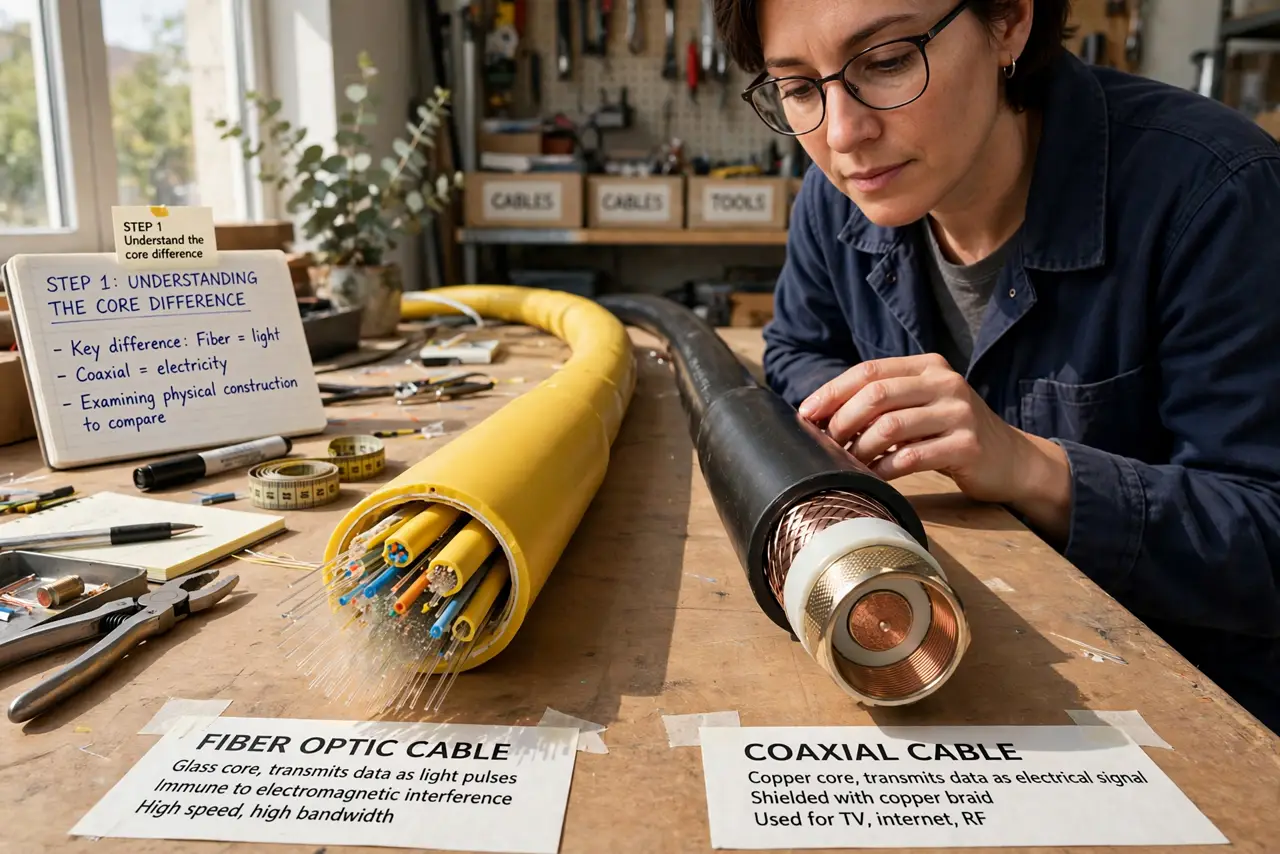
- Understand the core difference. Fiber sends data as light through glass strands, dedicated to your home. Cable reuses old TV coaxial wiring shared with your neighbors. Light does not get congested; shared copper does — that is the whole story.
- Compare uploads, not just downloads. Cable advertises big download numbers but uploads crawl — often 10 to 35 Mbps. Fiber is usually symmetrical: 300 down means 300 up. Uploads matter for video calls, cloud backup, and working from home.
- Know about evening slowdowns. Cable slows when the neighborhood streams at 8 PM because the wire is shared. Fiber barely notices. If your cable crawls every evening, that is physics, not a fault to fix — though latency differences affect gaming too.
- Check real availability. ISPs advertise fiber 'in your area' loosely — it must reach your specific address. Enter your exact address on the provider's checker; 'coming soon' has disappointed many.
- Weigh price and contract. Fiber often costs the same or less than cable for more speed, but installation may need a technician visit and a new modem setup. Compare total first-year cost, not the promo rate.
- Do not overbuy speed. A 4K stream needs 25 Mbps; a video call needs 10. A household of four streams comfortably on 200 Mbps. Gigabit fiber is lovely but most homes never use it — buy headroom, not bragging rights.
What NOT to do
- Do not choose on download speed alone. Upload speed and latency decide video-call and gaming quality — fiber's real advantages.
- Do not assume 'fiber-powered' means fiber. Some ISPs run fiber to the neighborhood and copper to your door — ask specifically about fiber to the home.
- Do not ignore the upload gap on cable. Cloud backups and video calls suffer most; test uploads before committing.
- Do not sign without checking installation. Fiber may need drilling and a technician appointment — know what you are agreeing to.
Frequently asked questions
Is fiber really better than cable?
For most uses, yes: symmetrical speeds, lower latency, and no shared-wire slowdowns. Cable remains perfectly good for download-heavy households.
Why is my cable slow every evening?
Your neighbors share the same wire, and everyone streams at once. It is inherent to cable — fiber does not have this problem.
Do I need gigabit internet?
Probably not. Most households use well under 200 Mbps even with multiple 4K streams. Gigabit helps only with huge downloads and many simultaneous heavy users.