Modem-Router Combo vs Separate?
The ISP offers one box that does everything — modem plus router, called a gateway — or you can buy your own router and pair it with a simple modem. The combo is convenient; separates perform better and give you control. Neither is wrong, but they suit different people. Here is how to choose without regret.
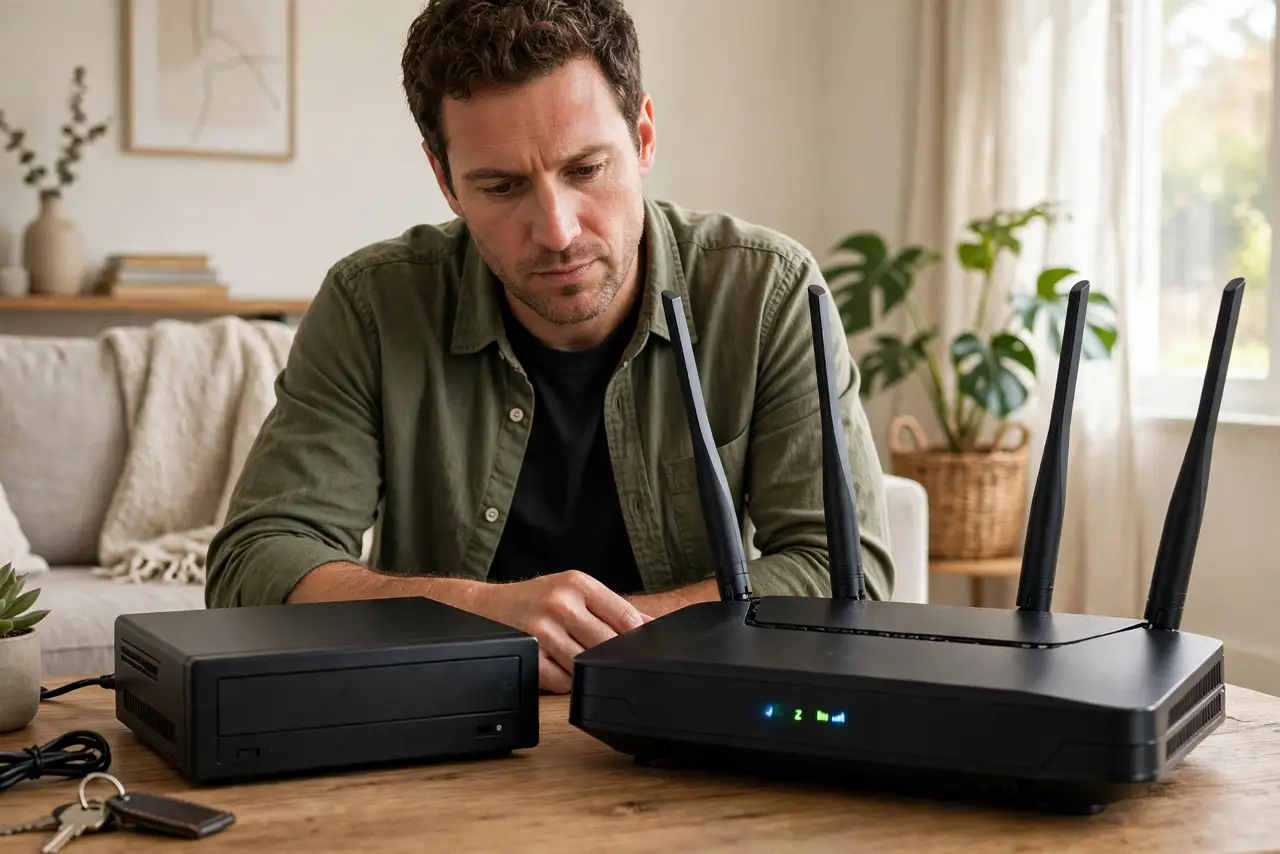
TL;DR / Quick Fix
Quick fix: a modem-router combo is simplest — one box, ISP-supported, fine for basic needs. Separate modem plus your own router costs more up front but gives faster Wi-Fi, better features, and no monthly rental fee. Pairing both? Avoid double NAT with bridge mode.
Follow these steps
- Understand the two boxes' jobs. The modem talks to the ISP's line; the router runs your home network and Wi-Fi. A gateway just fuses both jobs into one plastic shell.
- Choose the combo for simplicity. One box, one support number, zero compatibility questions. If your needs are browsing, streaming, and video calls, a decent gateway is genuinely enough.
- Choose separates for performance and control. Your own router brings stronger Wi-Fi, better parental controls, VPN features, and firmware updates the ISP will never ship. It also kills the monthly rental fee — see is the ISP router good enough.
- Know the rental math. $10-15/month rental becomes $120-180/year. A good router pays for itself in about a year — then it is pure savings.
- Pairing your router with a gateway? Mind the NAT. Gateway plus personal router means two routers — the classic double NAT trap. Plan for bridge mode from the start.
- Know which box is broken when trouble hits. Internet light out on the gateway/modem: ISP side. Wi-Fi devices cannot see each other: router side. See which is broken to diagnose fast.
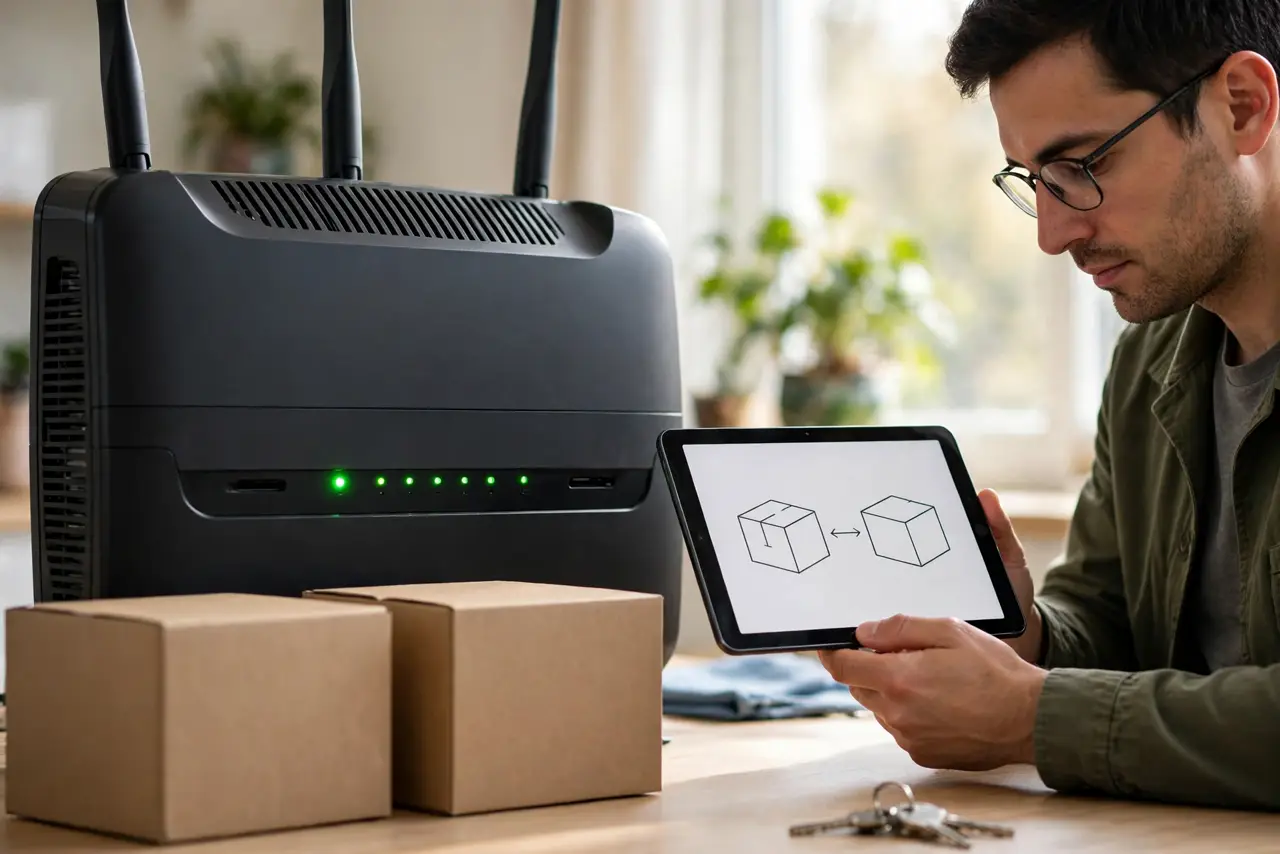
What NOT to do
- Do not stack a new router behind a gateway without a plan. That is how double NAT happens — decide on bridge mode or access-point mode first.
- Do not rent forever without doing the math. Two years of rental fees buys a very good router outright.
- Do not buy a modem blindly. It must be approved for your ISP and speed tier — check their compatibility list first.
- Do not assume separates are always faster. A great gateway beats a bargain-bin router; compare actual specs, not categories.
Frequently asked questions
Can I use my own router with my ISP?
Almost always yes. Put their gateway in bridge mode (or replace their modem with an approved one) and your router takes over.
Why does my ISP push the combo so hard?
Rental revenue and simpler support. It is good business for them — not necessarily a bad deal for you, but do the math.
Do I still need a modem on fiber?
Fiber uses an ONT instead of a modem — different box, same idea. You still choose between ISP gear and your own router behind it.