Gaming on 5 GHz? Basics
Online gaming cares about one thing above all: low, stable latency -- and the Wi-Fi band you play on decides a surprising amount of it. 5 GHz beats 2.4 GHz for gaming in most homes: less interference, more bandwidth, lower ping. But band choice interacts with distance, and the wrong pick in the wrong room makes things worse, not better.
TL;DR / Quick Fix
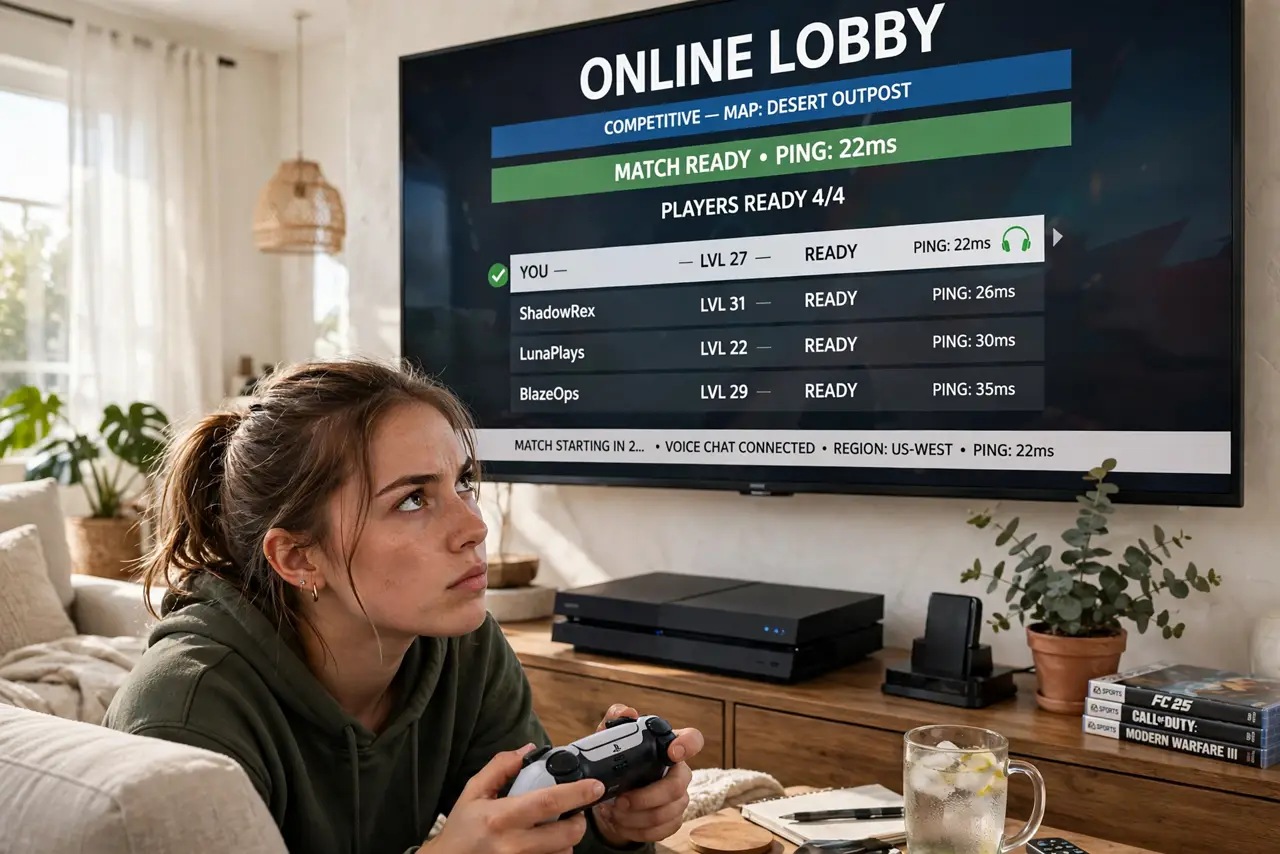
Quick fix: game on 5 GHz when the console or PC is close to router -- lower latency and less interference than 2.4 GHz. For competitive play, nothing beats Ethernet. Far from the router, a weak 5 GHz signal loses to strong 2.4 GHz or a wired run.
Follow these steps
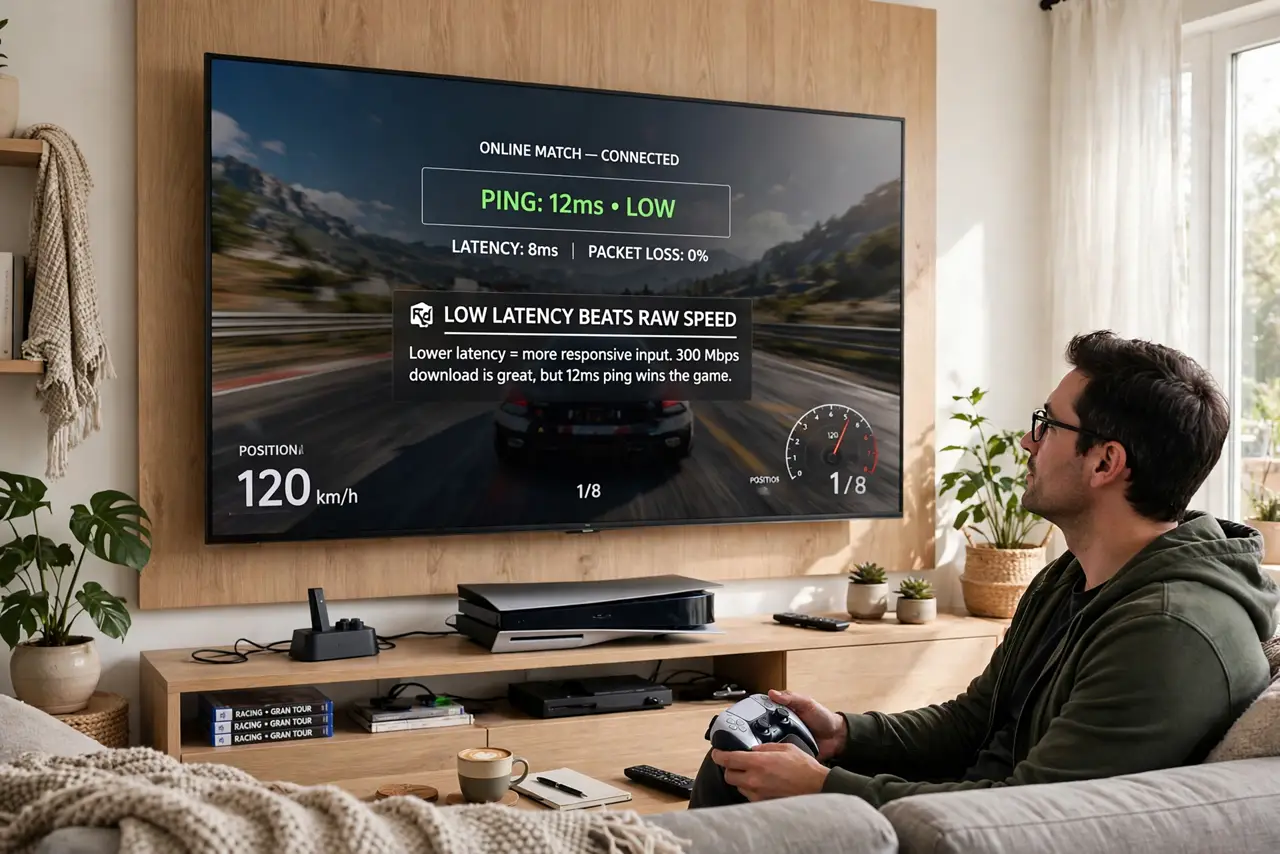
- Understand why latency beats speed. Gaming needs tiny, consistent delays -- not huge bandwidth. A 50 Mbps connection with 15 ms ping plays better than 500 Mbps with 80 ms spikes. Bands affect ping more than the plan's headline speed.
- Pick 5 GHz for nearby setups. Same room or one room over: 5 GHz gives cleaner spectrum and lower latency. Join the 5 GHz network on the console or PC and forget the 2.4 GHz one so it never roams back.
- Respect the distance limit. 5 GHz fades fast through walls. If the console is two rooms away and ping spikes, test 2.4 GHz -- a stable slower band beats an unstable fast one for gaming.
- Reduce local interference. Microwaves, baby monitors, and crowded neighboring networks all add jitter. Keep the console away from interference sources and pick a clear channel in the router settings.
- Wire it for anything competitive. Ethernet removes Wi-Fi from the equation entirely -- consistent sub-20 ms ping, no spikes. A long cable or powerline adapter is the single best gaming network upgrade.
- Test, do not assume. Run the console's built-in network test on each band and compare ping and packet loss. Numbers beat theory -- your walls decide the winner.
What NOT to do
- Do not game on 2.4 GHz by default. It is the crowded, interference-prone band -- fine for browsing, worst for latency.
- Do not force 5 GHz through three walls. A struggling 5 GHz link spikes worse than a solid 2.4 GHz one -- test both.
- Do not ignore bufferbloat on the router. If ping spikes only when others stream, the router's QoS or SQM settings matter more than the band.
- Do not blame the band for server problems. If every player lags, the game server -- not your Wi-Fi -- is the issue.
Frequently asked questions
Is 5 GHz always better for gaming?
When the signal is strong, yes -- lower latency and less interference. At long range, a solid 2.4 GHz or Ethernet wins.
Why do I get lag spikes on Wi-Fi?
Usually interference or a weak signal causing retransmits. Test each band, reduce interference, and wire up if spikes persist.
Does a gaming router help?
Modestly -- better QoS handling helps when the network is shared. But no router fixes a bad signal; placement and wiring matter more.