Gaming Ping Spikes? Fix It
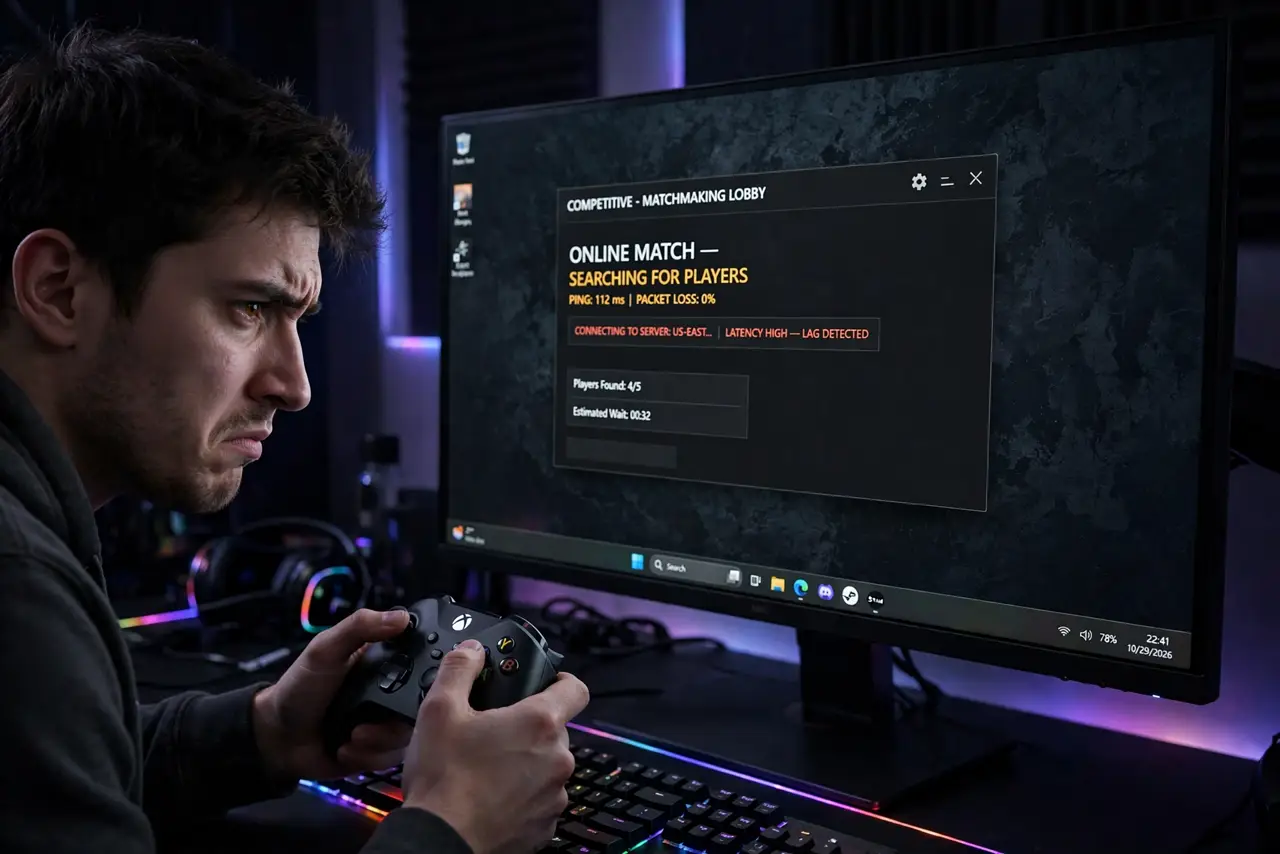
You are winning the match, then your character teleports into a wall — ping spiked from 30 to 300 for five seconds. Ping spikes are brief lag explosions, and they come from Wi-Fi interference or a crowded connection, almost never from your plan's advertised speed. Here is how to flatten them.
TL;DR / Quick Fix
Quick fix: ping spikes come from Wi-Fi interference or a maxed-out connection, not your plan's speed. Plug in ethernet — the single biggest fix — pause streaming and cloud backups on other devices, and pick a nearby server. If spikes persist on ethernet, reboot the router or call your ISP.
Follow these steps
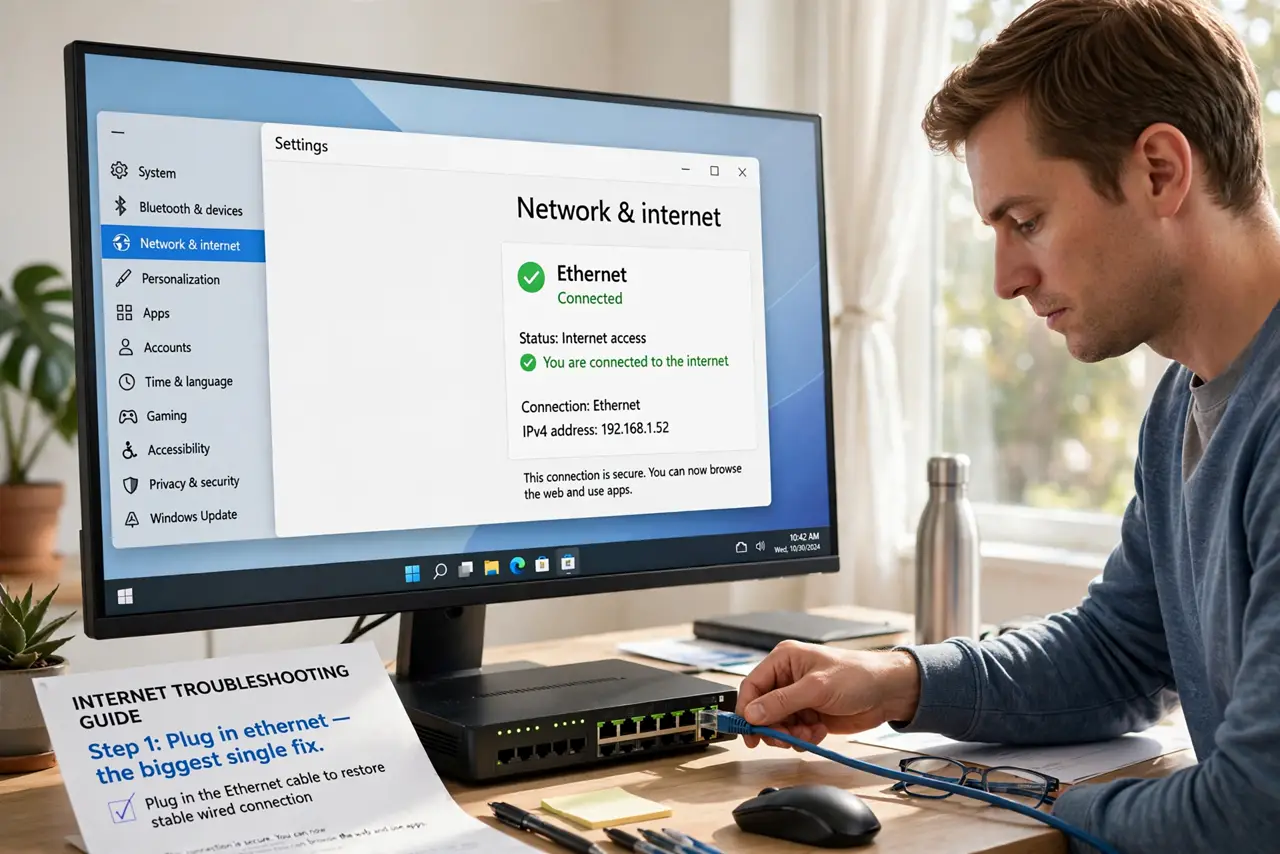
- Plug in ethernet — the biggest single fix. A cable removes Wi-Fi interference, the top cause of spikes. Even a long cable run across the room beats the best Wi-Fi for stable ping.
- Pause streaming and uploads elsewhere. Someone's 4K stream or cloud backup saturates the connection in bursts — exactly what spikes look like. Coordinate heavy use around gaming sessions.
- Pick a server near you. Server choice matters more than raw speed. A close server at 25 ms beats a distant one at 120 ms every time, spikes aside.
- Use the 5 GHz band if you must use Wi-Fi. 5 GHz is less crowded than 2.4 GHz and spikes less — as long as you are reasonably close to the router.
- Reboot the router and modem. Stale sessions and overheated hardware cause periodic spikes. A full power cycle, modem first, clears a surprising amount of it.
- Call the ISP if wired spikes persist. Spikes on a wired connection with nothing else running point at the line or neighborhood node. Ask them to check for noise and congestion — that is their job.
What NOT to do
- Do not buy a 'gaming router' before trying a cable. A $15 ethernet cable outperforms a $300 router on Wi-Fi for ping stability.
- Do not game on hotel or shared Wi-Fi and expect miracles. Shared networks spike by nature — tether to your phone if you must.
- Do not run downloads in the background 'since they're fast.' A download finishing in bursts is a classic spike generator.
- Do not confuse ping spikes with low FPS. Spikes are network teleporting; low frame rates are your PC or console struggling — different fixes.
Frequently asked questions
What ping is good for gaming?
Under 50 ms feels great, under 100 is playable for most games. What matters more than the number is stability — a steady 60 beats a spiky 30.
Why do spikes happen at the same time daily?
Evening congestion, a neighbor's usage patterns, or scheduled backups. Note the pattern — it tells you (and your ISP) where to look.
Does a VPN help ping?
Rarely — it usually adds delay. The exception is when your ISP routes badly to the game server; then a good VPN can find a shorter path.