Wired Connection for Gaming? Why
Every gaming setup guide says 'use ethernet,' and every gamer on Wi-Fi wonders if it really matters that much. It does — not because Wi-Fi is slow, but because it is inconsistent, and games punish inconsistency more than anything. Here is the honest case for the cable, plus practical ways to run one without drilling holes.
TL;DR / Quick Fix
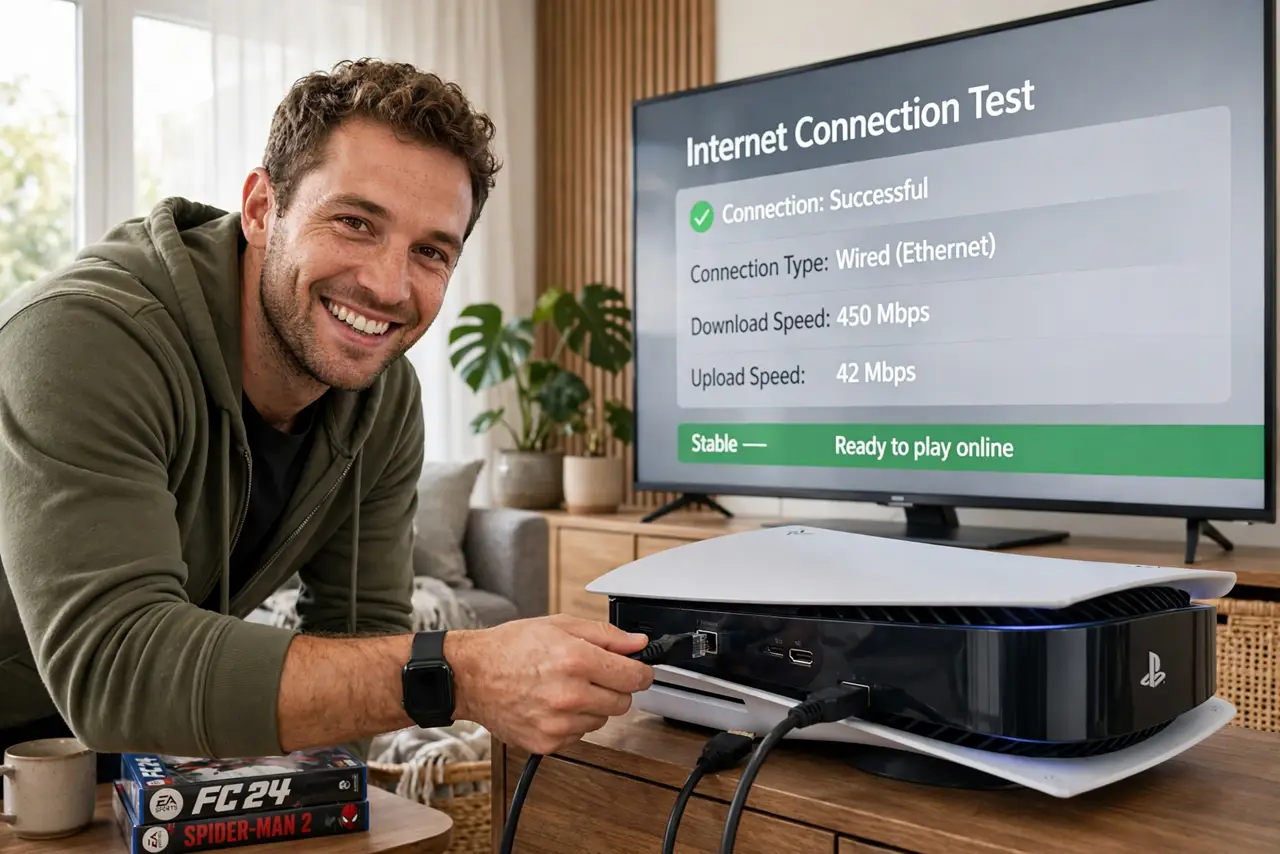
Quick fix: yes — plug your console or PC into the router with an ethernet cable. Wired beats Wi-Fi for gaming: lower ping, steadier speeds, zero interference dropouts. A long cable is cheap, and flat cables or powerline adapters reach distant rooms. Keep Wi-Fi for phones and tablets.
Follow these steps
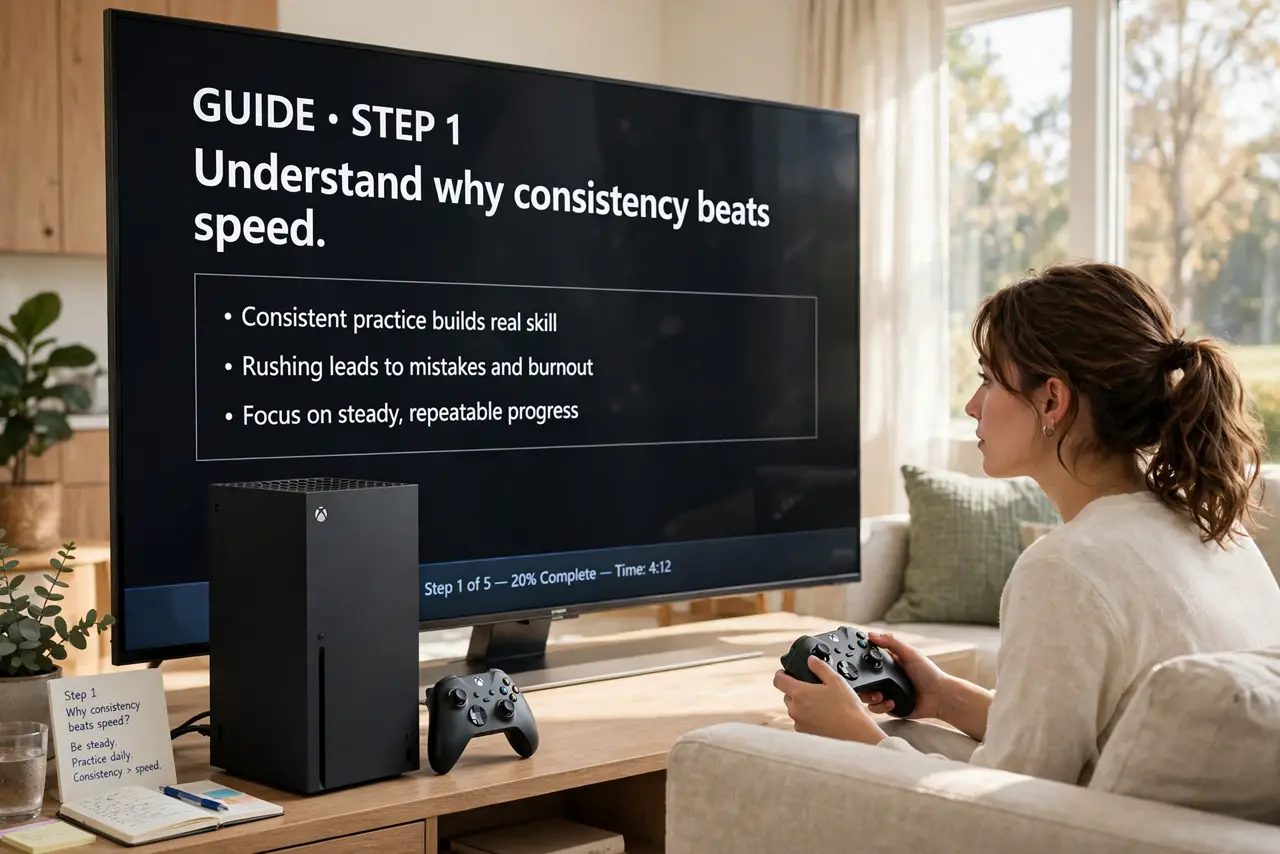
- Understand why consistency beats speed. Games need a steady trickle of tiny packets, not huge bandwidth. Wi-Fi delivers speed in bursts with jitter; ethernet delivers it metronome-steady. Games feel the difference instantly.
- Run the cable — it is cheaper than you think. A 50-foot Cat6 cable costs less than a pizza. Run it along baseboards with adhesive clips; nobody will notice it after a day.
- Use flat cables for doors and carpets. Flat ethernet slides under doors and rugs where round cable will not. Performance is identical for home lengths.
- Try powerline adapters for impossible runs. When a cable truly cannot reach, powerline adapters send network data over your home's electrical wiring. Not as good as a cable, usually better than weak Wi-Fi.
- Wire the gaming device first. If you can only run one cable, give it to the console or gaming PC. Phones, tablets, and TVs stream happily on Wi-Fi.
- Confirm the improvement. Check your game's ping before and after. The number may drop only slightly — but the spikes and jitter, the real enemies, should be gone.
What NOT to do
- Do not buy an expensive 'gaming' ethernet cable. Any certified Cat5e or Cat6 cable performs identically at home distances.
- Do not run ethernet alongside power cables for long stretches. Parallel power lines can inject noise; cross them at right angles instead.
- Do not expect wired to fix a bad ISP. A cable perfects your home network; it cannot fix congestion past your modem.
- Do not use a random old cable from a drawer without checking. Damaged or ancient cables can silently underperform — test with a known-good one.
Frequently asked questions
Is Wi-Fi 6 good enough for gaming instead?
It is much better than older Wi-Fi, but still shared airspace with jitter. Wired remains the gold standard; Wi-Fi 6 is the best wireless fallback.
Do I need Cat6 or is Cat5e fine?
Cat5e handles gigabit fine at home distances. Cat6 adds headroom for multi-gigabit — buy Cat6 for new runs since it costs barely more.
Can I just use a Wi-Fi extender for my console?
Extenders add delay and halve bandwidth — the opposite of what gaming wants. A cable or powerline adapter beats every extender.