HTTPS vs VPN? What Each Hides
People use 'HTTPS' and 'VPN' as if they were interchangeable privacy tools — they are not. HTTPS encrypts your conversation with one website; a VPN encrypts everything leaving your device and hides where you are going. You probably need to understand both, because they protect against different snoopers. Here is the plain-English split.
TL;DR / Quick Fix
Quick fix: HTTPS encrypts your connection to each website — the padlock means your ISP and Wi-Fi snoopers can't read the page content. A VPN additionally hides which sites you visit and your location. Use HTTPS always; add a VPN on public Wi-Fi or when you want location privacy.
Follow these steps
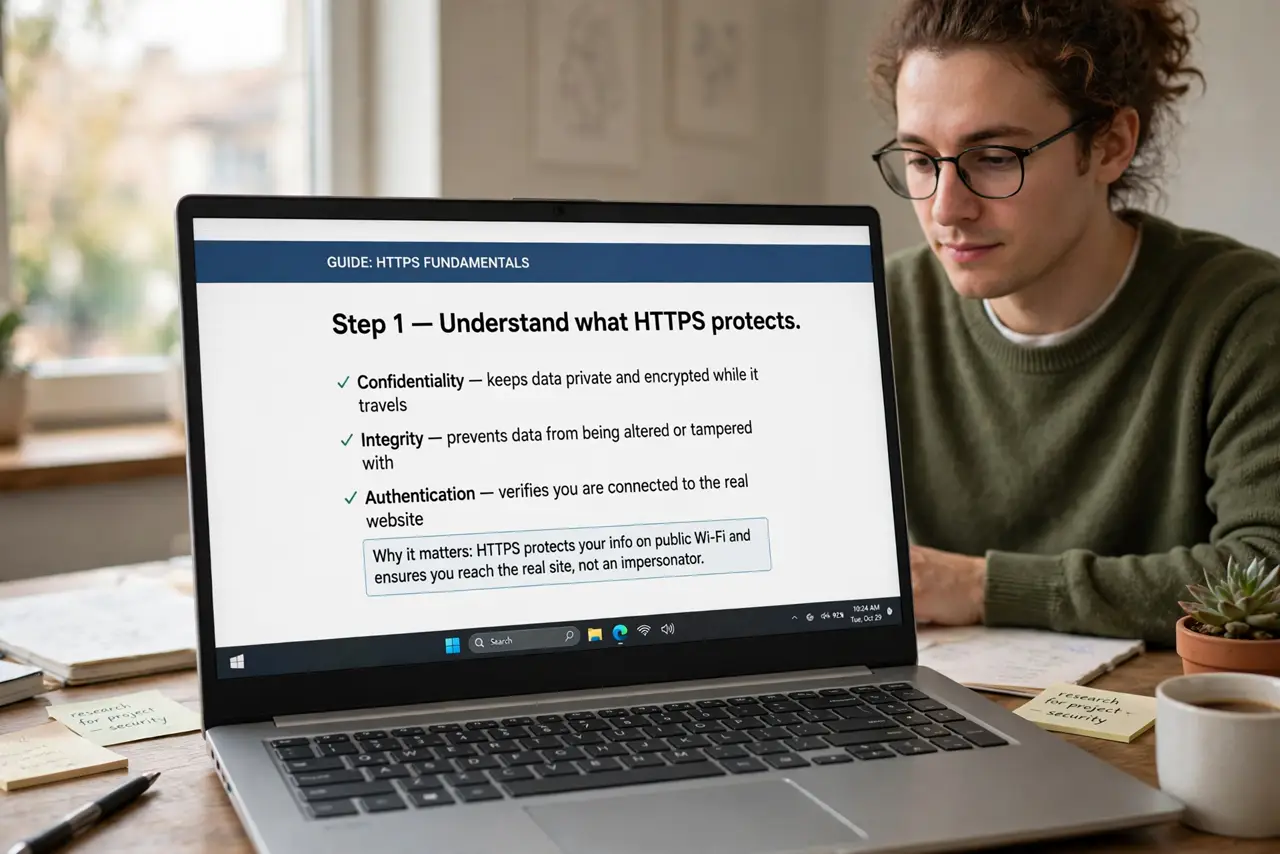
- Understand what HTTPS protects. The padlock means your connection to that site is encrypted end-to-end. Your ISP, the cafe Wi-Fi owner, and anyone snooping the network see that you visited the site — but not what you did there.
- Understand what HTTPS does NOT hide. The site's name itself leaks through DNS lookups and connection setup. An observer knows you visited your bank; they just cannot see your balance or password.
- Understand what a VPN adds. A VPN wraps ALL your traffic in encryption to the VPN server. Your ISP sees only 'talking to VPN' — not which sites. The VPN provider, though, can see it all: choose a trustworthy one.
- Use HTTPS everywhere, always. Every modern site should show the padlock. If a login page lacks it, stop — that is the real red flag, VPN or not.
- Add a VPN on untrusted networks. Public Wi-Fi is the VPN's home turf — see the evil twin risk. At home on your own network, a VPN is optional for most people.
- Know a VPN does not make you anonymous. It hides traffic from your ISP and changes your apparent location. The sites you log into still know exactly who you are.
What NOT to do
- Do not buy a VPN believing it makes you invisible. Logged-in accounts identify you regardless of encryption.
- Do not use a free VPN for sensitive traffic. Free VPNs have to make money somehow — often with your data. See the free VPN risks.
- Do not assume the padlock means a site is trustworthy. HTTPS only means the connection is encrypted — scam sites use it too.
- Do not run a VPN 24/7 without reason. It adds delay and can break banking fraud checks and streaming — use it where it helps.
Frequently asked questions
Do I need a VPN at home?
For most people, no — your home network is already private from neighbors, and HTTPS protects site content. A VPN helps for location privacy or dodging ISP throttling.
Can my employer see my browsing on a work VPN?
Assume yes. Work VPNs route your traffic through company systems that can log it — keep personal browsing off the work VPN.
Is HTTPS enough for online banking?
Yes — bank sites use strong HTTPS, which is exactly what protects your login. A VPN adds little for banking on your home network.