'Secured' but Pages Won't Load? Fix It
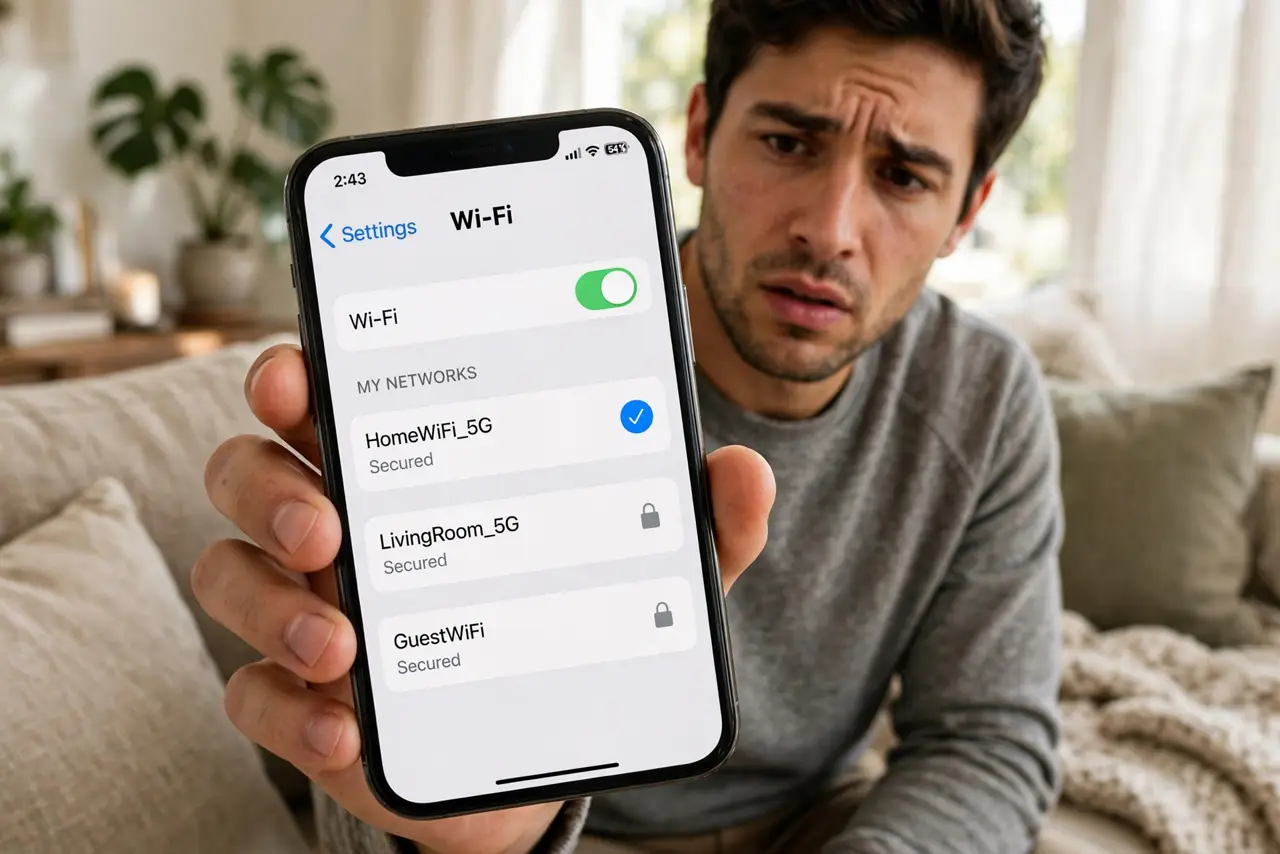
The Wi-Fi says 'Secured' — the handshake worked, the password was right — yet every page times out. 'Secured' describes the encryption between you and the router, not the internet beyond it. This guide separates the two and walks the short ladder from device glitch to dead line.
TL;DR / Quick Fix
Quick fix: 'Secured' only proves the Wi-Fi password worked — the internet beyond the router can still be down. If all devices fail, restart the modem and router in order. If only one device fails, toggle its Wi-Fi off and on, then forget and rejoin the network.
Follow these steps
- Understand what Secured means. It means the radio link is encrypted with the right password. It says nothing about whether the router can reach the internet.
- Test with a second device. Phone fails but laptop works means one device's problem. Everything failing means the router or the line — different ladder.
- Run the ordered restart. Unplug modem and router 60 seconds, modem first back on, then router. This clears the most common 'secured but dead' states.
- Toggle Wi-Fi on the single failing device. Off, wait ten seconds, on. This forces a fresh DHCP handshake, which fixes most single-device cases.
- Forget and rejoin the network. A corrupted saved profile can authenticate yet never get a working address. Forgetting wipes the slate.
- Try one wired device if you can. A laptop on Ethernet bypasses Wi-Fi entirely. If wired works and wireless does not, the router's radio or settings are the fault.
What NOT to do
- Do not re-enter the Wi-Fi password repeatedly. 'Secured' proves the password was accepted — typing it again fixes nothing.
- Do not disable security to 'fix' it. Dropping to an open network trades a working encryption for zero protection and rarely helps.
- Do not blame the website. When every site fails but the Wi-Fi says secured, the fault is below the browser — at the router or line.
- Do not factory-reset the router yet. The ordered restart resolves most cases; a reset is for when restarts repeatedly fail.
Frequently asked questions
What's the difference between Connected and Secured?
Almost none for troubleshooting — both mean the device joined the Wi-Fi. 'Secured' just confirms the encryption handshake succeeded.
Why do some apps work but browsers don't?
A dying connection can pass tiny app pings while failing page loads. It still points at the router or line, not the apps.
Could my VPN cause this?
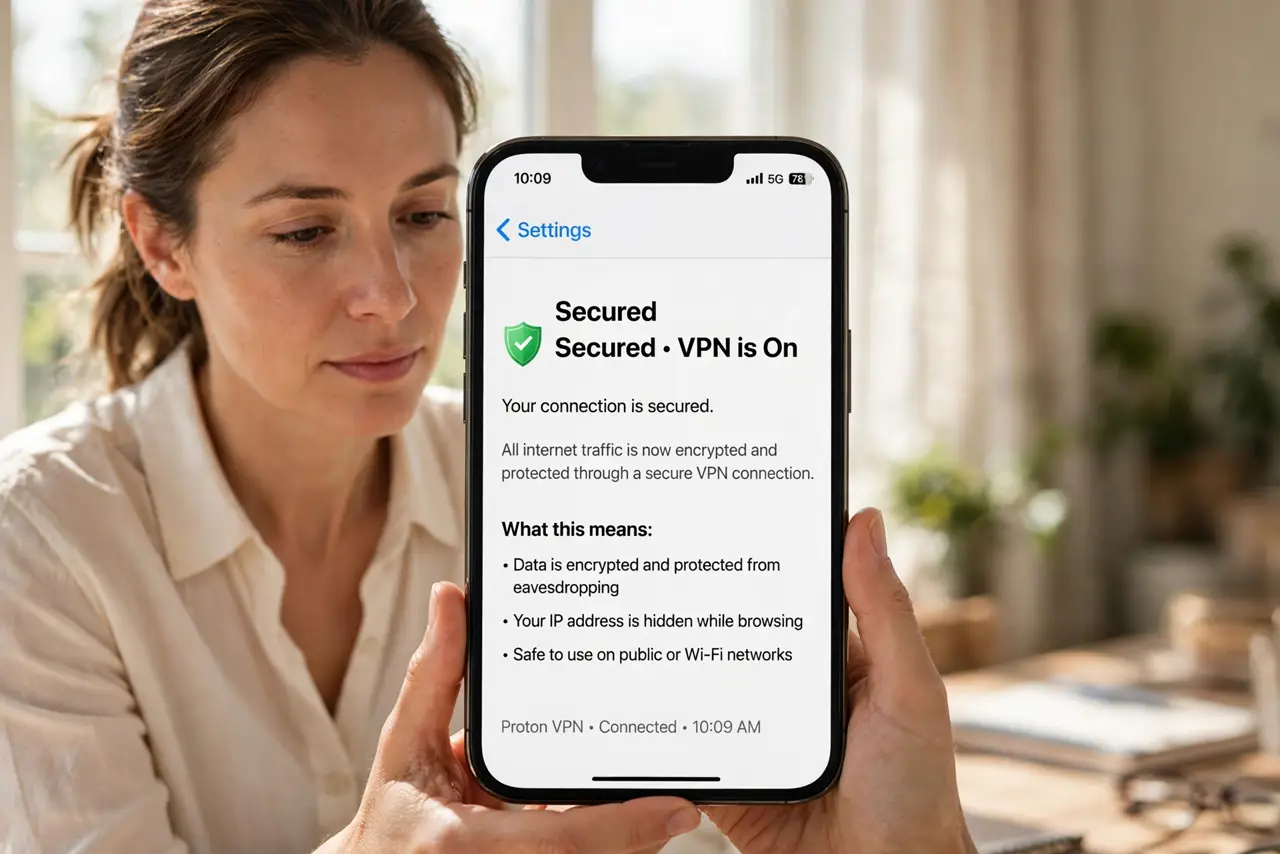
Yes — a stuck VPN can show secured Wi-Fi with nothing loading. Disconnect the VPN once as a test; see the VPN slowdown guide for the broader picture.