IP Location Wrong? Why
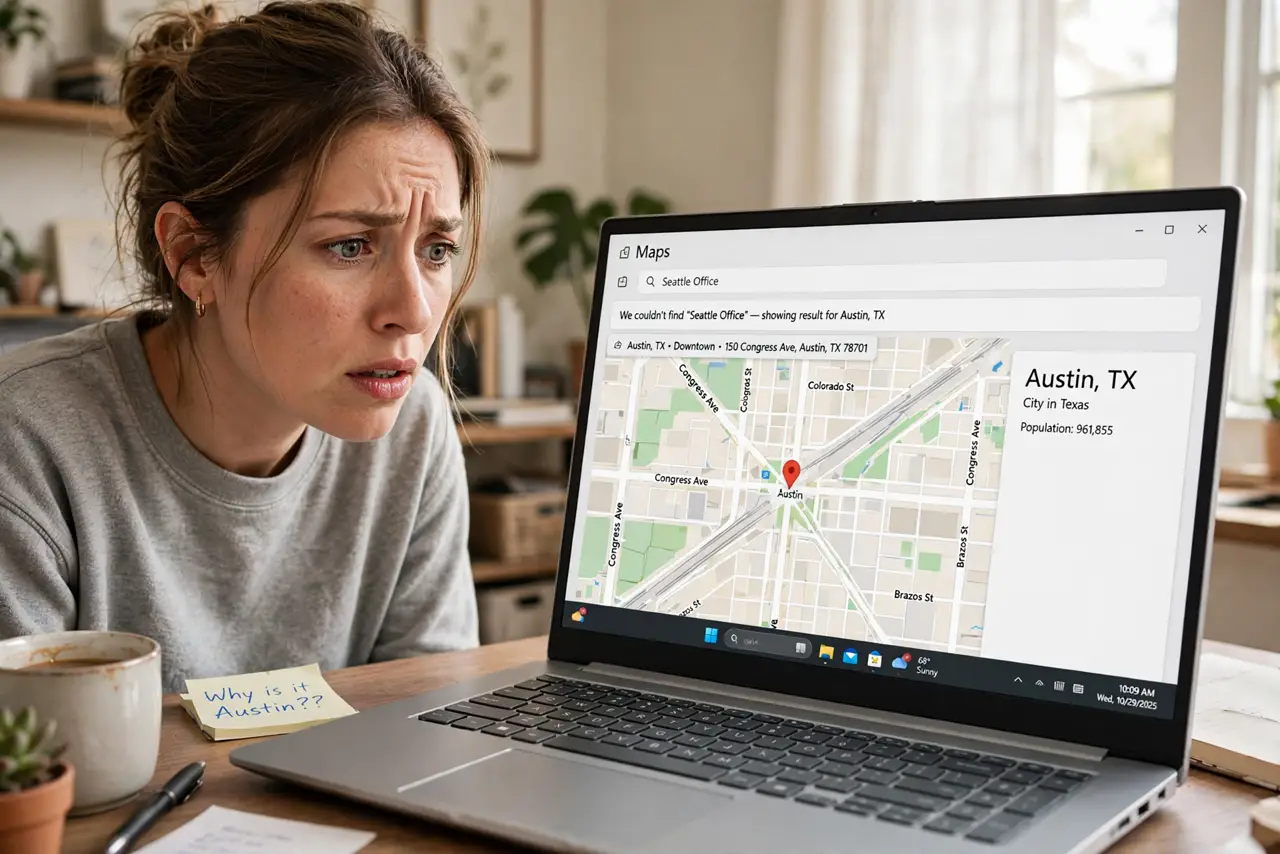
A website insists you are in Chicago when you are in Denver; a streaming service shows the wrong local news; a store prices in the wrong currency. IP geolocation — guessing location from your IP address — is famously approximate, and several normal things make it flat-out wrong. Here is why it happens and what (if anything) to do.
TL;DR / Quick Fix
Quick fix: IP location comes from databases mapping address ranges to places — often stale or coarse. Check your IP, then compare a couple of geolocation lookup sites. If you use a VPN, its server location explains everything. Otherwise it is usually the database, not you.
Follow these steps
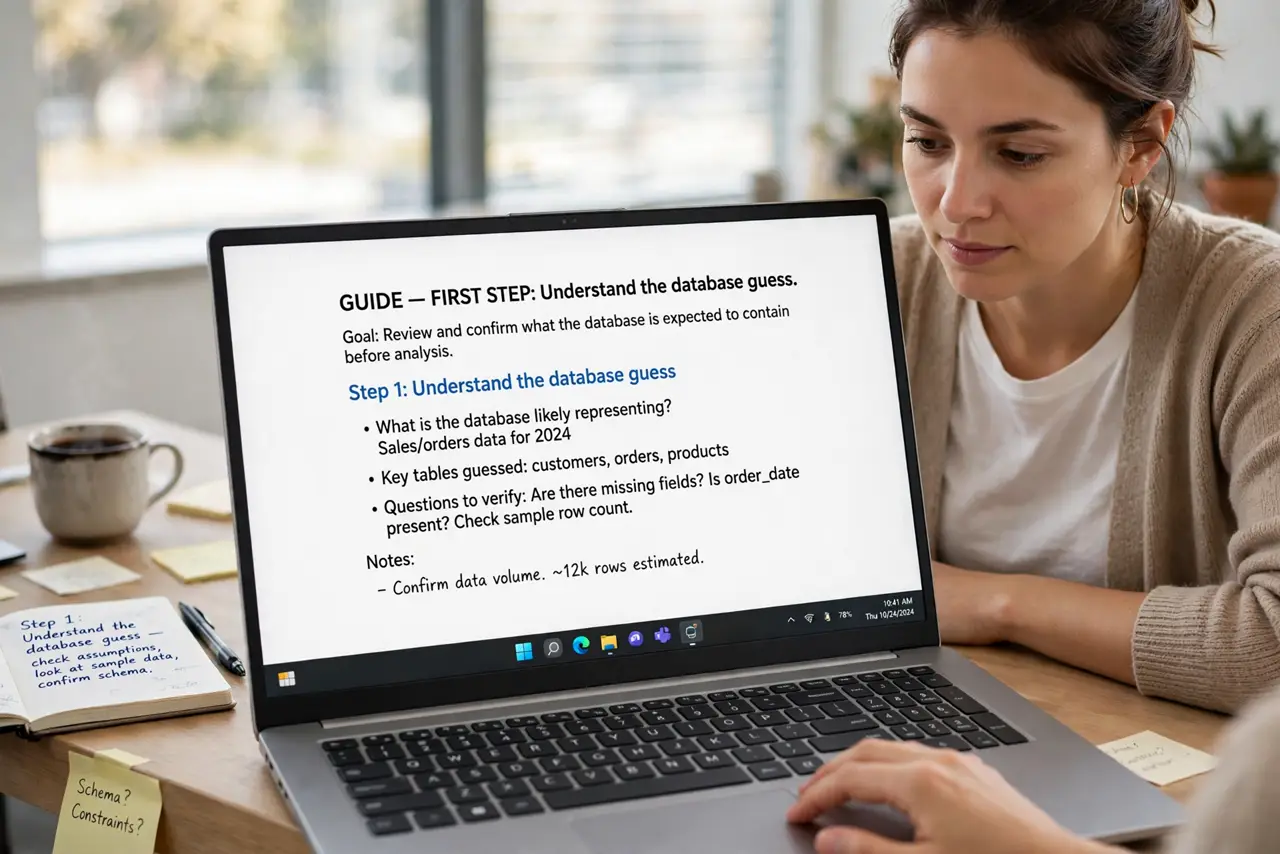
- Understand the database guess. Providers own blocks of IPs registered to a city — often their headquarters, not you. The database reports the registration, and registrations go stale when addresses move.
- Check without the VPN. VPNs relocate you by design. Turn it off, recheck, and see if the location snaps back — that isolates the cause in one test.
- Compare multiple lookup sites. Different databases disagree. If three say three cities, the data is just coarse — no single one is 'broken.'
- Restart the router for a fresh IP. A new dynamic IP from a different block may geolocate better. It is a coin flip, but it is free and takes two minutes.
- Report persistent errors. Major databases accept corrections. If your IP has shown the wrong city for months, filing a correction helps everyone on that block.
- Accept the imprecision. IP was never designed for location. City-level accuracy is the best it promises — street-level expectations will always disappoint.
What NOT to do
- Do not assume you are hacked. A wrong-city IP is overwhelmingly a stale database or a VPN — not an intruder.
- Do not pay a 'geo-fix' service. No service can rewrite the global IP databases for you — corrections go through the database owners, free.
- Do not disable location services over this. Phone GPS location and IP location are separate systems — the phone's GPS is still accurate.
- Do not rage at the website. It is reading the same public databases you can check yourself — the site is not malfunctioning.
Frequently asked questions
Why does it say a different state entirely?
Your provider reassigned an IP block registered elsewhere, or you are exiting through a distant VPN or corporate gateway. Both are routine.
Can I make it show my real city?
Not reliably. A fresh dynamic IP sometimes helps; beyond that, the databases update on their own slow schedule.
Does this affect prices I see online?
Sometimes — sites localize currency and offers by IP. A VPN set to your actual country usually restores sane pricing.