Set Up a Mesh System?
Your home has Wi-Fi dead zones, and extenders just made a patchwork of weak signals. A mesh Wi-Fi system replaces your router with two or three units that work as one seamless network — your devices roam between them without dropping. It is the real fix for bigger homes. Here is how to set one up properly.

TL;DR / Quick Fix
Quick fix: a mesh system uses multiple units acting as one network to blanket your home in Wi-Fi — place the main unit by the modem, satellites halfway to weak areas, and let the app guide setup. Your devices roam seamlessly. For placement details, see the node guides.
Follow these steps
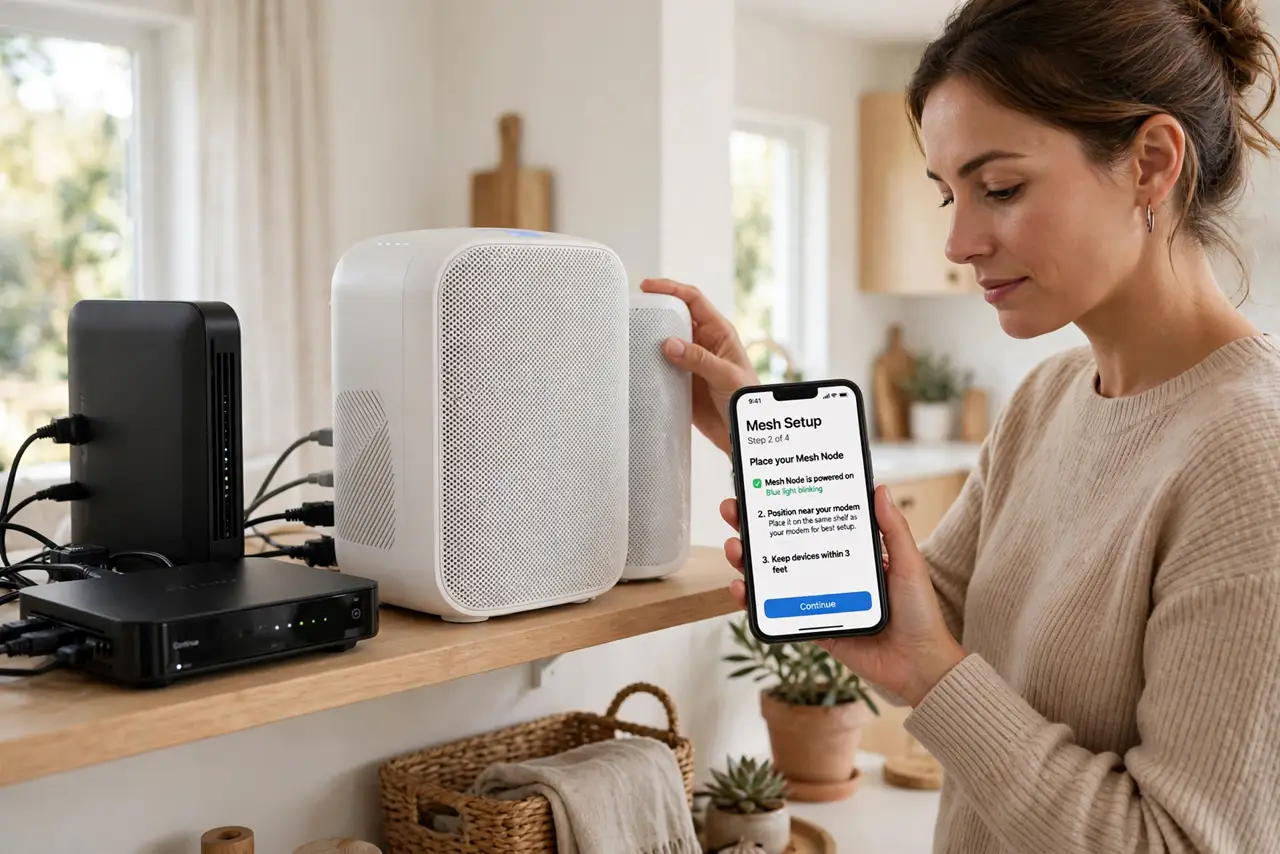
- Start with the main unit at the modem. The first mesh unit replaces (or joins) your router next to the modem. Get this one right — central, elevated, in the open — because every satellite depends on its signal.
- Add satellites halfway to weak spots. Place each additional node midway between the main unit and the dead area — close enough for a strong link back. Node placement is the make-or-break skill; do not rush it.
- Decide how many you need. Most homes need two or three nodes; more is not always better — too many causes interference and roaming confusion. See how many nodes before buying a four-pack for a two-bedroom flat.
- Follow the app, patiently. Mesh setup runs through the maker's app: create the network, add nodes one at a time, let each fully join before adding the next. Rushing the sequence is the top cause of 'my mesh never worked' stories.
- Use one network name. The whole point of mesh is a single SSID everywhere — devices roam automatically. Resist creating separate names per node; that rebuilds the extender patchwork you were escaping.
- Update firmware after setup. Mesh makers push meaningful improvements — roaming logic, security fixes — via firmware. Check for updates in the app right after setup, then enable auto-update.
What NOT to do
- Do not place nodes in the dead zones. They need a strong signal to share — halfway to the weak area, not inside it.
- Do not buy more nodes than you need. Extra nodes add interference and confusion, not coverage — count rooms, not marketing.
- Do not rush the app sequence. Adding nodes before the previous one fully joins creates a mesh that never stabilizes.
- Do not keep your old router broadcasting. Two competing networks cause roaming chaos — retire or bridge the old router.
Frequently asked questions
Mesh or extender — which first?
Mesh for multiple weak areas or larger homes; an extender for a single dead zone on a budget. The comparison decides it in detail.
Why does my device cling to the far node?
Sticky clients are a device behavior, not always a mesh failure — see the sticky-device fix before rearranging nodes.
Can I mix mesh brands?
No — mesh systems are proprietary per maker. All nodes must be the same brand and ideally the same line.