ONT Box? Plain Explanation
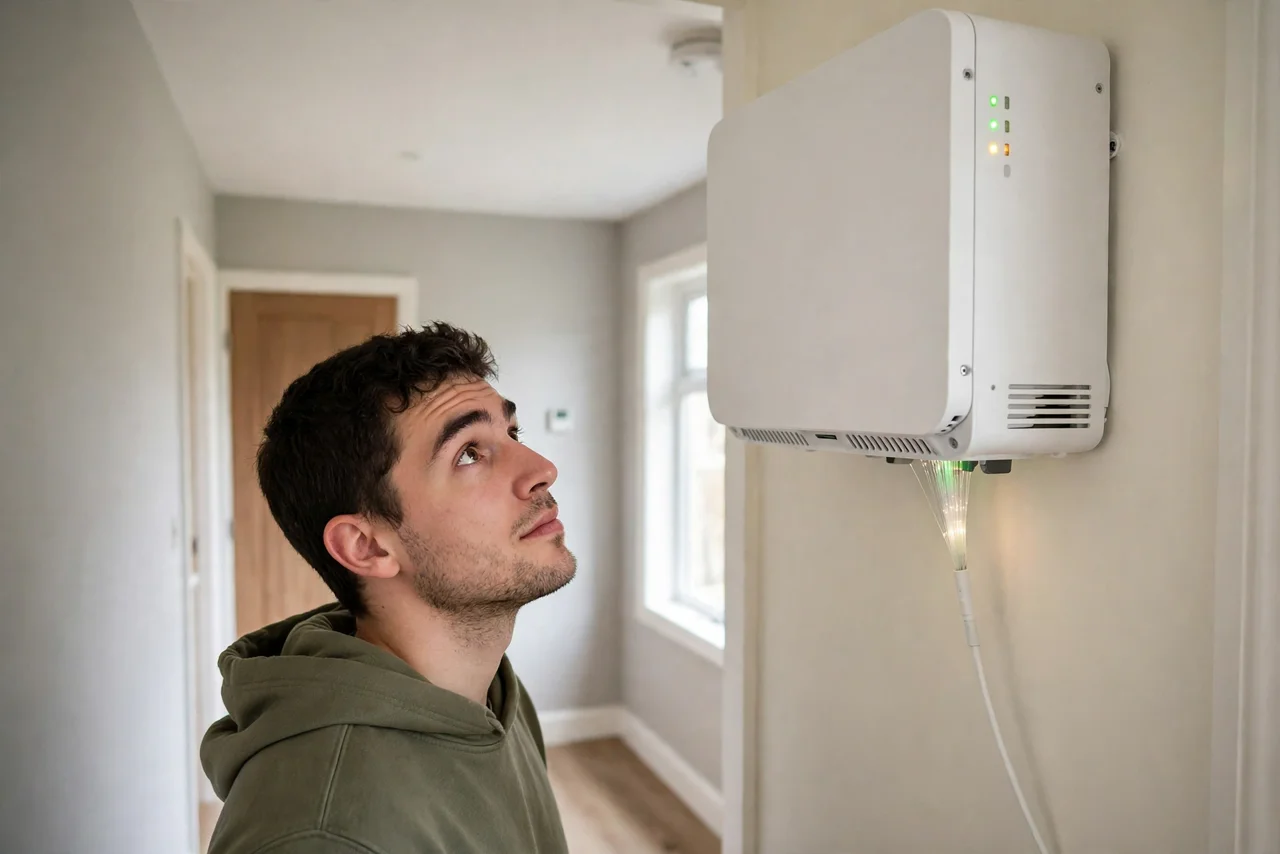
On fiber internet there is a small box on the wall where the fiber line comes in — usually with blinking lights labeled PON, LOS, or LAN. That is the ONT, the optical network terminal, and it is the fiber equivalent of a modem. When fiber internet dies, this little box is the first place to look. Here is what it does and what its lights mean.
TL;DR / Quick Fix
Quick fix: the ONT converts your provider's fiber-optic signal into Ethernet for your router — fiber's version of a modem. It needs its own power; no lights, no internet. A red LOS light means the fiber line failed — call your provider.
Follow these steps
- Understand its one job. Light in, Ethernet out. The ONT translates pulses of light from the fiber into the electrical signals your router understands. Everything downstream depends on it.
- Give it power and respect. Unlike a modem tucked behind a desk, ONTs are often wall-mounted in odd spots. It needs constant power — a switched-off outlet kills the whole house's internet.
- Read the PON light. PON lit solid: the fiber link to the provider is healthy. PON blinking or off: the ONT is not talking to the provider — see light meanings.
- Fear the red LOS light. LOS (loss of signal) in red means the fiber itself is broken or unplugged upstream. No restart fixes this — call the provider and say 'red LOS on the ONT.'
- Restart it properly. Unplug its power for 30 seconds, then plug back in and wait two full minutes. ONTs negotiate slowly; judging after 20 seconds always looks like failure.
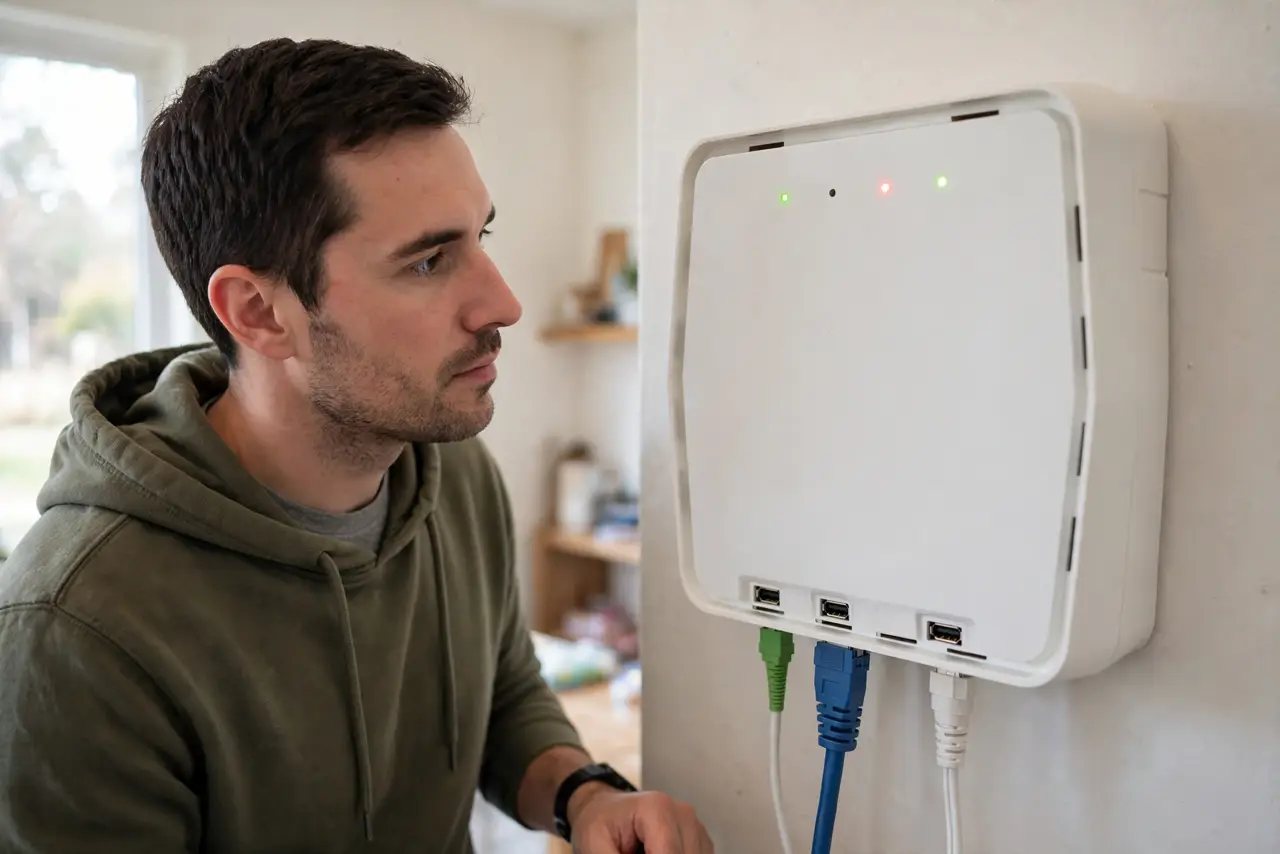
- Know where your responsibility ends. You own everything after the ONT's Ethernet port. The ONT itself and the fiber are the provider's — do not open it or unplug the fiber connector.
What NOT to do
- Do not unplug the fiber cable to 'reseat' it. Fiber connectors are fragile and dirty easily — leave the glass alone.
- Do not factory-reset the ONT. It holds provider provisioning; resetting it can orphan the box until a technician reprovisions it.
- Do not hide it in a sealed box. ONTs need ventilation and visible lights for troubleshooting — burying it helps nobody.
- Do not confuse it with the router. Rebooting your router when the ONT's LOS is red wastes time — check the ONT lights first.
Frequently asked questions
What's the difference between an ONT and a modem?
Same role, different medium: a modem talks to cable or phone lines, an ONT talks to fiber-optic light. Fiber plans need the ONT, not a modem.
Can I move the ONT myself?
No — the fiber run is provider-installed and fragile. If it is in a terrible spot, ask the provider to relocate it during a service visit.
Why does my fiber need a battery backup?
Some providers include one so phone service survives power cuts. Without it, a blackout kills fiber internet instantly — unlike old copper phone lines.