Internet Down? Check This Before Calling
When the internet dies, the instinct is to call support and wait on hold. But half of all 'outages' are a local glitch — or a known provider outage you can confirm in two minutes. This order of checks saves you the call most of the time.
TL;DR / Quick Fix
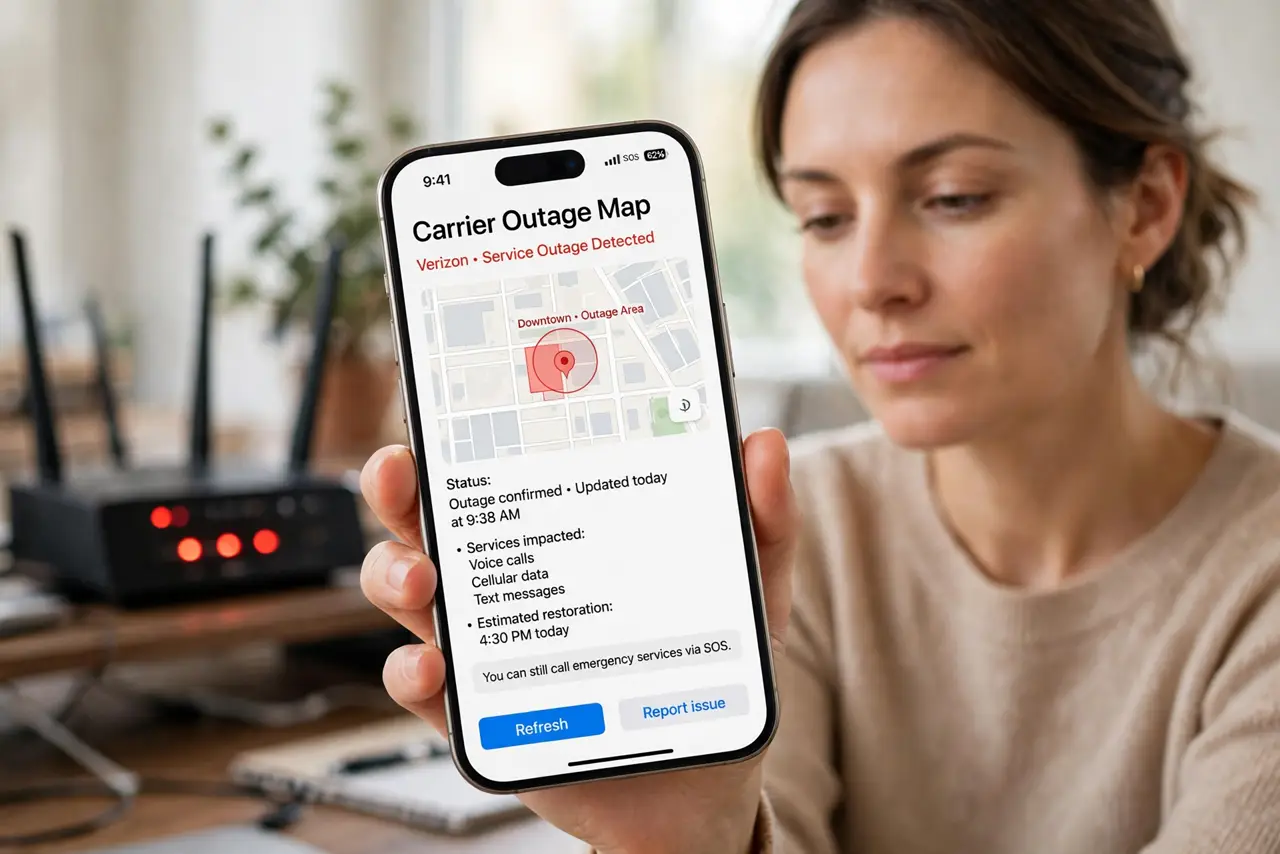
Quick fix: check your provider's [[outage map|isp-outage-map-vs-your-router-lights]] on mobile data first — if the neighborhood is red, it is their problem, not yours. If no outage shows, restart the modem and router once, then check whether [[Wi-Fi connects but nothing loads|wifi-connects-but-no-internet]].
Follow these steps
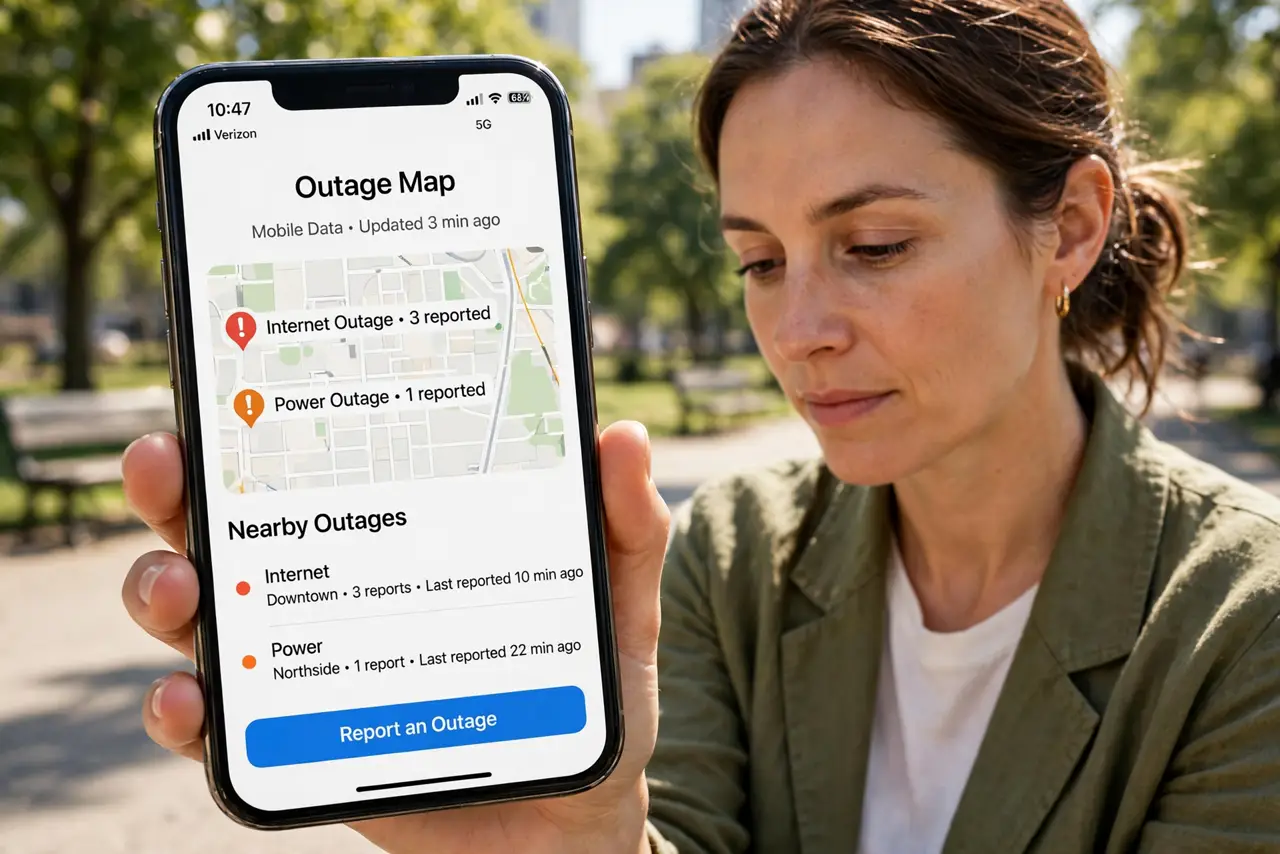
- Check the outage map on mobile data. Open your provider's status page with Wi-Fi off. A reported outage in your area ends the troubleshooting — it is their fault and their fix.
- Ask a neighbor or check social media. If the map is vague, a quick message to a neighbor on the same provider confirms a local outage in seconds.
- Restart the whole chain once. Unplug the modem or ONT, then the router, wait 30 seconds, and plug back in modem-first. One clean reboot fixes most local glitches.
- Test with a cable if you can. Plug a laptop directly into the router. If wired works but Wi-Fi does not, the internet is fine — your wireless is the problem.
- Look at the box lights. A red internet light means the line is down; green lights with no browsing means something subtler. Note the colors before calling anyone.
- Call only with details ready. If you must call, report the outage-map result, light colors, and what you rebooted. You will skip half the script and get a technician faster.
What NOT to do
- Do not factory-reset during an outage. Wiping settings while the provider's line is down just adds reconfiguration to your outage.
- Do not call from the dead line's phone. If your home phone runs over the internet, it is down too — use your mobile.
- Do not reboot ten times hoping. One proper power cycle is diagnostic; ten is superstition and wastes twenty minutes.
- Do not pay for a technician visit for a known outage. If the map shows an area fault, the fix is on their side — a visit changes nothing.
Frequently asked questions
How do I know if it's an outage or my router?
Check the provider's outage map on mobile data. Area-wide red means outage; no report plus red box lights means your gear or line.
The outage map shows nothing but I'm offline. Now what?
Reboot the chain once, check cables, then call — with your light colors and reboot history ready.
How long do outages usually last?
Most resolve in 1–4 hours. The status page usually posts an estimate once crews confirm the cause.