Packet Loss in Games? Fix It
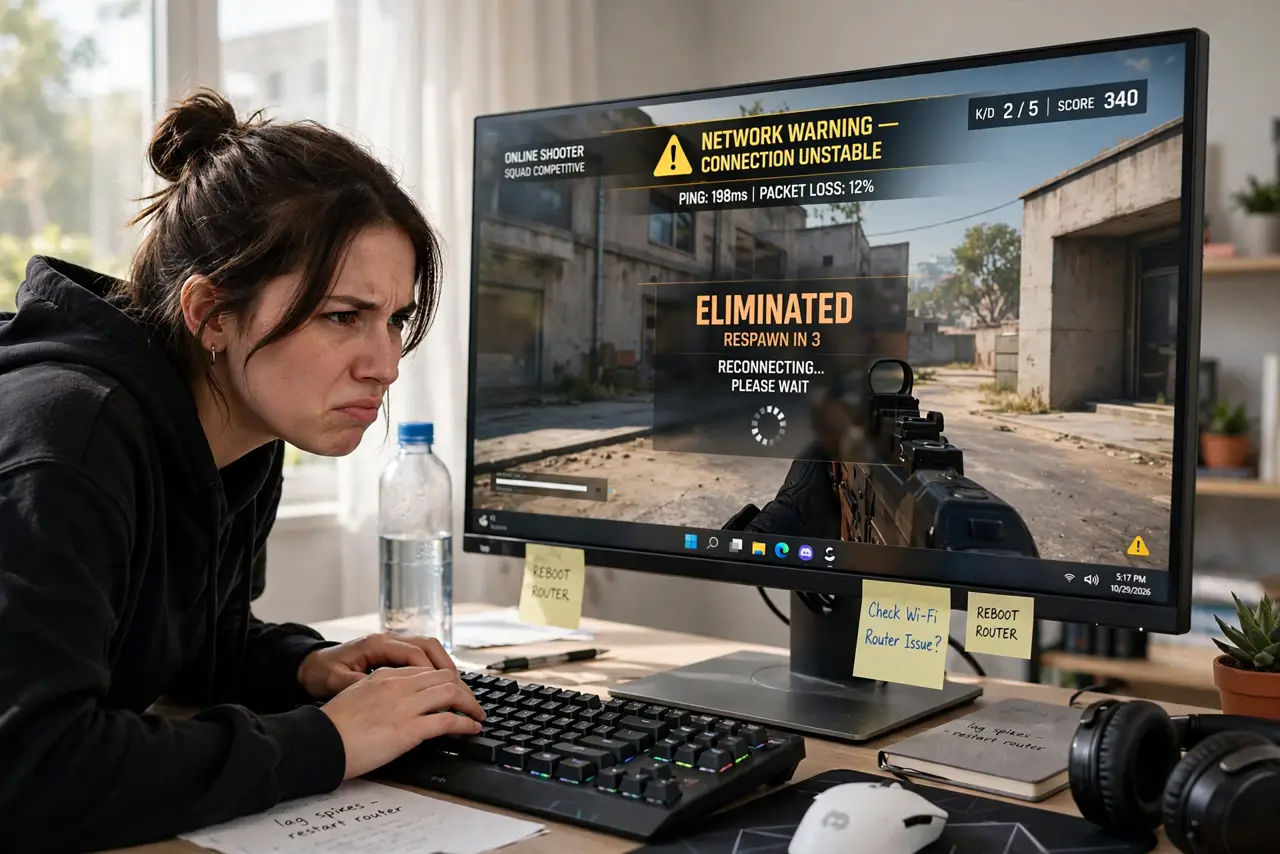
Players teleport around you, your shots register a second late, and the game shows a packet-loss warning. Packet loss means chunks of game data vanish between you and the server — worse than high ping, because the game has to guess what happened. The fix ladder starts at your own cables and ends at your ISP's doorstep.
TL;DR / Quick Fix
Quick fix: packet loss means data vanishes between you and the server — it shows as rubber-banding and teleporting players. Switch to wired ethernet first, then reboot your router and modem. If loss continues on a wired connection, try another server — if every game shows loss, call your ISP.
Follow these steps
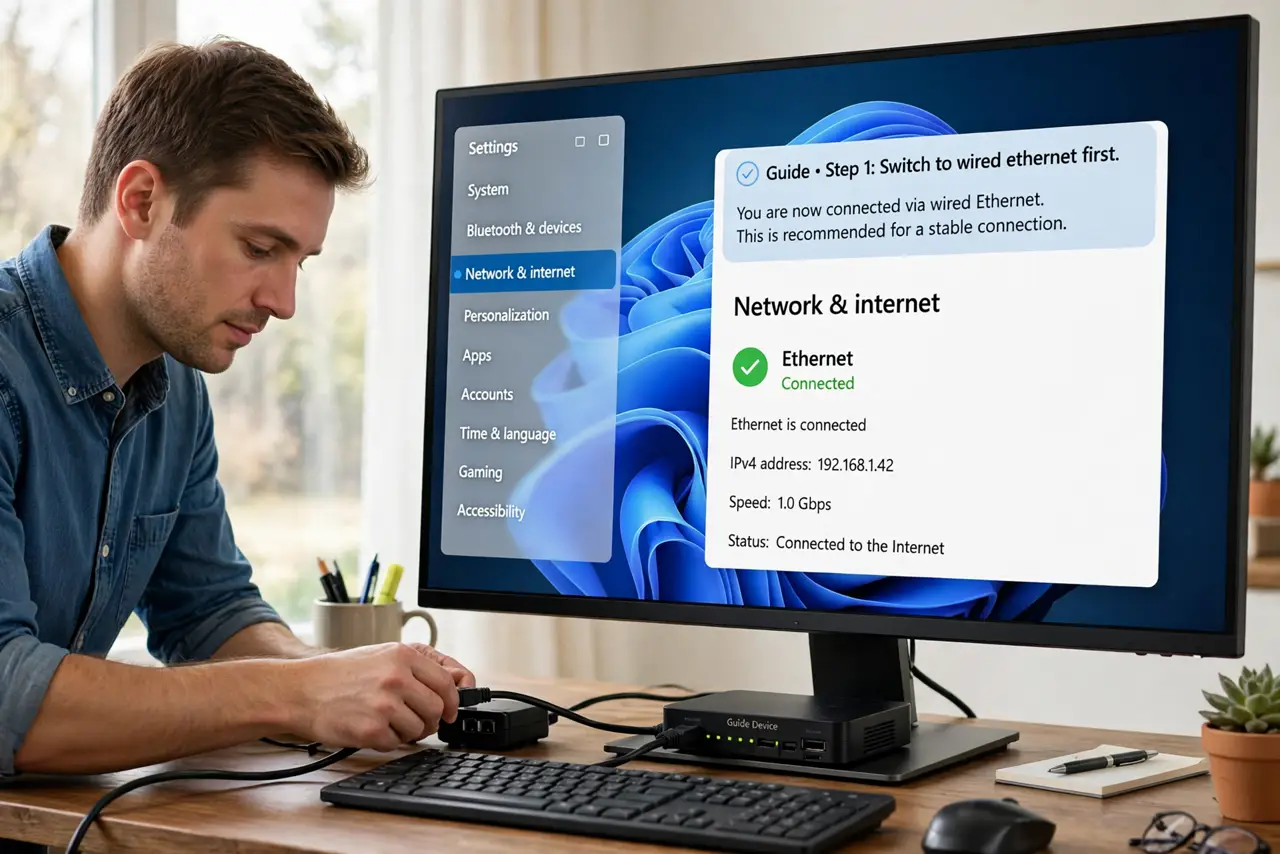
- Switch to wired ethernet first. Wi-Fi interference is the top cause of lost packets at home. A cable eliminates it instantly — if the loss vanishes, you have your answer.
- Reboot the modem and router fully. Unplug both for a full minute — modems especially hold stale line states. Power up the modem first, wait for its lights, then the router.
- Test a different game server. One server with loss and others clean means that server's route is bad, not your connection. Switch servers before touching anything else.
- Check for damaged cables. A chewed or kinked ethernet cable drops packets silently. Swap the cable — it is a two-minute test that rules out a common culprit.
- Rule out your own network load. Big uploads and streams can overflow a router's buffers, looking exactly like line packet loss. Test with everything else quiet.
- Call the ISP with evidence. Loss on a wired, quiet connection across multiple servers is their problem — a noisy line or bad node. Tell them you tested wired; it skips their whole script.
What NOT to do
- Do not reinstall the game over packet loss. The game is fine — packets are dying in transit, and no reinstall changes that.
- Do not tweak in-game network settings blindly. Tick-rate and buffer settings cannot recover packets your connection already lost.
- Do not assume it is DDoS because a streamer said so. Real attacks are rare; bad Wi-Fi and noisy lines are everywhere.
- Do not pay for a faster plan to fix loss. Speed and loss are unrelated — a gigabit line with loss plays worse than a clean slow one.
Frequently asked questions
What's the difference between ping and packet loss?
Ping is delay; packet loss is data vanishing. High ping feels laggy but consistent; packet loss feels random and jerky — rubber-banding, teleporting.
Can packet loss damage my account or ranking?
The game may count disconnects against you, but loss itself does not flag cheating. Fix the connection and the warnings stop.
Why only one game shows packet loss?
That game's server route is likely the problem — your connection to other servers is clean. Pick another server or wait it out.