Pause the Internet for Kids? How To
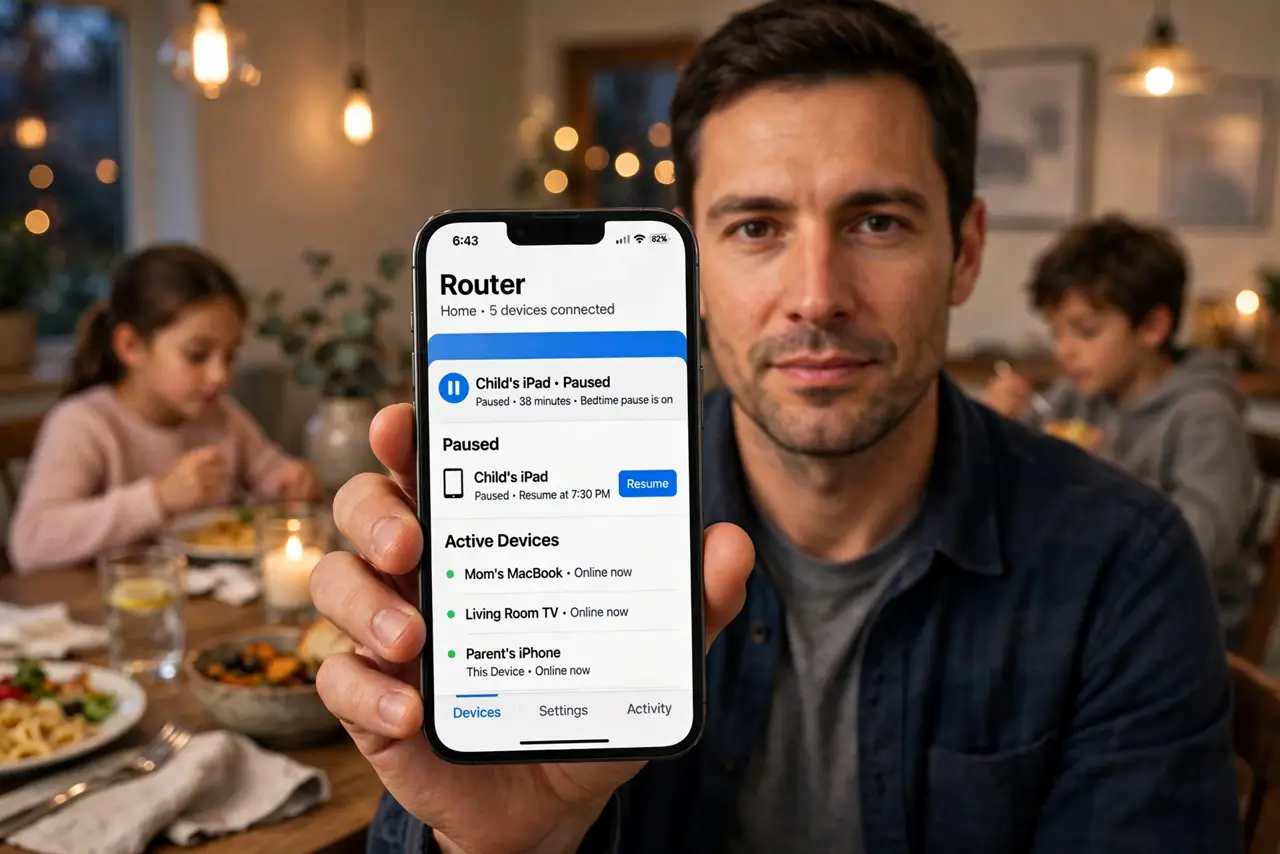
Dinner is ready, homework is not done, and every kid is glued to a screen. Yelling 'get off the internet' works for thirty seconds; pausing their devices at the router works until you say otherwise. Most modern routers have a pause button per device — here is how to use it without starting a household war.
TL;DR / Quick Fix
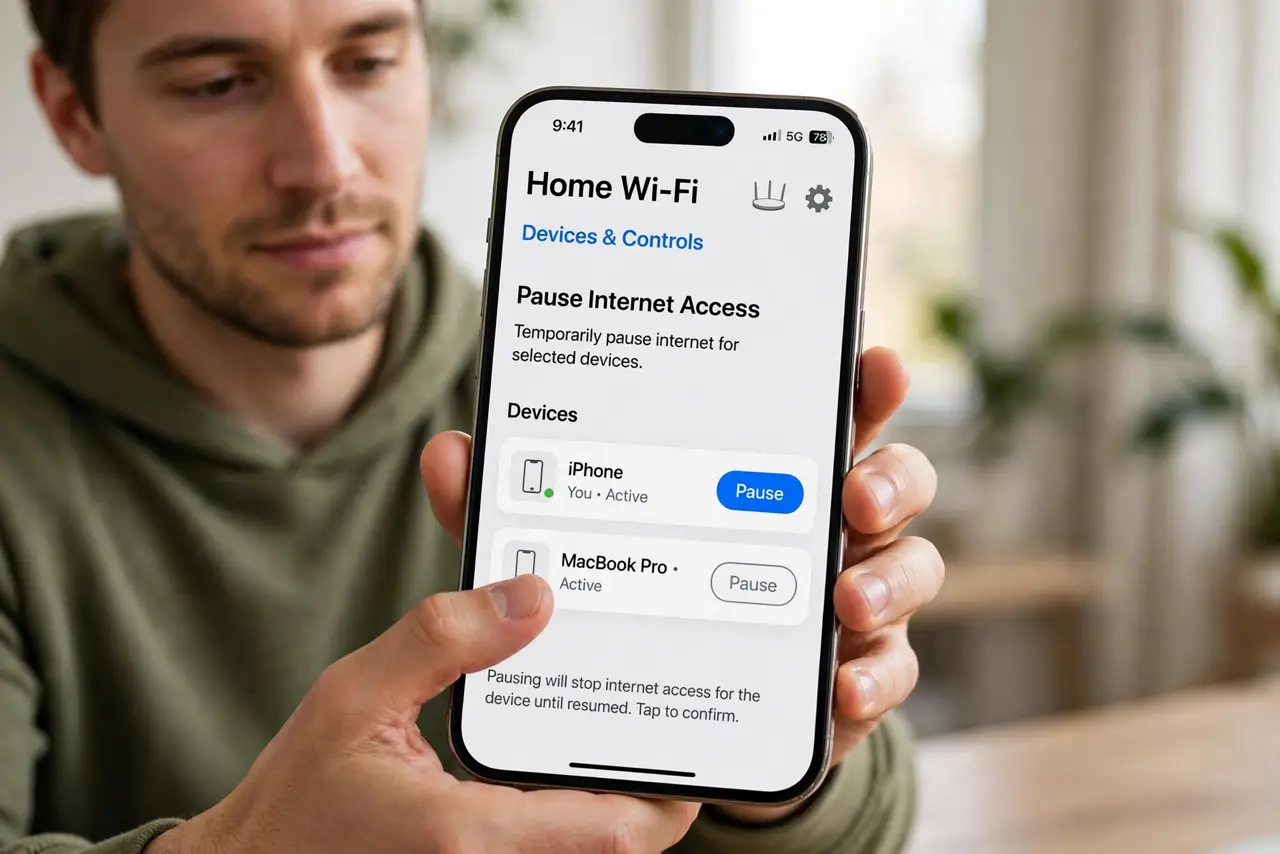
Quick fix: open your router's app, find your child's device in the connected list, and tap pause or block. Most routers also offer profiles — group all of a kid's devices so one tap pauses everything. For a schedule instead of a manual pause, set up bedtime Wi-Fi rules.
Follow these steps
- Find the pause feature in your router's app. Look for parental controls, device pause, or access control. Most routers from the last five years have per-device pausing built in.
- Identify each kid's devices correctly. Phones, tablets, consoles, laptops — check the device list and label them first. Pausing the wrong device pauses the wrong kid's homework.
- Use profiles to group devices. Many apps let you build a profile per child containing all their devices. One tap then pauses the phone, tablet, and console together — no whack-a-mole.
- Pause manually for moments, schedule for routines. The pause button is for 'dinner now.' For nightly bedtimes, a bedtime schedule runs itself — less negotiation, more consistency.
- Tell the kids the rule, not just the trick. 'Internet pauses at 9' lands better than a mysterious outage. Kids who understand the rule argue less than kids who suspect sabotage.
- Keep one device unpaused for safety. A kid's phone should keep calling and texting even when Wi-Fi pauses — pausing internet is not pausing the phone line.
What NOT to do
- Do not pause the internet as a surprise punishment. Predictable rules teach; random outages breed resentment and workaround-hunting.
- Do not forget school devices. Pausing the laptop during homework hour backfires — pause entertainment devices, not the tools they need.
- Do not rely on pausing alone for safety. It controls access time, not content — pair it with actual content controls for young kids.
- Do not pause without telling your partner. Nothing starts an argument like the Wi-Fi 'breaking' during someone's important show.
Frequently asked questions
Can kids bypass a router pause?
Determined teens can — mobile data, a friend's hotspot, a VPN. Pausing works best combined with clear rules, not as a vault.
Does pausing affect the whole house?
Only if you pause the wrong thing. Per-device or per-profile pausing leaves everyone else untouched — that is the point.
What's the difference between pause and bedtime schedules?
Pause is manual and instant; schedules run automatically at set times. Use pause for moments, schedules for routines.